Alltion (Guangxi) Instrument Co., Ltd.
AM-2000 User’s Manual | Product Functions
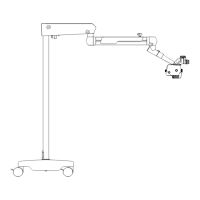
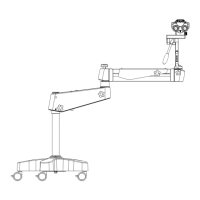
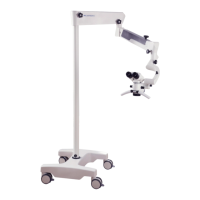
Cross arm and mobile floor stand\ fixed floor stand\ low-position wall mount stand
1 Rotation friction adjustment of 120° hanger bracket
For adjusting the rotation friction of 120° hanger bracket.
2 Friction adjustment of balance arm
For adjusting the rotation friction when moving the balance arm up and
down.
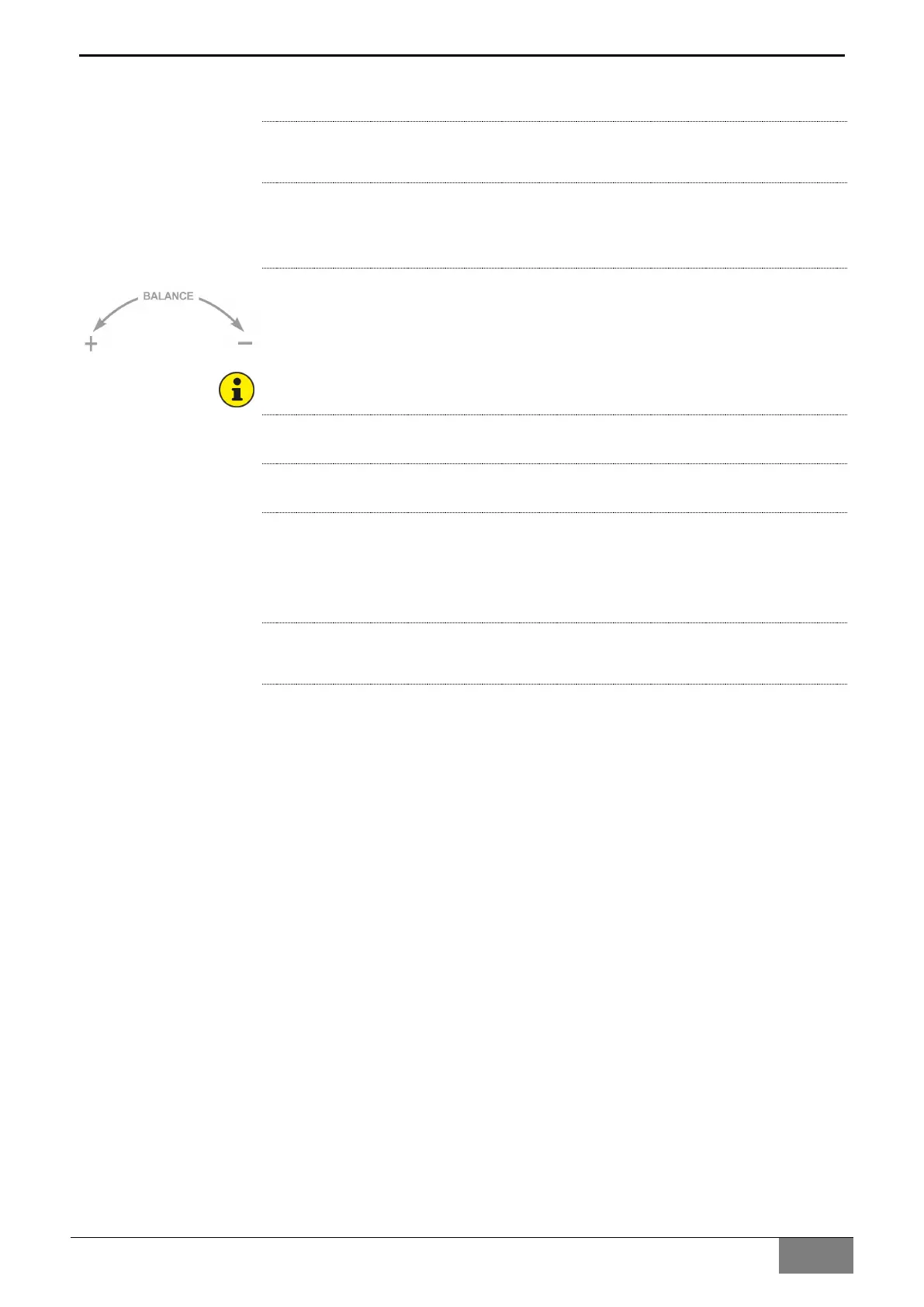
3 Balance adjusting knob
For adjusting the spring force for balancing. After installing the surgical
microscope with all accessories, adjust the balance of the balance arm
with the knob, the adjusting identification as the one in the left picture.
For rotating the knob easily, the balanced arm shall be in the horizontal
position when adjusting balance.
4 Balanced arm rotation friction adjusting knob
It is used for adjusting the rotation friction of the balanced arm.
5 Load-bearing arm rotation friction adjusting knob
It is used for adjusting the rotation friction of the load-bearing arm.
6 Power switch with green indicator
It is used for starting and stopping the power supply of the instrument,
when the instrument is started, the green indicator of the power switch
turns on.
7 Power interface
Power supply interface.


 To Next Page