EasyManua.ls Logo

Alltion AC-5000 - User Manual

Alltion AC-5000
40 pages
Print Icon
To Next Page IconTo Next Page
Loading...
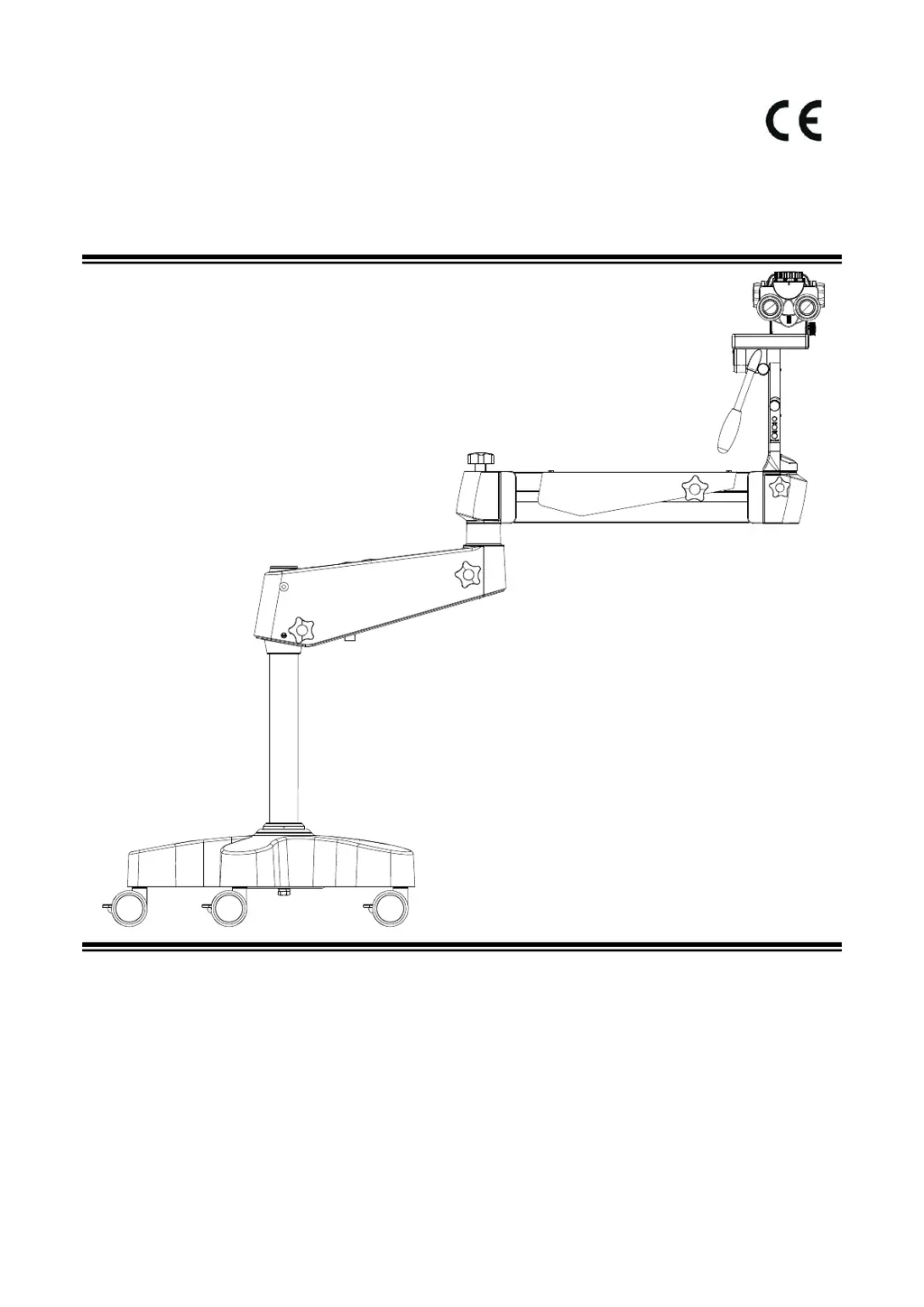
AC-5000 Colposcope
User's Manual
(Please read the instruction carefully before using it)
PA1706-UM01-EN
VersionA0
2021-10-08
Alltion (Guangxi) Instrument Co., Ltd.

Table of Contents

Questions and Answers

Summary

Safety Caution

Prompt Symbols

Explains warning and note symbols used throughout the manual.

Information Symbols

Defines symbols indicating relationships between steps or items.

Meaning of Other Figures, Symbols and Contractions

Refers to other symbols and general terms used in the manual.

Structure and Composition

Range of Application

Contraindication

Service Life

Working Environment

Storage Environment

Safety Characteristics

Safety Requirements on Installation and Use

Safety Requirements

General safety rules for using the instrument and handling potential hazards.

Requirements on Installation

Specifies requirements for the safe and correct installation of the colposcope.

Operating Requirements

Outlines essential operating procedures and precautions for safe use.

Safety Signs on the Instrument

Explains the meaning and importance of various safety labels on the colposcope.

Inspection before Assembly

Product Assembly

Standard Configuration

Lists the standard components included with the colposcope.

Installation of Cross Arm System

Steps to install the cross arm system onto the colposcope.

Wiring

Instructions for connecting the power and other necessary cables.

Installation of Mobile Floor Stand

Step-by-step guide for assembling the colposcope's mobile floor stand.

Installation of Binocular Head Barrel

Procedure for attaching the binocular head barrel to the microscope body.

Installation Confirmation

Checks to verify that all assembly steps were completed correctly.

Supporting Components

Installation of Other Parts

Installation of Beam Splitter

Steps to install the beam splitter component.

Installation of Digital Camera Adapter

Procedure for attaching the camera adapter.

Installation of Monitor Bracket

Procedure for installing the monitor bracket.

Installation of Supporting Components

Installation of Binocular Heads

Instructions for installing binocular heads.

Beam Splitter Installation

Steps to install the beam splitter component.

Digital Camera Adapter Installation

Procedure for attaching the camera adapter.

Monitor Bracket Installation

Procedure for installing the monitor bracket.

Product Functions

Product Components

Lists and identifies the key parts of the colposcope.

Main Body Lens of Microscope

Details the components and functions of the microscope's main body.

Straight tube binocular head and Eyepiece

Explains the operation of the binocular head and eyepieces.

L-shaped Bracket

Describes the controls and functions of the L-shaped bracket.

Cross Arm

Details the controls and functions of the colposcope's cross arm.

Operation of the Microscope

Check before Use

Ensures the microscope is ready for operation and safe to use.

Optical Adjustment of Colposcope

Guides on adjusting magnification, focus, and diopter for clear images.

Built-in Camera

Camera Operating System Introduction

Reference to the manual for the camera's operating system.

Cameras Video Showed with Web Browser

Instructions for viewing camera video via web browser.

Cameras Video Showed with APP Client

Instructions for viewing camera video via mobile app client.

Wireless Remote

Wireless remote control reception

Information on the receiving terminal of the wireless remote control.

Wireless remote transmission

Details on the transmitting terminal of the wireless remote control.

Performance Parameters

Basic Dimension

Shows the physical dimensions and motion ranges of the colposcope.

Microscope Parameters

Lists specifications related to the microscope optics and magnification.

Optical Parameters

Provides detailed optical performance data at various working distances.

Built-in Camera

Lists specifications for the integrated camera system.

Electrical Parameters

Details the electrical ratings, power input, and safety standards.

Electromagnetic Compatibility

Requirements on Wire Installation

Guidelines for proper wiring to ensure EMC.

Key Components for Electromagnetic Compatibility

Identifies critical components affecting EMC performance.

Guidance and Manufacturers Declaration-electromagnetic Emission

Manufacturer's statement on electromagnetic emission compliance.

Cleaning and Maintenance of the Instrument

Preventive Maintenance and Inspection

Schedule and tasks for routine checks and upkeep.

Clean the Optical Surface

Instructions for safely cleaning optical components.

Clean the Mechanical Surface

Method for cleaning the instrument's mechanical parts.

Disposal of Waste

Guidelines for proper disposal of used materials and the instrument.

Maintenance Related Information

Troubleshooting

Common faults, their possible reasons, and solutions.

Alltion AC-5000 Specifications

General IconGeneral
BrandAlltion
ModelAC-5000
CategoryMedical Equipment
LanguageEnglish

Related product manuals