Alltion (Guangxi) Instrument Co., Ltd.
AC-5000 User’s Manual | Product Functions
L-shaped Bracket
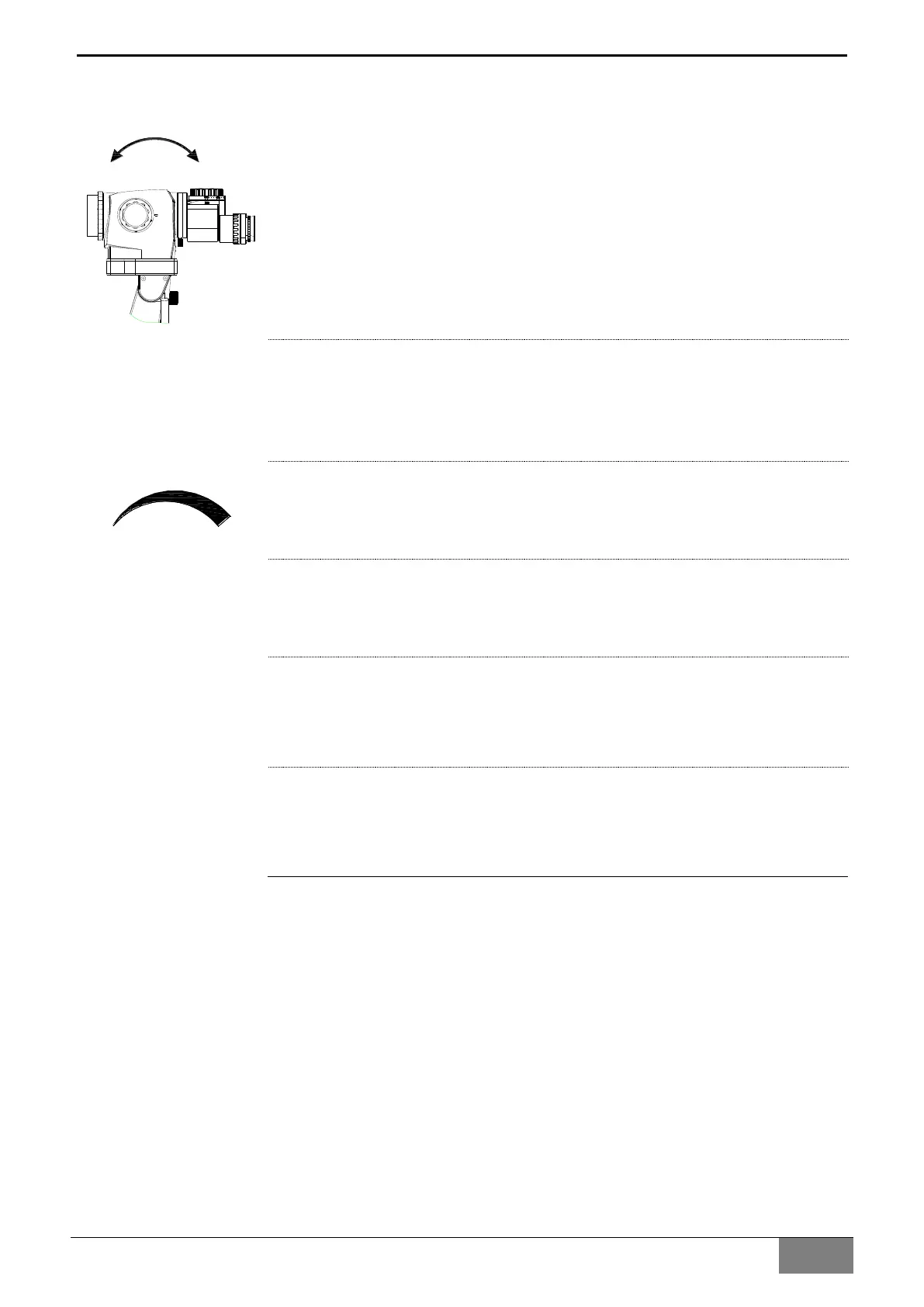
1 Friction adjustment knob for tilting motion (forwards/backwards) of the
main lens of the microscope
Used to adjust the friction of the pitching rotation of the main lens of the
microscope (as indicated by the arrow on the left).
2 Operation handle
Used for moving equipment, adjusting the use position of equipment
and coarse focusing.
3 Dimming knob
For adjusting the brightness of the illumination, The dimming identification
as the one in the left picture.
4 Freezing key of the Built-in camera
Press it once for freezing the current display image, press it again to exit
image freezing.
5 Video recording key of Built-in camera
For controlling the video recording function, press it to begin the
recording, and press it again to exit recording.
6 Photographing key of the Built-in camera
It is used for take pictures with the built-in camera, press it once to take
one picture.


 To Next Page