Alltion (Guangxi) Instrument Co., Ltd.
AC-5000 User’s Manual | Product Functions
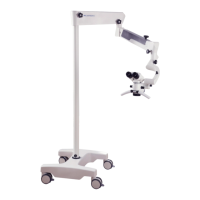
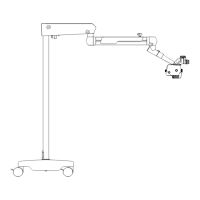
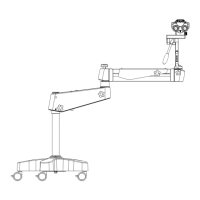
Cross Arm
1 Rotation friction adjustment of L-shaped bracket
For adjusting the rotation friction of L-shaped bracket.
2 Friction adjustment of balance arm
For adjusting the rotation friction when moving the balance arm up and
down.
3 Balance adjusting knob
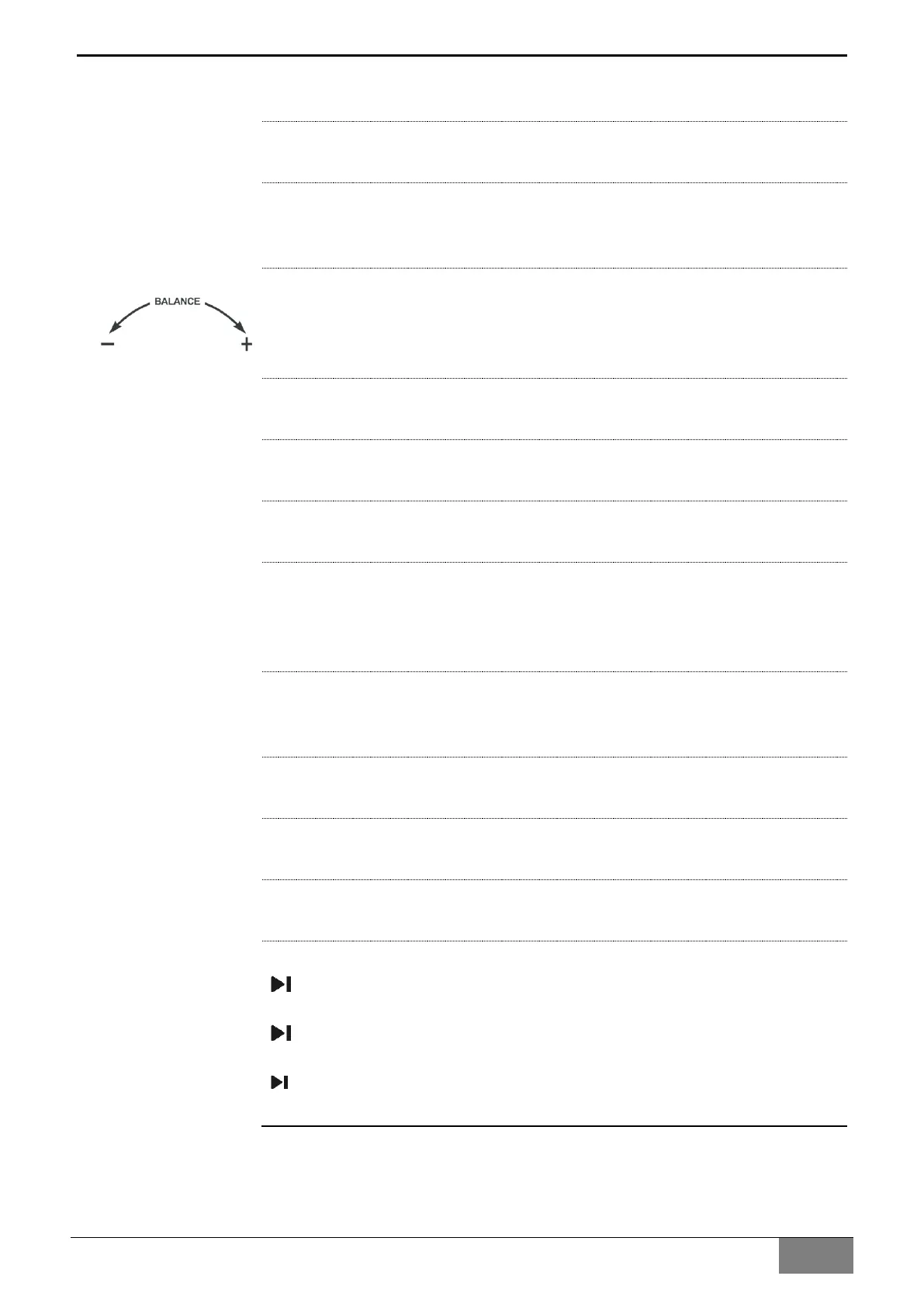
For adjusting the spring force for balancing. After installing the surgical
microscope with all accessories, adjust the balance of the balance arm
with the knob, the adjusting identification as the one in the left picture.
4 Balanced arm rotation friction adjusting knob
It is used for adjusting the rotation friction of the balanced arm.
5 Load-bearing arm rotation friction adjusting knob
It is used for adjusting the rotation friction of the load-bearing arm.
6 Power interface
Power supply interface.
7 Power switch with green indicator
It is used for starting and stopping the power supply of the instrument,
when the instrument is started, the green indicator of the power switch
turns on.
8 Camera switch with green indicator
It is used for starting and stopping the camera of the instrument, when the
instrument is started, the green indicator of the camera switch turns on.
9 HDMI interface(1)
It is used for outputting high definition video.
10 HDMI interface(2)
It is used for outputting high definition video.
11 USB interface
It is used for connecting wireless mouse and U-disk.
12 Wireless remote controller pairing
Under the On state, press the pairing button (12.1) of the wireless
module with needle till the wireless pairing indicator (12.2) light on;
Kick the photo button(12.3) 4 second of wireless foot control panel, the
indicator (12.4) of wireless foot control panel light on;
The indicator(12.4) light off after 4 second, then indicator(12.2) (12.4)
flashes 2 times, and lights off, finish pairing.


 To Next Page