Alltion (Guangxi) Instrument Co., Ltd.
Product functions | AM-5000 User's Manual
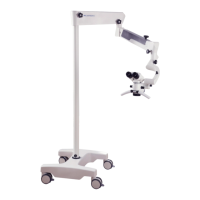
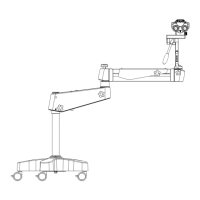
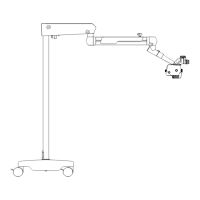
Cross Arm and Mobile Floor Stand/Fixed Floor Stand/ Low-position Wall Mount Stand
1 Rotation friction adjustment of 120° hanger bracket
For adjusting the rotation friction of 120° hanger bracket.
2 Friction adjustment of balance arm
For adjusting the rotation friction when moving the balance arm up and
down.
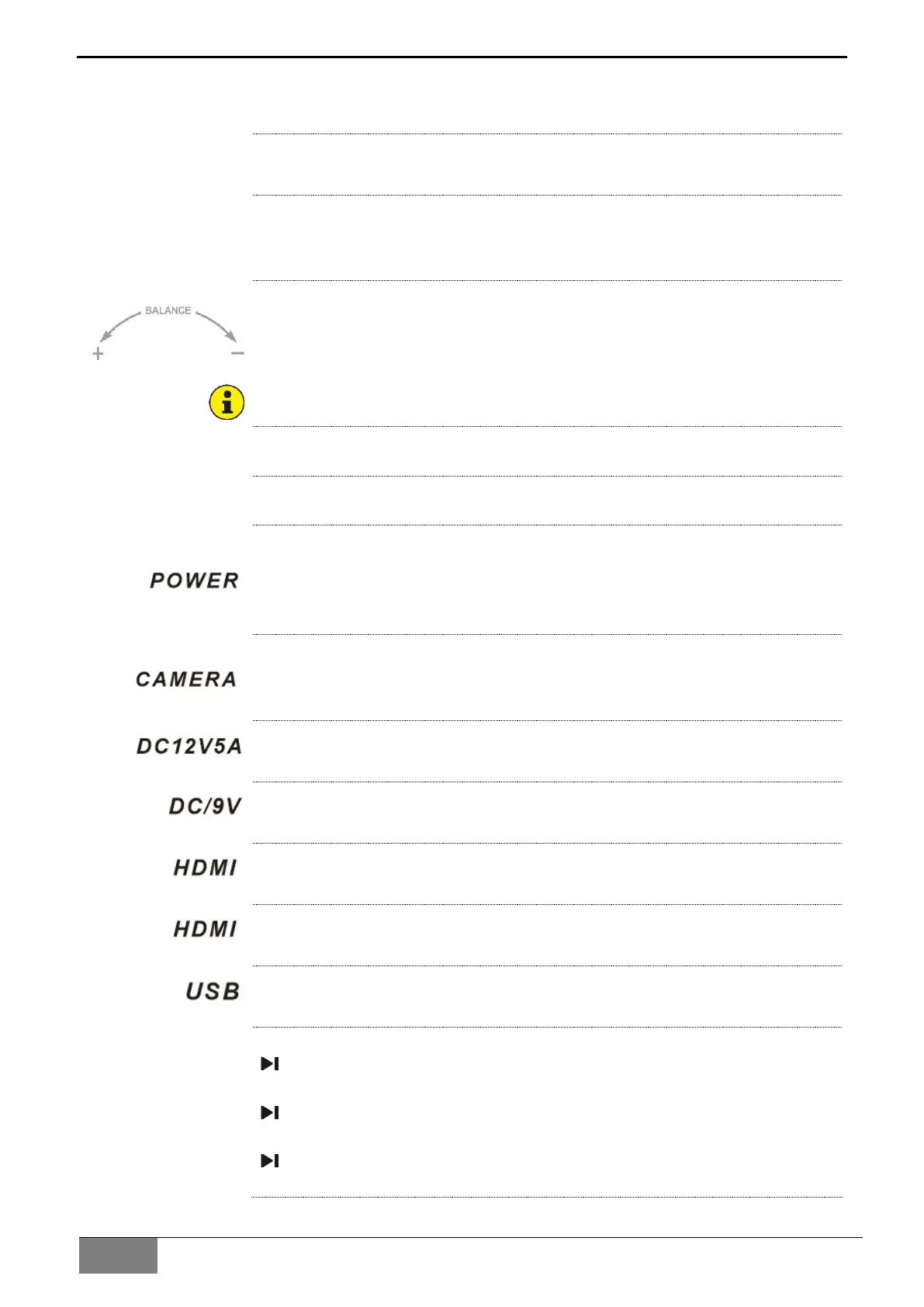
3 Balance adjusting knob
For adjusting the spring force for balancing. After installing the surgical
microscope with all accessories, adjust the balance of the balance arm
with the knob, the adjusting identification as the one in the left picture.
For rotating the knob easily, the balanced arm shall be in the horizontal
position when adjusting balance.
4 Balanced arm rotation friction adjusting knob
It is used for adjusting the rotation friction of the balanced arm.
5 Load-bearing arm rotation friction adjusting knob
It is used for adjusting the rotation friction of the load-bearing arm.
6 Power switch with green indicator
It is used for starting and stopping the power supply of the instrument,
when the instrument is started, the green indicator of the power switch
turns on.
7 Camera switch with green indicator
It is used for starting and stopping the camera of the instrument, when the
instrument is started, the green indicator of the switch turns on.
8 Power supply interface
Power supply interface, Input: DC12V5A
9 Display device supply interface
Display device supply interface, Output: DC19V1.5A
10 HDMI video output interface 1
It is used for outputting high definition video.
11 HDMI video output interface 2
It is used for outputting high definition video.
12 USB interface
It is used for connecting wireless mouse and U-disk.
13 Wireless remote controller pairing
Under the On state, press the pairing button (13.1) of the wireless
module with needle till the wireless pairing indicator (13.2) light on;
Kick the photo button(13.3) 4 second of wireless foot control panel,
the indicator (13.4) of wireless foot control panel light on;
The indicator (13.4) light off after 4 second, then indicator (13.2)
(13.4) flashes 2 times, and lights off, finish pairing.


 To Next Page