Operation
20
(06/2016)
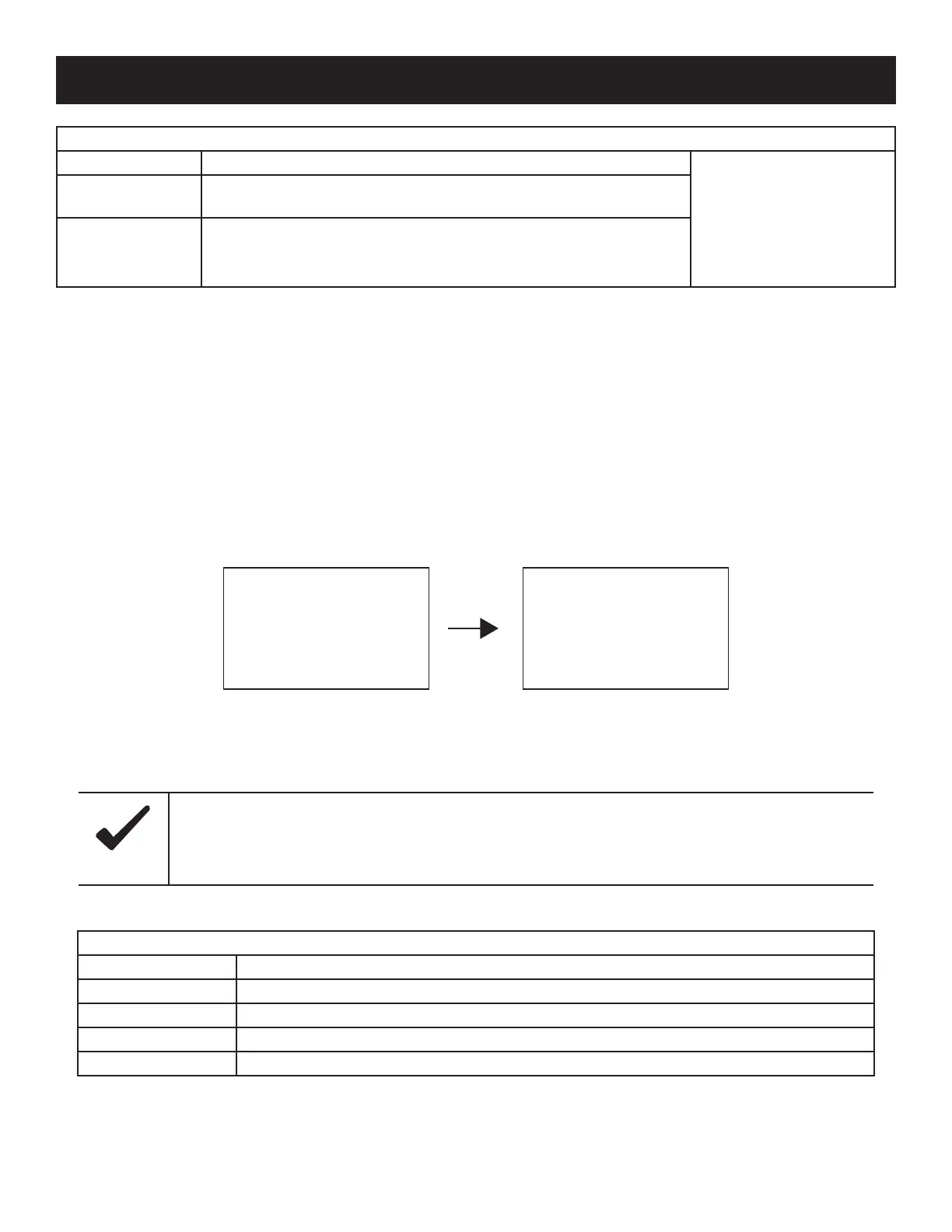
Table 9, Time Control
Device Parameter
The Device Parameter page allows the user to check/modify the following charge controller data:
» Firmware Version
» Device ID
» LCD Backlight Timer
» Device Clock
Figure 15, Device Parameter Screens
Table 10, Device Parameters
Time Control
Mode Function
Working Time 1 is the
compulsory working time for
the load, while Working Time
2 is optional.
Working Time 1(T1)
The On/O time of the load is controlled through the real-time clock
mode.
Working Time 2 (T2) Working Time 2 provides a dual timer control function of the load.
Device Parameters
Parameter Denition
Ver The version of the charge controller’s rmware and hardware.
ID The charge controller’s ID number.
Bklight How long the backlight on the charge controller will stay on without user interaction (seconds).
Month-Day-Year H:M:S The internal clock of the charge controller.
Device Parameter
Ver: V01.00+V02.10
ID: 001
Device Parameter
Bklight:60S
Jan-01-2015
00:01:39
The bigger the ID value of the connected device, the longer it will take the OutBack Mate Micro to identify
the device (maximum interval <6 minutes).
Notice



 To Next Page