Operation
23
(06/2016)
Meter Parameter
The meter model, software, hardware, and SN NO. version can be checked via the Meter Parameter page. The following three
parameters can also be modied:
» Switch Pages
» Backlight
» Audible Alarm
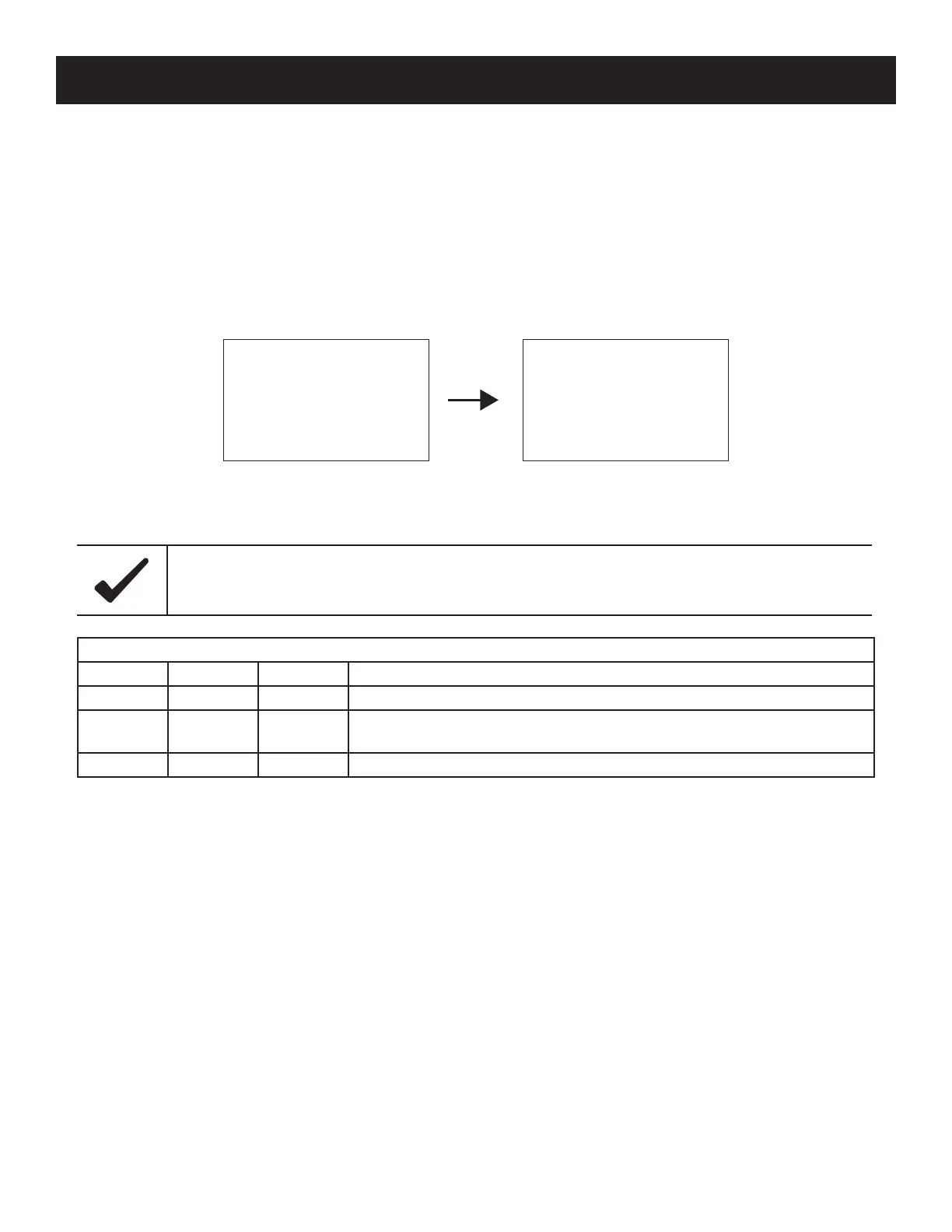
Figure 19, Meter Parameter Screen
Table 12, Meter Parameters
Meter Parameters
Parameters Default Range Details
Sw-Pages 0 0~120S How long until the pages will switch without user interaction (seconds).
Bklight 20 0~999S
How long the backlight on the charge controller will stay on without user
interaction (seconds).
AudiAlam OFF ON/OFF Turns ON/OFF the audible alarm noise.
Meter Para.
Type: Mate Micro
Ver: V1.00+V1.00
SN: *************
Meter Para.
Sw-Pages:000S
Bklight:020S
AudiAlam: OFF
After changing the Sw-Pages parameter, the user must wait 10 minutes for the eect to take place.
Notice



 To Next Page