Installation
9
(06/2016)
Surface Mount
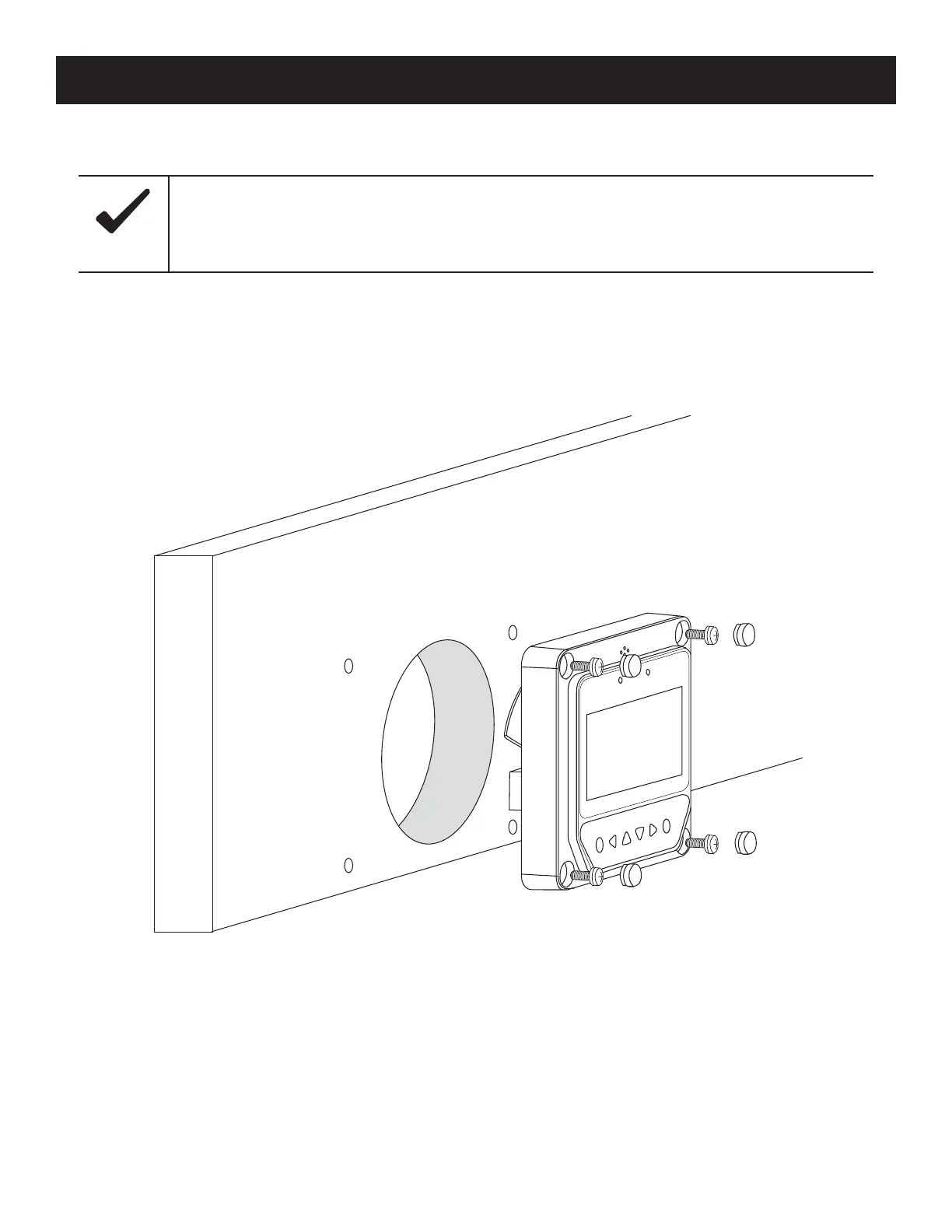
1. Locate and drill the screw holes based on the size of the installation surface.
2. Use four M4x8 pan head screws with M4 nuts to mount the OutBack Mate Micro onto the surface.
3. Ax the four screw plugs to the screw holes.
Figure 4, Surface Mounting the OutBack Mate Micro
Prior to installation, consider the amount of space required to plug/unplug the communication cable, as
well as the length of the cable.
Notice



 To Next Page