G ETTING STARTED
Connecting NEOs to Your Computer
AlphaSmart Manager 2 User Manual 7
. . . . .
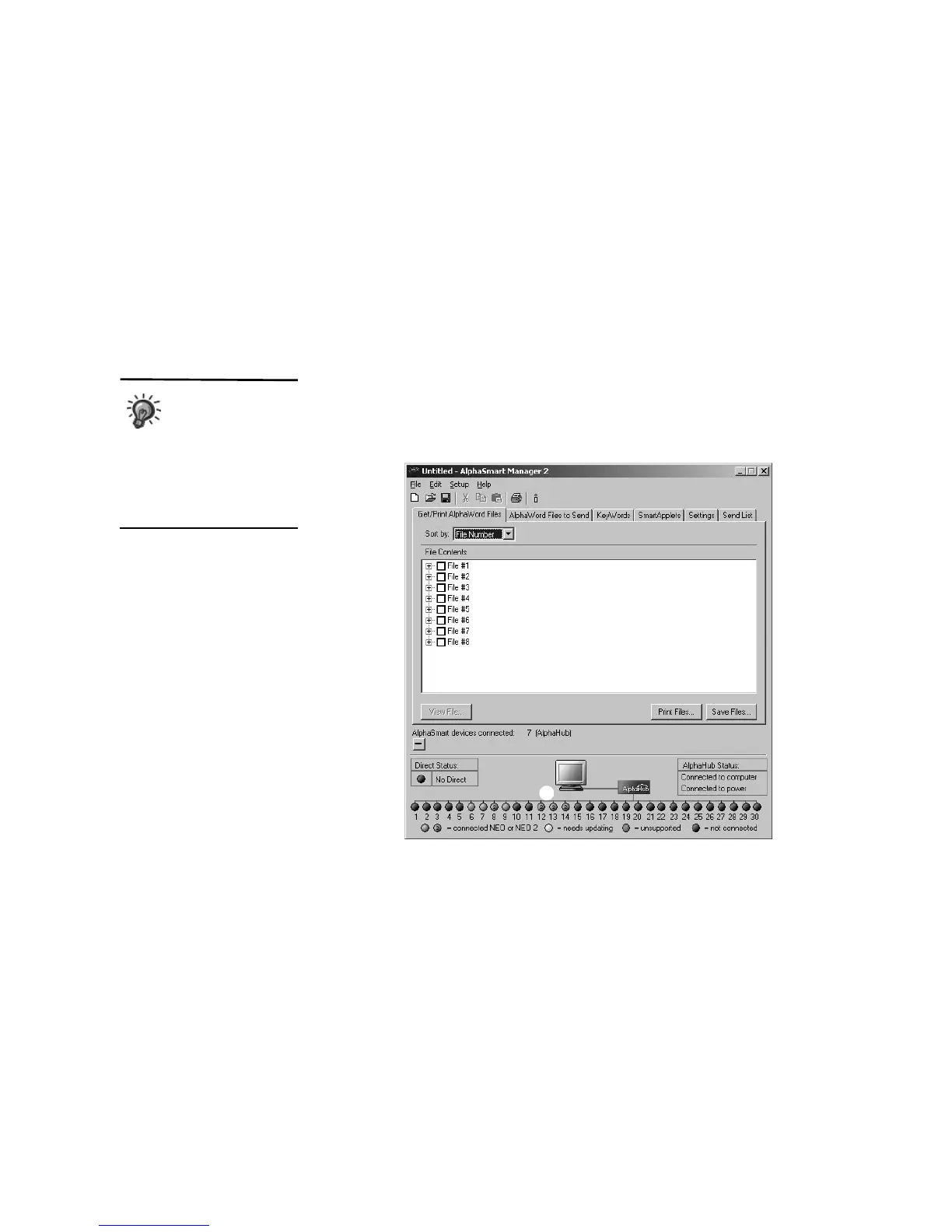
When you display the connection status, you’ll see a circle for each NEO. The
color of the circle shows the status of the connection:
• Green circles mean a NEO is properly connected. An empty green circle
indicates a NEO 1 laptop, and a green circle with a “2” indicates a NEO 2
laptop
C.
• Yellow means the connected NEO needs updating.
• Red means an AS3000 laptop is connected. This version of AlphaSmart
Manager does not support AS3000 laptops, and you cannot have both
NEOs and AS3000 laptops connected to the SmartOption Mobile Lab.
• Black
means a NEO is not connected or is improperly connected. (See
page 69.)
You can set
AlphaSmart
Manager to always
open with the connection
status displayed. See
“Setting AlphaSmart Manager
Preferences” on page 65 for
more information.
C



 To Next Page