K EYW ORDS IN ALPHAS MART MANAGER
Sorting by Student or by Device on the KeyWords Tab
AlphaSmart Manager 2 User Manual 41
. . . . .
Sorting by Student or by Device on the KeyWords Tab
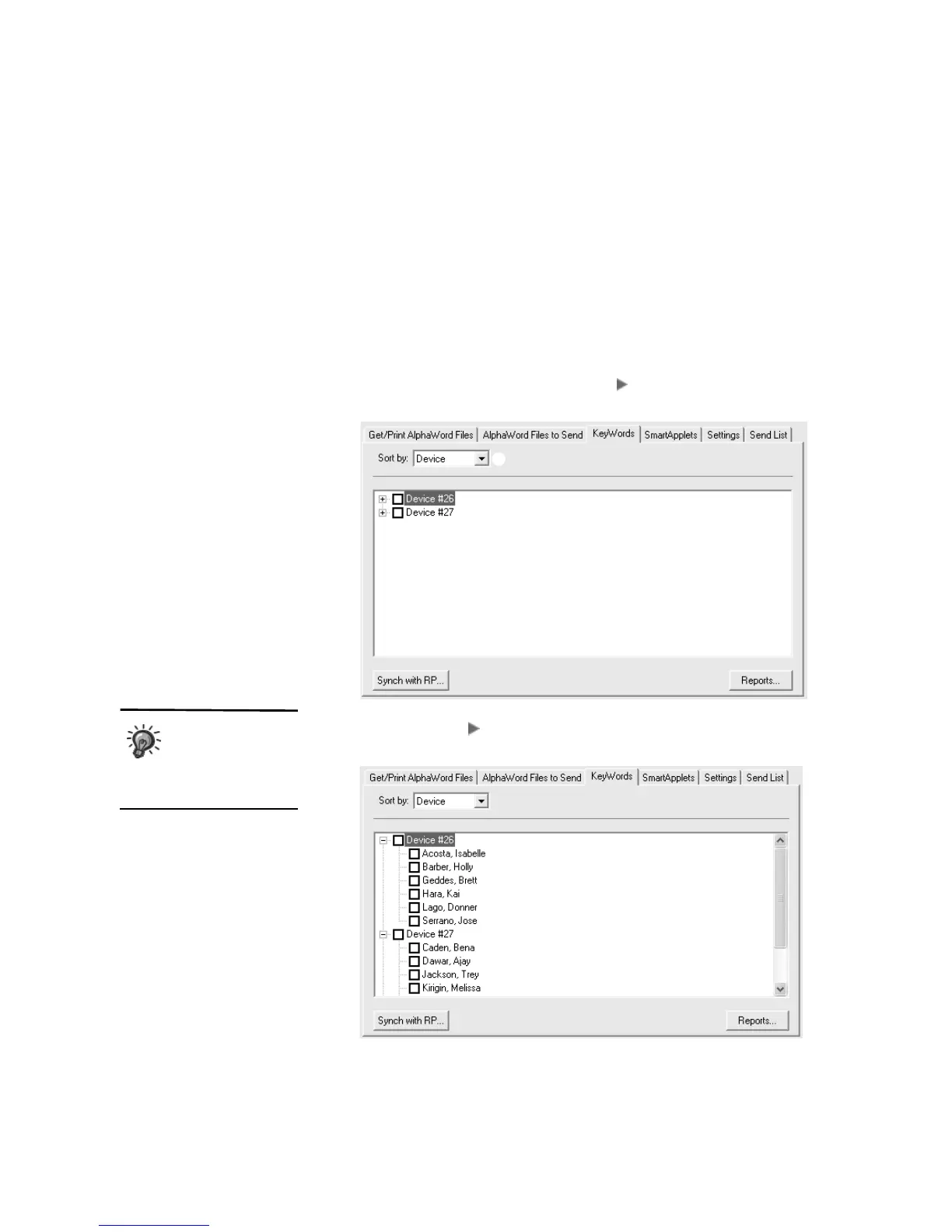
By default, AlphaSmart Manager lists KeyWords students alphabetically by
last name, but you can sort the view by device (NEO) instead by choosing
Device from the drop-down list on the KeyWords tab
A.
When you sort by device (NEO), AlphaSmart Manager lists the NEOs by cable
number if you have a SmartOption Mobile Lab. If you have just one NEO
connected using the USB cable, AlphaSmart Manager lists “AlphaSmart
USB.” You will see a plus sign (Windows) or (Macintosh) to the left of each
NEO device number.
Click the plus sign or to expand the view and see the KeyWords students
using that device (NEO).
A
When you sort by
device and you
check the device
box, all students who used
that NEO are checked.



 To Next Page