46 AlphaSmart Manager 2 User Manual
C
HANGING
NEO S
ETTINGS
On your NEO, you can change settings for the NEO itself (System settings) or
the settings for each SmartApplet.
Changing System Settings
System settings are for the NEO itself. No matter which SmartApplet is being
used, these settings are in effect.
If you find that you make the same system setting changes to your NEOs
often, you can save the send list that contains the changes so that you can
make them more quickly the next time. For more about send lists, see
page 61.
How to Change System Settings Using AlphaSmart Manager
Follow the steps below to change the system settings in AlphaSmart Manager.
You can find some of the same settings in the Control Panel on each NEO; for
more information, see the NEO and NEO 2 User Manual.
1. Make sure your NEO or NEOs are connected to your computer.
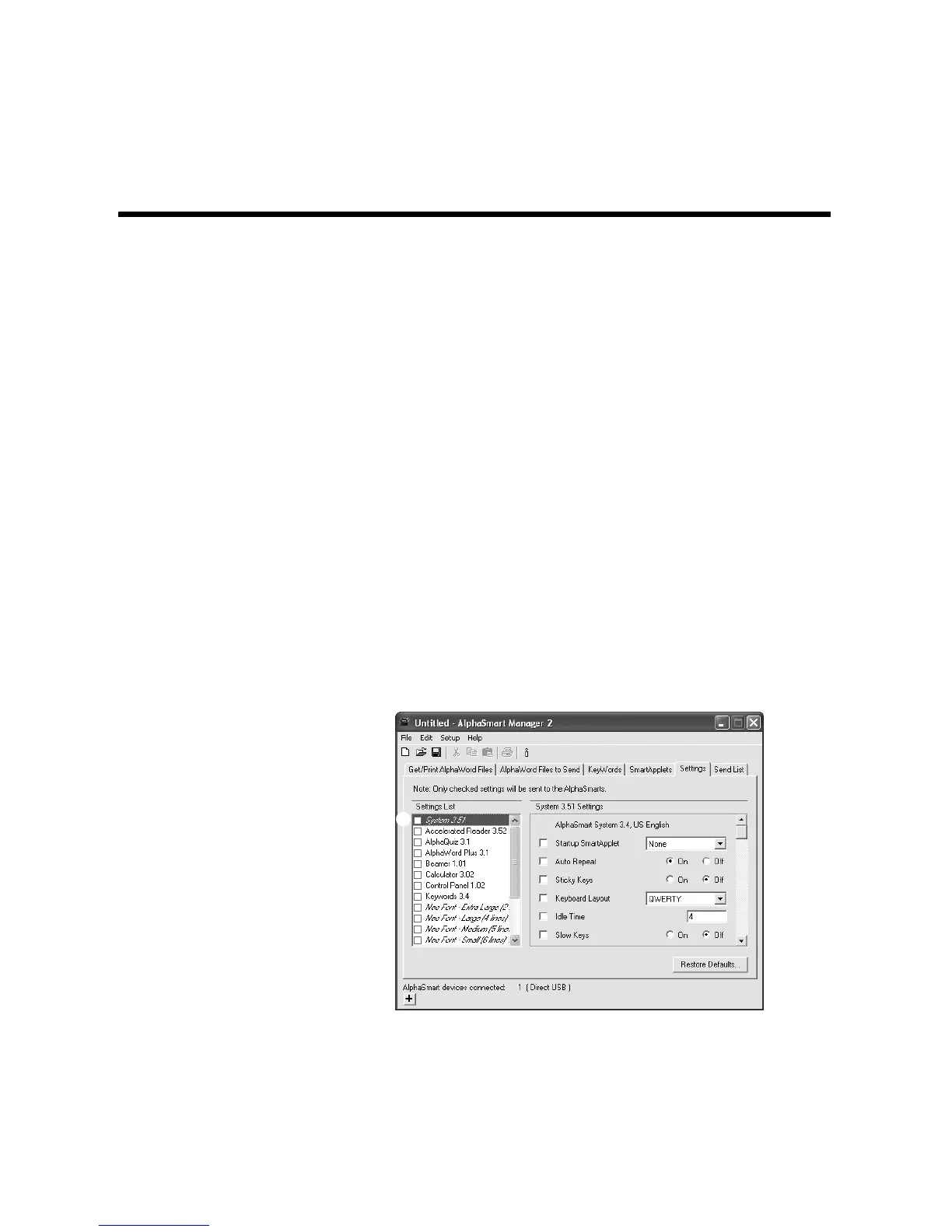
2. In AlphaSmart Manager, click the Settings tab.
3. On the left side, click System A.
A



 To Next Page