C HANGING NEO SETTINGS
Changing System Settings
AlphaSmart Manager 2 User Manual 47
. . . . .
4. Make your changes to the settings listed on the right (see page 48 for
explanations of the settings).You may need to scroll down to see some
settings. When you change a setting, the box next to that setting and the
one next to “System” will be checked. The boxes must be checked for the
settings to be sent.
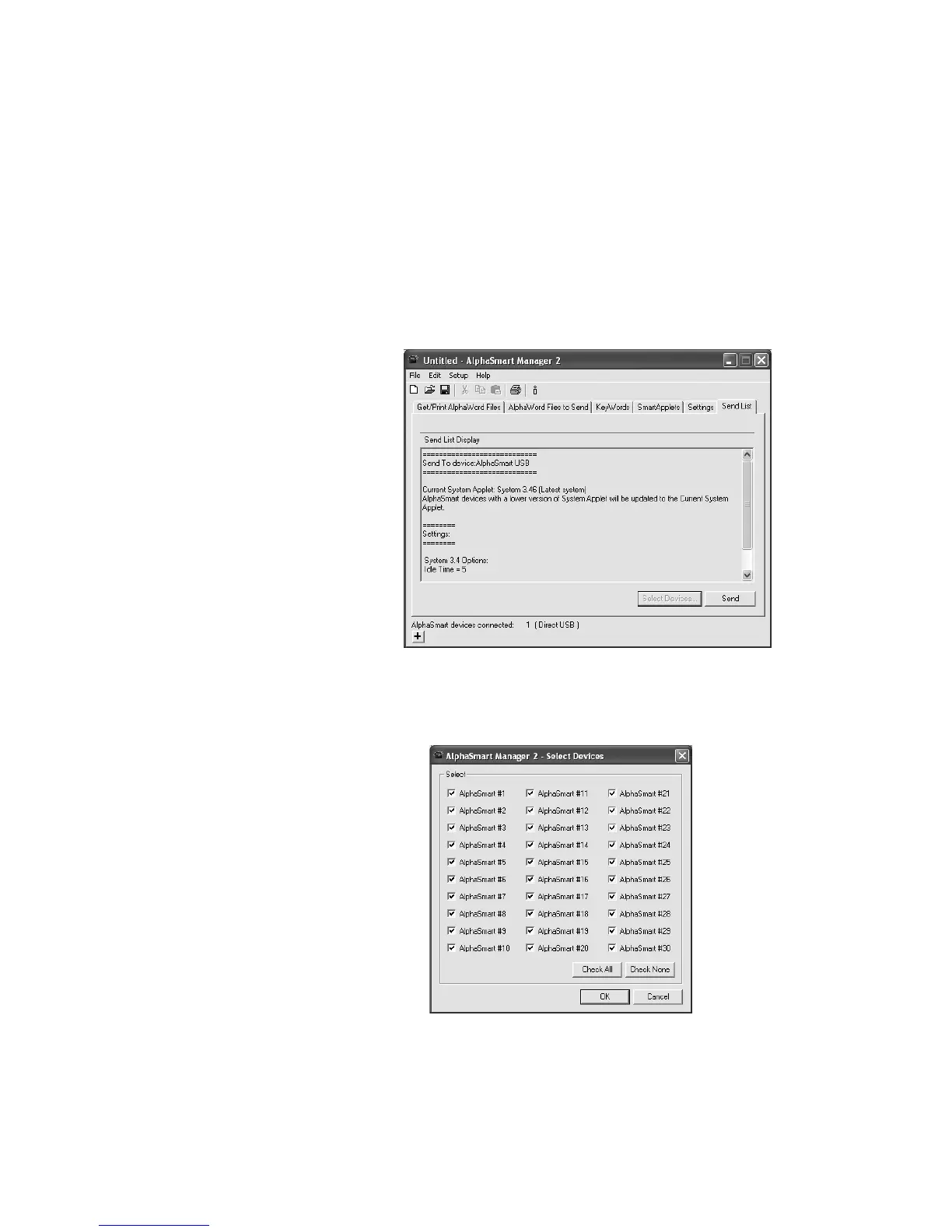
5. Click the Send List tab and verify that the setting changes you want to
send appear in the list.
6. If you are using a SmartOption Mobile Lab and you want to send the
setting changes to some, but not all, of the NEOs, click Select Devices,
check the numbers to which you want to send the setting changes, and
click OK. (To send to all connected NEOs, skip this step.)
7. Click Send. If you have set a send list password (see page 63), you must
enter the password and click OK.



 To Next Page