G ETTING ALPHAW ORD PLUS FILES FROM NEOS
Viewing, Printing, and Saving Files from Your NEO
12 AlphaSmart Manager 2 User Manual
. . . . .
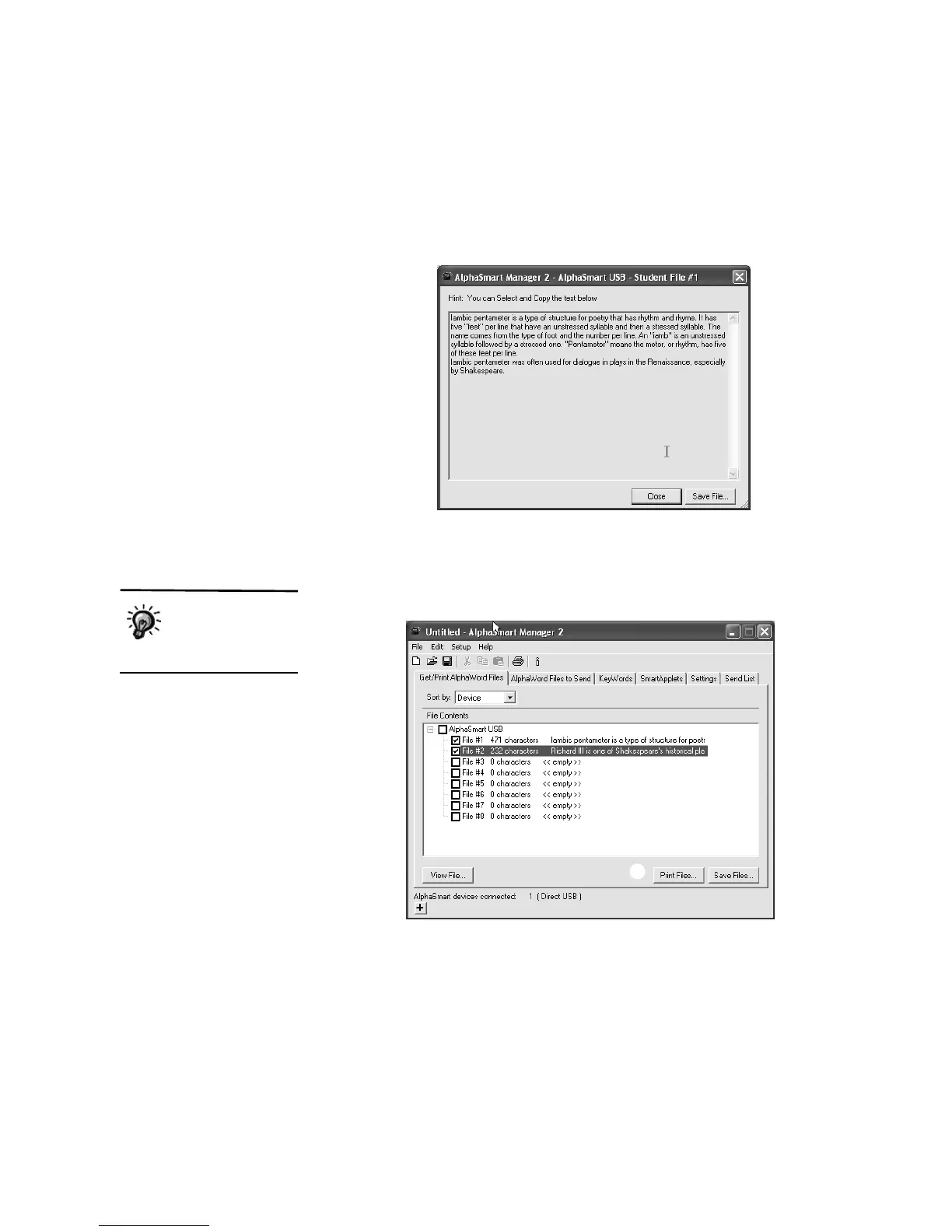
2. Click View File B to see the selected file. The file appears in its own
window. You can save the file from here, or click Close to close the
window and return to AlphaSmart Manager.
How to Print One or More Files
1. If you know exactly which files you want to print, check those files in the
File Contents list
A.
2. Click Print Files
B. A print dialog box appears.
If you print a file that
has a linked file
attached, the linked
file prints on a separate page.
A
B



 To Next Page