K EYW ORDS IN ALPHAS MART MANAGER
Retrieving KeyWords Data and Generating Reports in AlphaSmart Manager
40 AlphaSmart Manager 2 User Manual
. . . . .
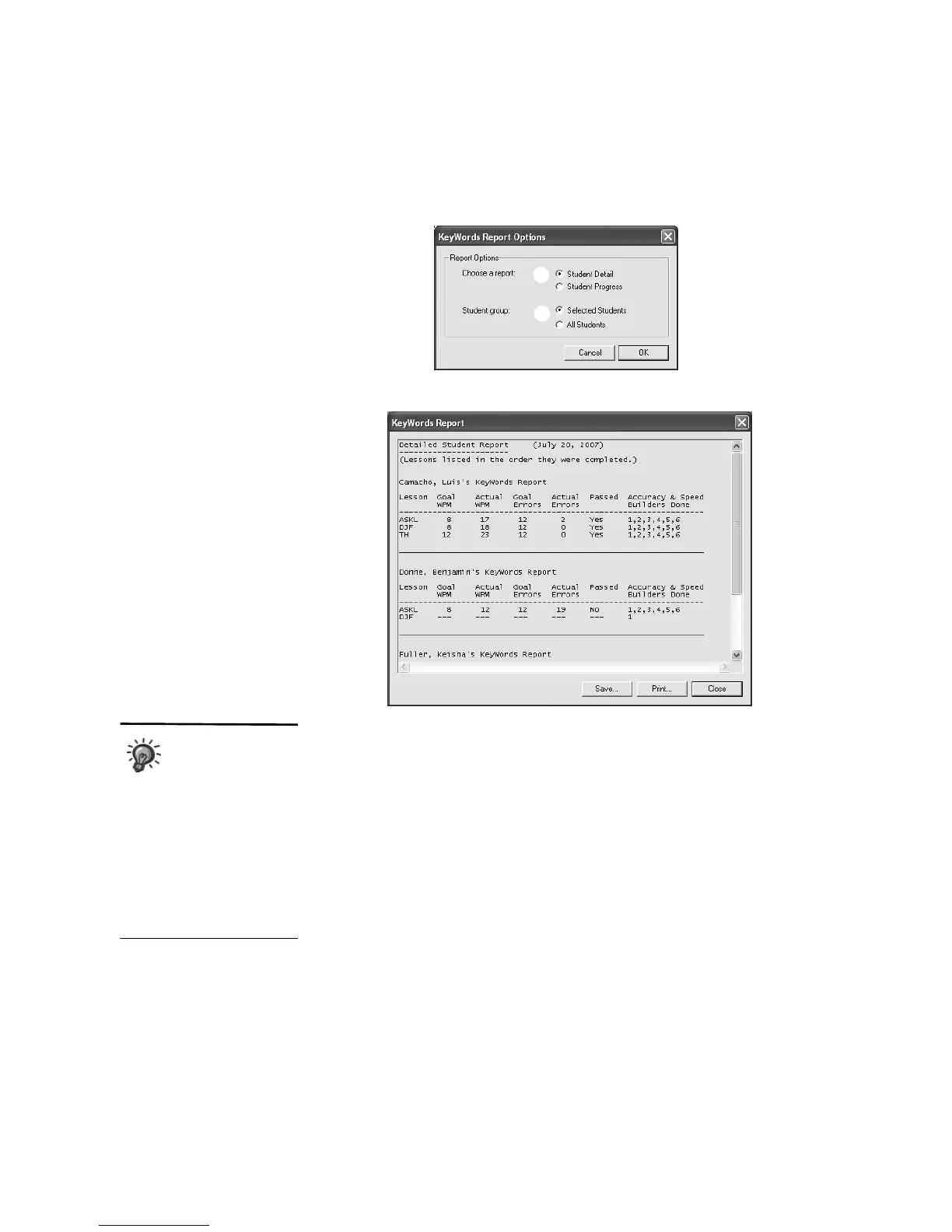
4. The report will open in a new window.
To save the report as a text file, click Save, type a name for the report,
choose a location for the file, and click Save.
To print the report, click Print, choose your printer, and click OK
(Windows) or Print (Macintosh).
To close the report window, click Close.
C
D
If you save the report
as a text file, and the
text in the file
doesn’t line up correctly, try
changing the font to a fixed-
width font such as Courier.
You can also import saved
reports into Microsoft Excel by
using the import text file
feature and choosing the
delimited file type with tabs as
the delimiter.



 To Next Page