S ENDING FILES, RUBRICS, OR LESSONS TO NEOS
Sending Write On! Lessons to NEOs
AlphaSmart Manager 2 User Manual 25
. . . . .
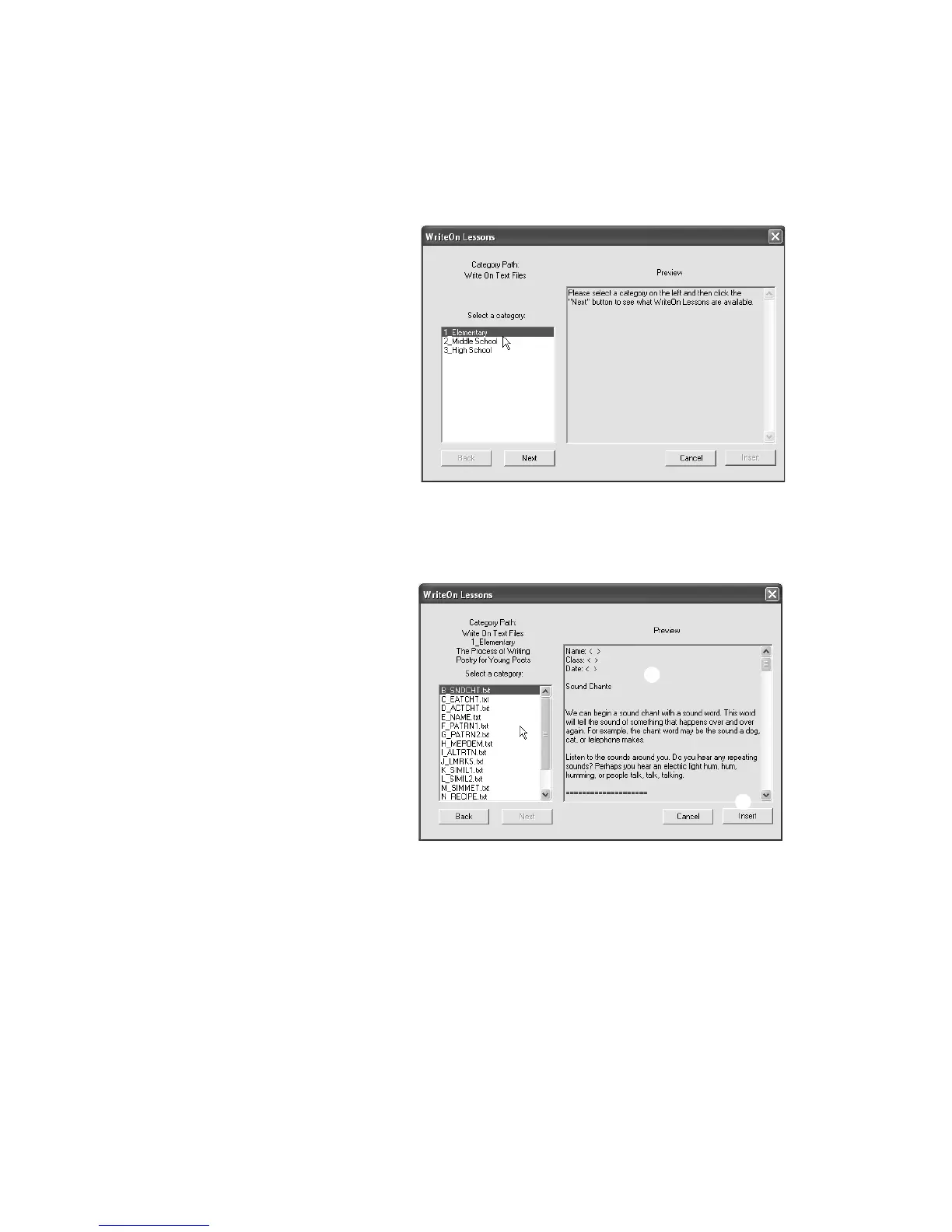
5. Click the lesson you want to select D and view the text in the Preview
window
E. You can continue to click the lesson files until you find the one
you want to use; then, click Insert
F. The lesson text will be shown in the
File # area of the AlphaWord Files to Send tab.
6. Read through the lesson. You can make changes if you’d like. Since the
lesson includes instruction, examples, and many writing prompts,
teachers generally divide the lesson among several files. (The lines made
up of = signs are natural places to break the file.) To break up the file, you
can cut some of the text from this file, click another file number, and paste
the text into that file. When you do this, students will see different parts of
the lesson in the different files you send to NEOs.
C
D
E
F



 To Next Page