Service manual AlphaCom XL transceiver Rev. 1.4 10-08-2011 Blz. 22/74
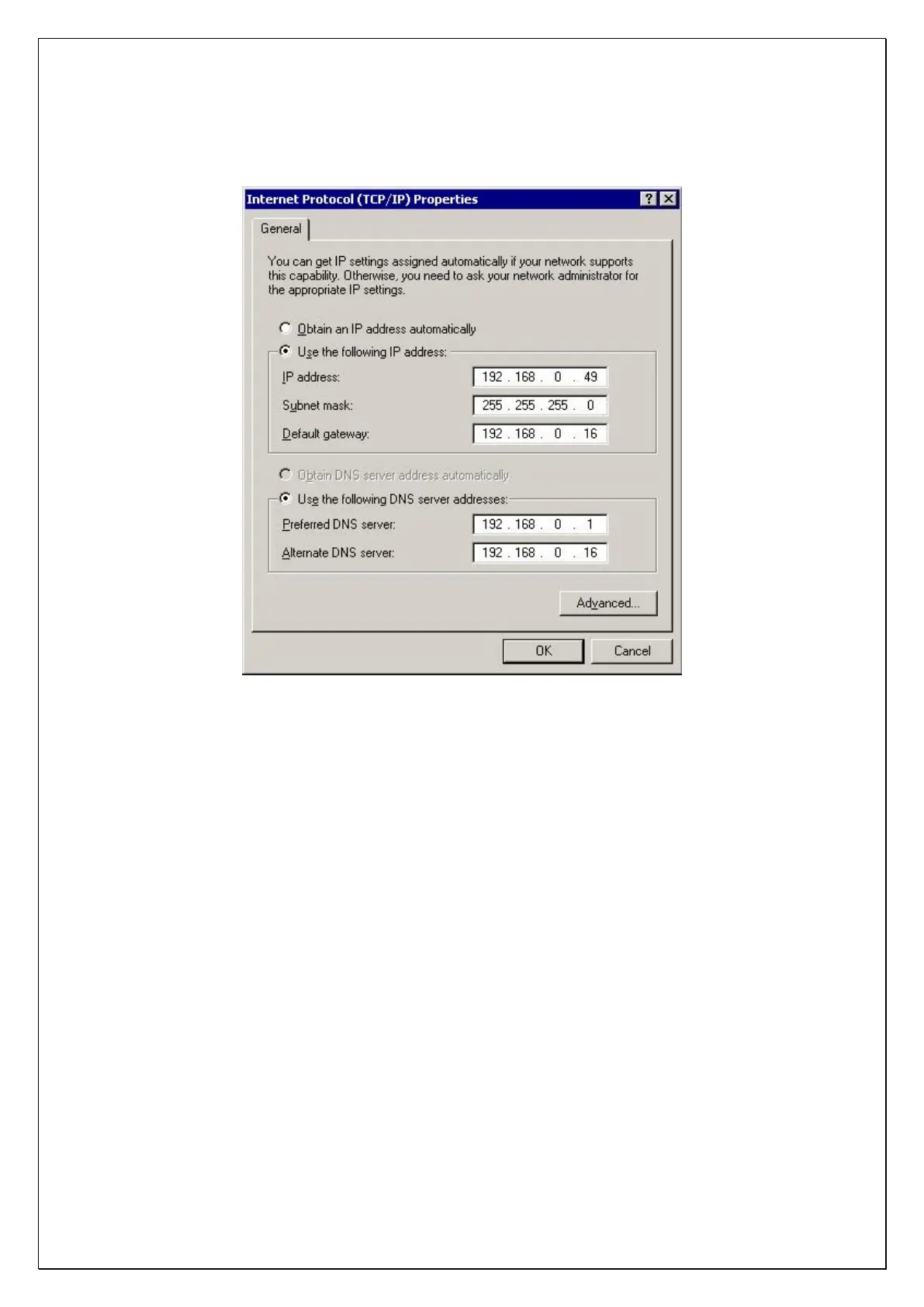
Select the option „Use the following IP address‟ and enter 192.168.0.49 at the IP-address field and
255.255.255.0 at the subnetmask field. The default gateway field can be left empty. Press OK to save the
changes.
Programming the AlphaCom XL can be done using a commonly used web browser. Supported versions are
Internet Explorer (versions 5 and 6), Mozilla Firefox (version 1.5) and Opera (version 8.5).
Before programming, the dipswitches on the ALPHACOM XL have to be set to the correct positions.
Set dipswitch 1 to OFF to ensure that the factory defaults are not programmed again.
Set dipswitch 2 to OFF to ensure that access to the webserver can only be reached by entering the
valid login name and password and also the local IP address / webserver port. Dipswitch 2 can set to
ON (is not necessary) if you wish to access the web browser without a login name / login code and
using the default IP address 192.168.0.48 (and webserver port 80).
*)
Set dipswitch 3 to ON, this makes it possible to access the web browser. If dipswitch 3 is set to OFF,
it is not possible to access the web browser in any way.
Set dipswitch 4 to OFF.
*)
Only set dipswitch 2 to ON to program a login name, login code and local Ethernet settings. After
programming these details reset the AlphaCom XL and make sure dipswitch 2 is set to OFF.
Attention: in this manual the examples shown use the standard IP address 192.168.0.48 and web port 80.



 To Next Page