Service manual AlphaCom XL transceiver Rev. 1.4 10-08-2011 Blz. 43/74
Relay output configuration
The AlphaCom XL has 3 relay outputs that can de remotely activated. These outputs can be used for home
automation purposes or arming/disarming the control panel.
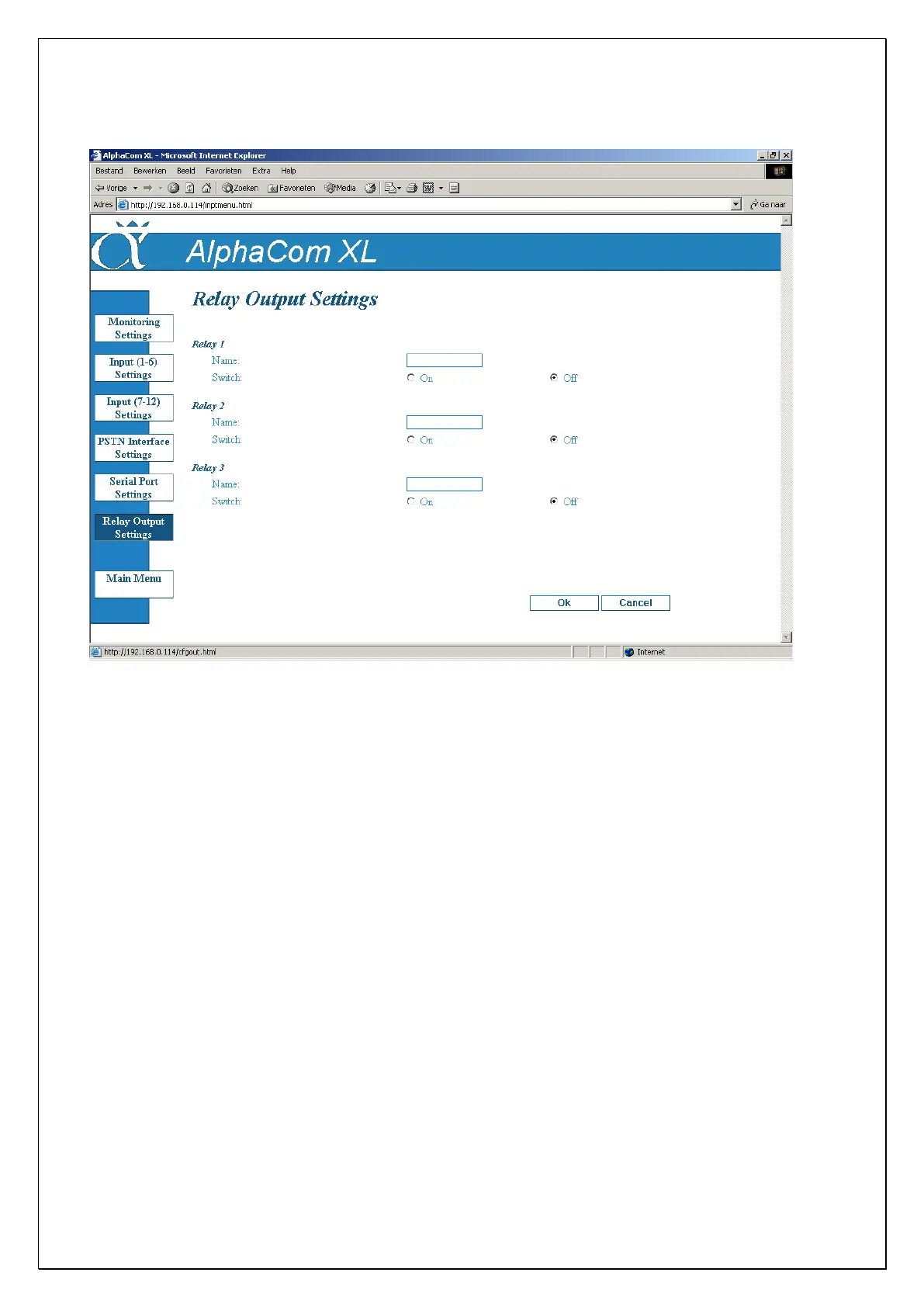
When pressing the button configure outputs the following screen will appear. For each output a name can be
programmed. These names are also displayed in the user screen when a user activates the outputs. The user
however cannot change these names.
By pressing the „yes‟ or „no‟ button in the „activated‟ column, and then pressing „OK‟, the relay output will
be activated / deactivated.
The way the relay outputs are connected can be found in the section HARDWARE INSTALLATION (Relay
outputs).



 To Next Page