Service manual AlphaCom XL transceiver Rev. 1.4 10-08-2011 Blz. 56/74
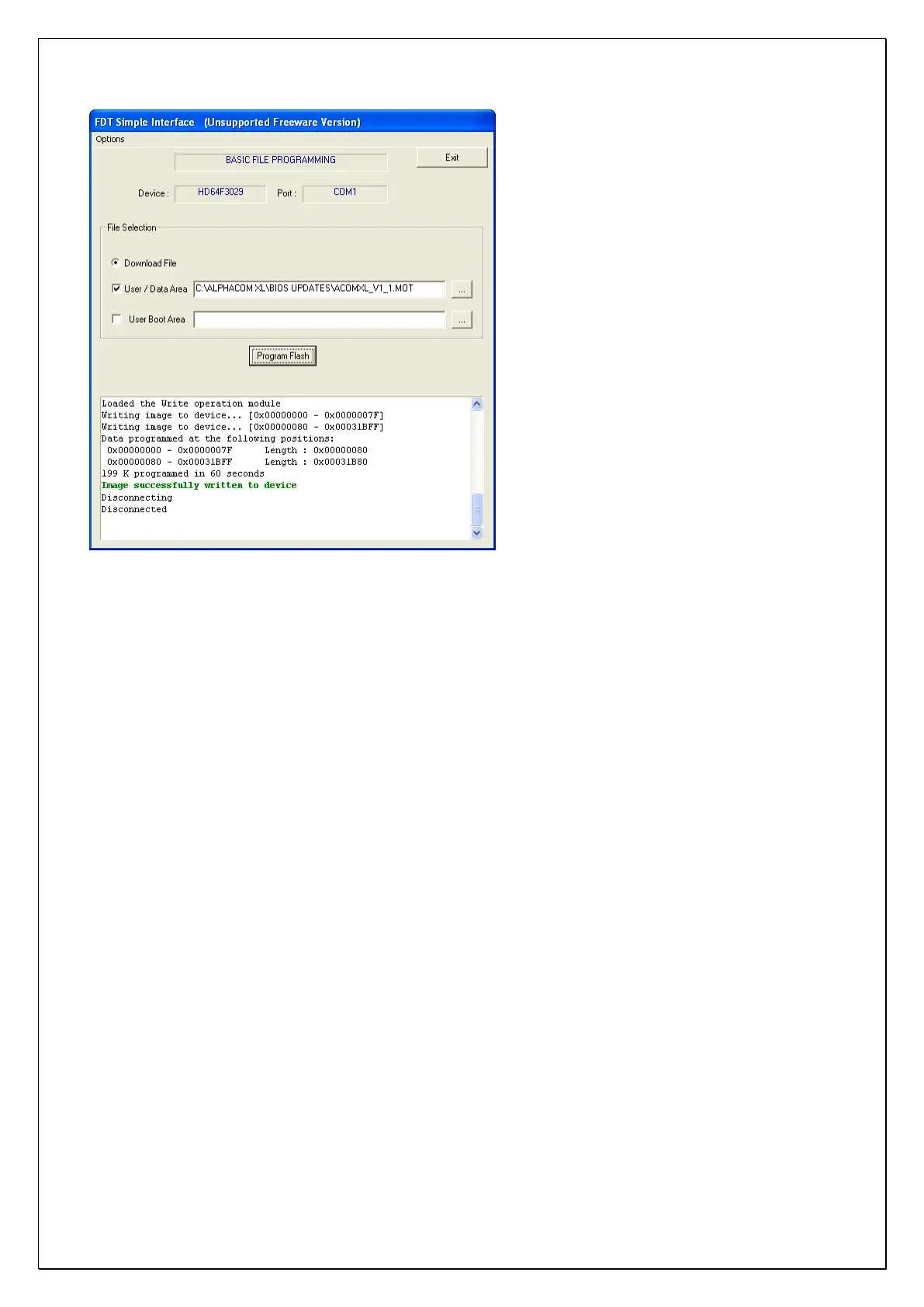
The new firmware has now been successfully flashed into the AlphaCom XL microprocessor. Take the
following steps to put the AlphaCom XL back into the normal operation mode.
Disconnect the power from the AlphaCom XL.
Disconnect the serial programming cable between the computer and the AlphaCom XL.
Remove the jumper from J40
Place the jumper from J44 back to J43 so the AlphaCom XL is placed back into the „run‟ mode. The jumper
must be placed over the left and middle pin of the header. The right pin must stay empty.
Power-up the AlphaCom XL. The green watchdog LED must turn on, this is to indicate that the board is
running and the new firmware functions.



 To Next Page