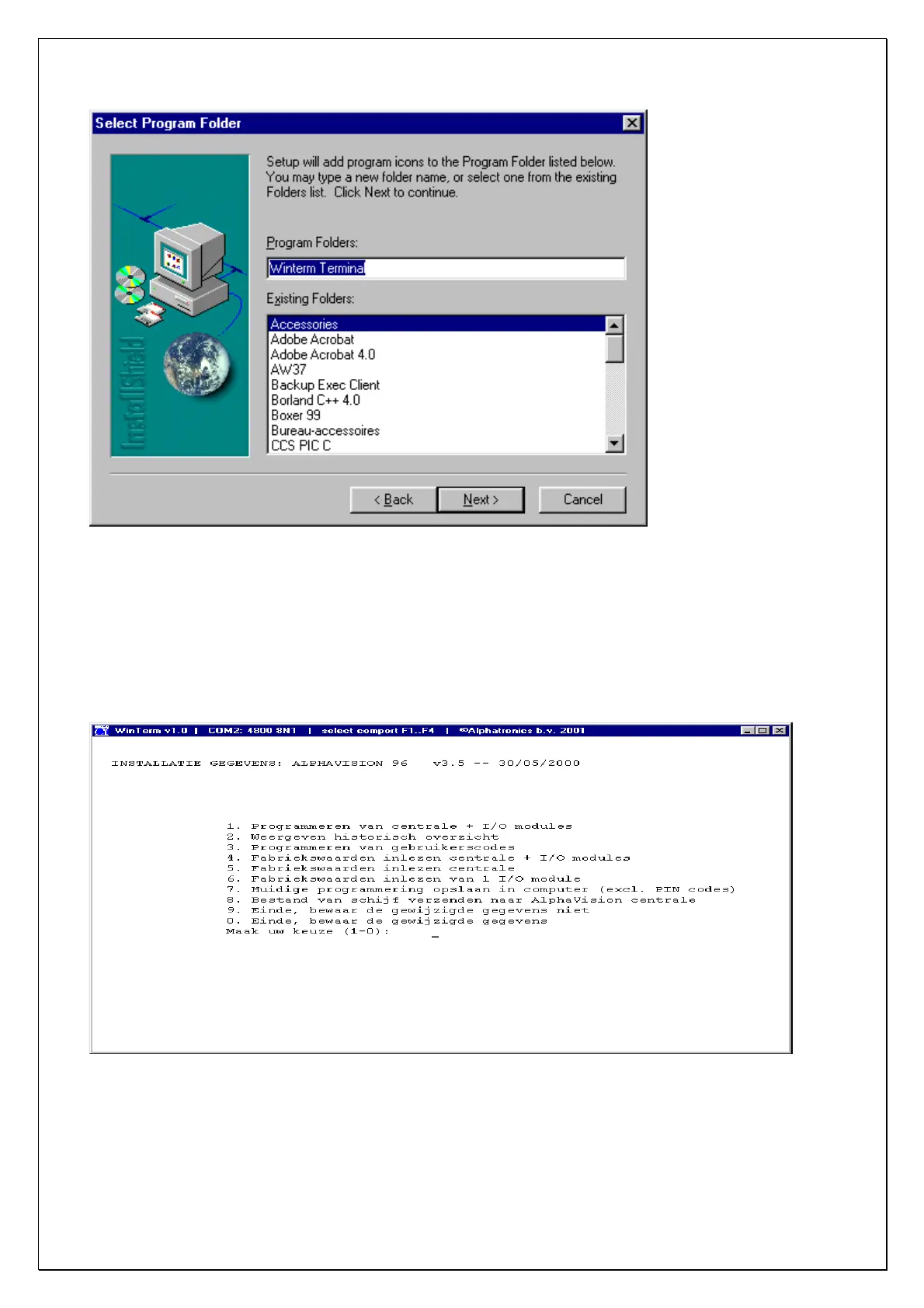
In this screen you are asked to fill in a name for the Winterm program. Standard this is Winterm Terminal.
If you wish to use another name, select Winterm Terminal and type in the new name. It is also possible to
select the Windows directory in which the Winterm software can be found. Standard this will be the
Accessories directory. If you wish to use another directory, select the directory from the list.
When this is done, click on Next. The installation will now start.
When the installation is completed, you will find an Alphatronics icon on your Windows desktop. Double
clicking on this icon will start the Winterm program.
To change the settings in the Winterm program, start the program by clicking on the icon in your Windows
desktop. The program will start with a white terminal screen. The communication ports can easily be set
with F1 to F4 for COM1 to COM4. De latest settings will be saved.
AlphaVision NG installation manual Rev. 2.0 27-08-2003 Blz. 94/101
When the laptop or PC is connected to the Alphatronics product with the RS-232C program cable, the
programming can be started.



 To Next Page