EasyManua.ls Logo

Alpine 7294R - Traffic Information Function

Alpine 7294R
51 pages
Print Icon
To Next Page IconTo Next Page
To Previous Page IconTo Previous Page
Loading...
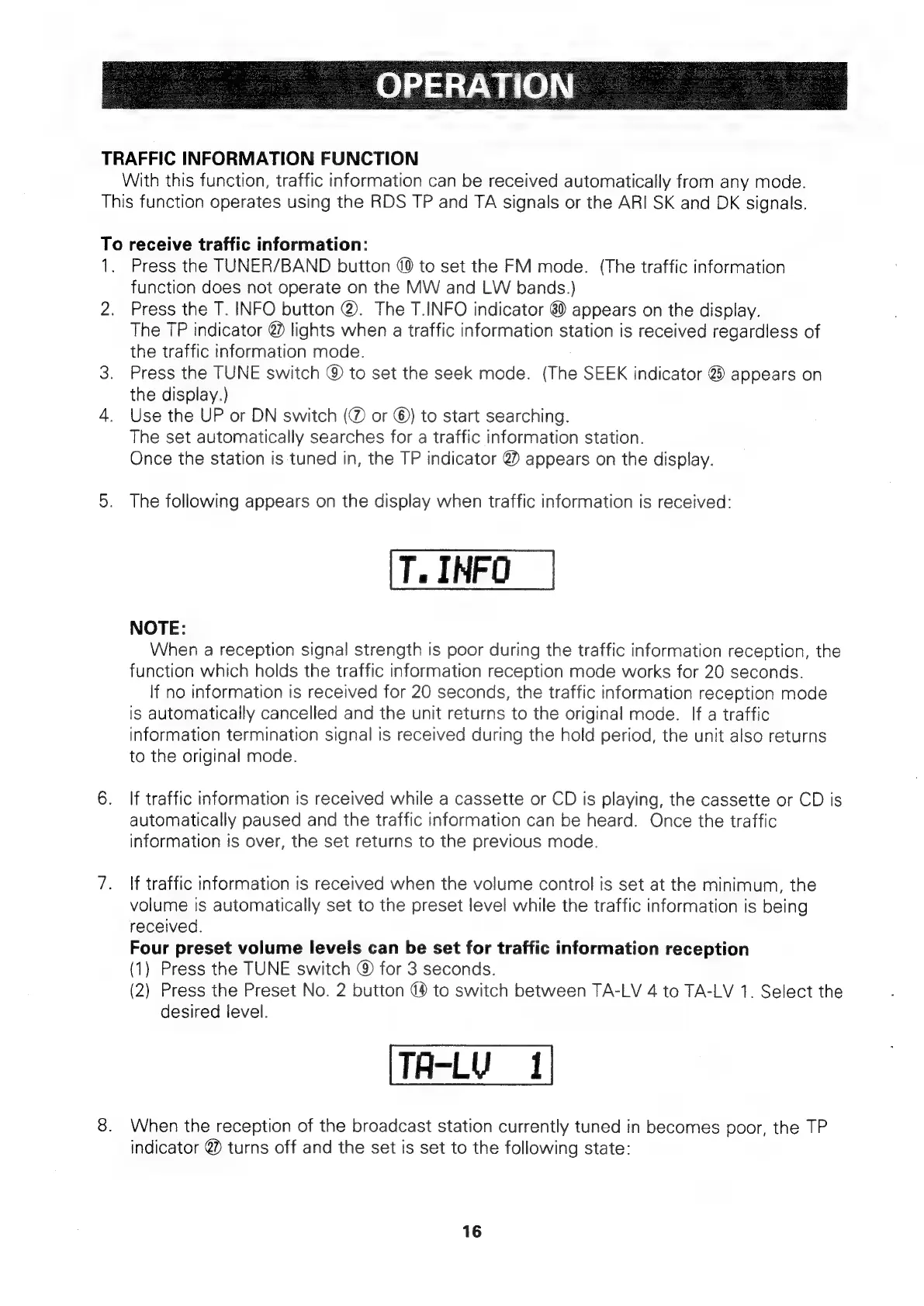
OPERATION
|
TRAFFIC
INFORMATION
FUNCTION
With
this
function,
traffic
information
can
be
received
automatically
from
any
mode.
This
function
operates
using
the
RDS
TP
and
TA
signals
or
the
ARI
SK
and
DK
signals.
To
receive
traffic
information:
1.
Press
the
TUNER/BAND
button
(0
to
set
the
FM
mode.
(The
traffic
information
function
does
not
operate
on
the
MW
and
LW
bands.)
2.
Press
the
T.
INFO
button
@.
The
T.INFO
indicator
6)
appears
on
the
display.
The
TP
indicator
@
lights
when
a
traffic
information
station
is
received
regardless
of
the
traffic
information
mode.
3.
Press
the
TUNE
switch
@
to
set
the
seek
mode.
(The
SEEK
indicator
@
appears
on
the
display.)
4.
Use
the
UP
or
DN
switch
(@
or
©)
to
start
searching.
The
set
automatically
searches
for
a
traffic
information
station.
Once
the
station
is
tuned
in,
the
TP
indicator
@?)
appears
on
the
display.
5.
The
following
appears
on
the
display
when
traffic
information
is
received:
T.
INFO
NOTE:
When
a
reception
signal
strength
is
poor
during
the
traffic
information
reception,
the
function
which
holds
the
traffic
information
reception
mode
works
for
20
seconds.
If
no
information
is
received
for
20
seconds,
the
traffic
information
reception
mode
is
automatically
cancelled
and
the
unit
returns
to
the
original
mode.
If
a
traffic
information
termination
signal
is
received
during
the
hold
period,
the
unit
also
returns
to
the
original
mode.
6.
If
traffic
information
is
received
while
a
cassette
or
CD
is
playing,
the
cassette
or
CD
is
automatically
paused
and
the
traffic
information
can
be
heard.
Once
the
traffic
information
is
over,
the
set
returns
to
the
previous
mode.
7.
\f
traffic
information
is
received
when
the
volume
control
is
set
at
the
minimum,
the
volume
is
automatically
set
to
the
preset
level
while
the
traffic
information
is
being
received.
Four
preset
volume
levels
can
be
set
for
traffic
information
reception
(1)
Press
the
TUNE
switch
@
for
3
seconds.
(2)
Press
the
Preset
No.
2
button
44
to
switch
between
TA-LV
4
to
TA-LV
1.
Select
the
desired
level.
TA-LV
1
8.
When
the
reception
of
the
broadcast
station
currently
tuned
in
becomes
poor,
the
TP
indicator
@
turns
off
and
the
set
is
set
to
the
following
state:
16

Related product manuals