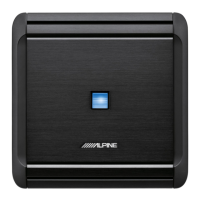
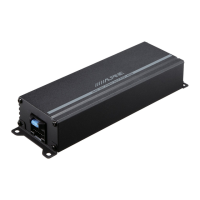
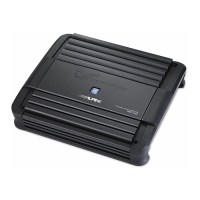
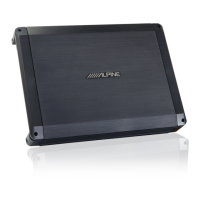
ALPINE HDA-M80/HDA-F60/HDA-V90 68-44781Z25-A (EN/DE/FR/ES/IT/SE/RU/CS)ALPINE HDA-M80/HDA-F60/HDA-V90 68-44781Z25-A (EN/DE/FR/ES/IT/SE/RU/CS)
11-EN
EN
ES
DE
IT
RU
FR
SE
CS
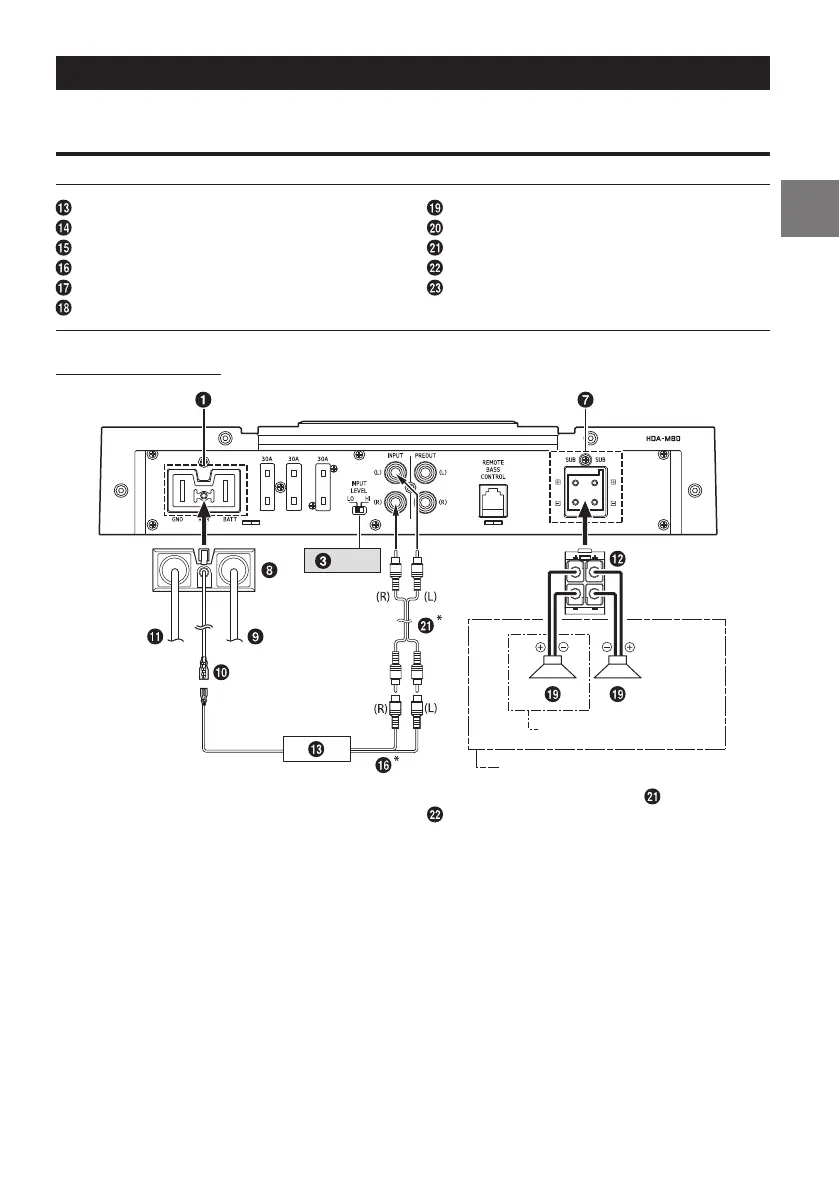
SYSTEM DIAGRAMS
Before making a connection, check the total number of impedance of the speaker connected to the unit. If
you have any questions, contact the nearest Alpine dealer.
Basic Connection Diagram for HDA-M80
Head Unit, etc.
Front Output
Rear Output
Subwoofer Output
Front Speakers
Rear Speaker
Subwoofer
Dual Voice Coil Subwoofer
RCA Extension Cable (Sold Separately)
Speaker-RCA Conversion Cable (Sold Separately)
Y-Adapter (Sold Separately)
Subwoofer System
1 Subwoofer System
2 Subwoofer System (MONO)
[LO]
* If the connected head unit does not have a Speaker Output and RCA Extension Cables ( ) cannot be
used, you can use the Speaker-RCA Conversion Cable ( ) (sold separately). For details on how to make a
connection, see “About Connection to the Speaker Input Level System” (page 17).
About Power Indicator
Power Indicator
Lights up when power is on.
Is off when power is off.
Indication color Status Solution
Blue Amplifier circuit is normal.
Red
(blinking)
Operating temperature is
high.
Turn down the volume of the head unit (input
signal).
Decrease the vehicle’s interior temperature to a
normal level.
The indicator color changes to blue.
Red Amplifier circuit is abnormal.
An electrical short has
occurred, or supply current is
too high.
Turn off the power supply and eliminate the cause.
Then turn on the unit and verify that the indicator
color has changed to blue.
If it remains red, turn off the unit and consult your
dealer.
Operating temperature is too
high.
Decrease the vehicle’s interior temperature to a
normal level.
The indicator color changes to blue.
Power supply voltage is too
high.
Use the correct power supply voltage.
The indicator color changes to blue.


 To Next Page