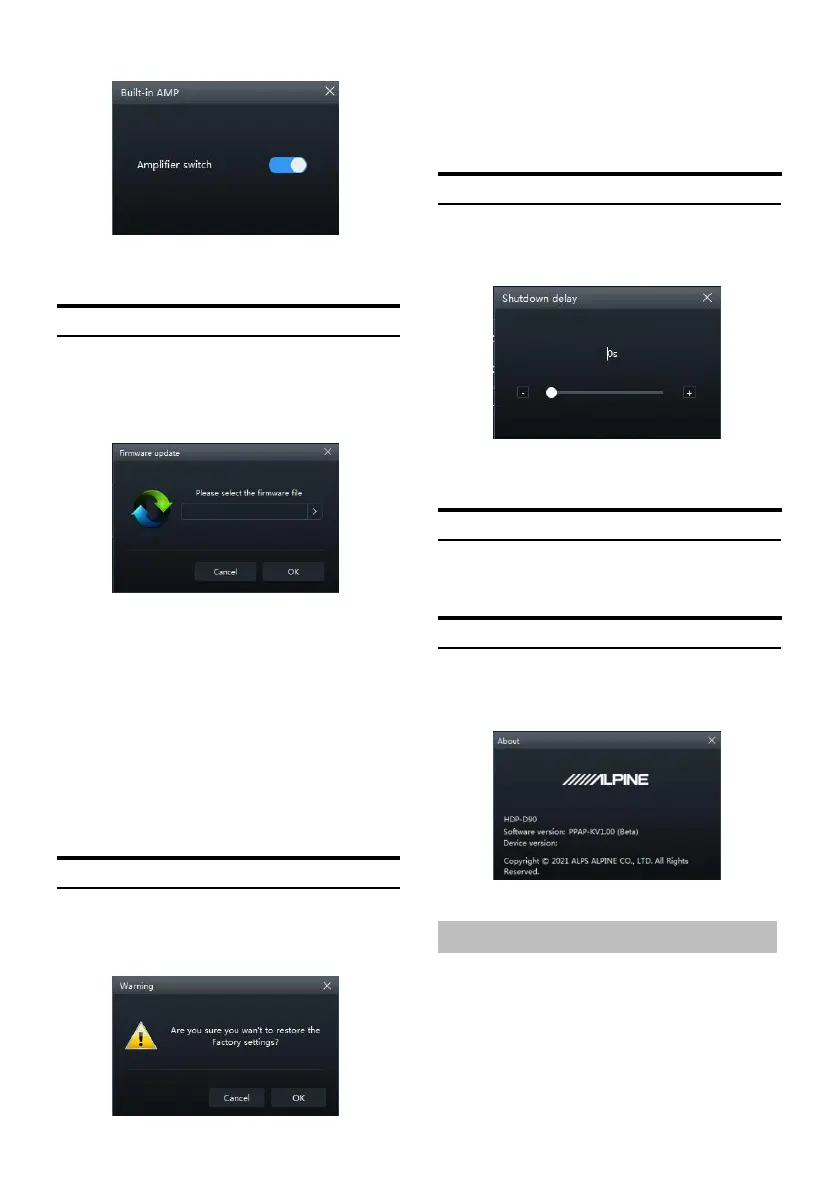
Built-in AMP page
Setting item: Built-in AMP
Setting content: on (init ial setting) / off
Firmware Update Settings
Select [Firmware Update] from t he options
page to ent er the firmware update setting
page.
Firmware update page
Setting item: Firmware update
1 Click the ">" button to select the upgrade
file.
2 Click the "Update" button to upgrade the
firmware. The upgrade progress reaches
100%, indicating that the firmware upgrade
is successful.
3 Click the "OK" button to exit th e firmware
update. After the update, the machine will
automatically restart to work.
Restore Factory S etti ngs
Select [R estore Factory Settin gs] from the
options pa ge to enter the factory reset page.
Restore factor y settings page
Setting item: restore factory settings
1 Click the "OK" button to restore all the data
set in the mach ine to the factory default
state.
Shutdown delay setting
Select [Shutdown Delay] from the options page
to enter t he sh utdown delay setting page.
Shutdown delay page
Setting item: shutdown delay
Setting content: 0~255s (initial value: 0s)
Language Settings
Setting item: language
Setting content: Chinese/English
View About
Select [Abou t] from the options page to enter
the a bout page.
About page
You can vi ew t he version number.
Encryption Settings
Click [Encr yption ] to enter th e encr yption page,
and click [Decry pt] to enter the decryption
page.


 To Next Page