EasyManua.ls Logo

ALTAI A3-Ei - LED Colors and What They Mean

ALTAI A3-Ei
24 pages
Print Icon
To Next Page IconTo Next Page
To Previous Page IconTo Previous Page
Loading...
14
Altai Technologies Ltd. All rights reserved
Altai A3-Ei Dual-band 3x3 802.11ac Wi-Fi Access Point
Installation Guide
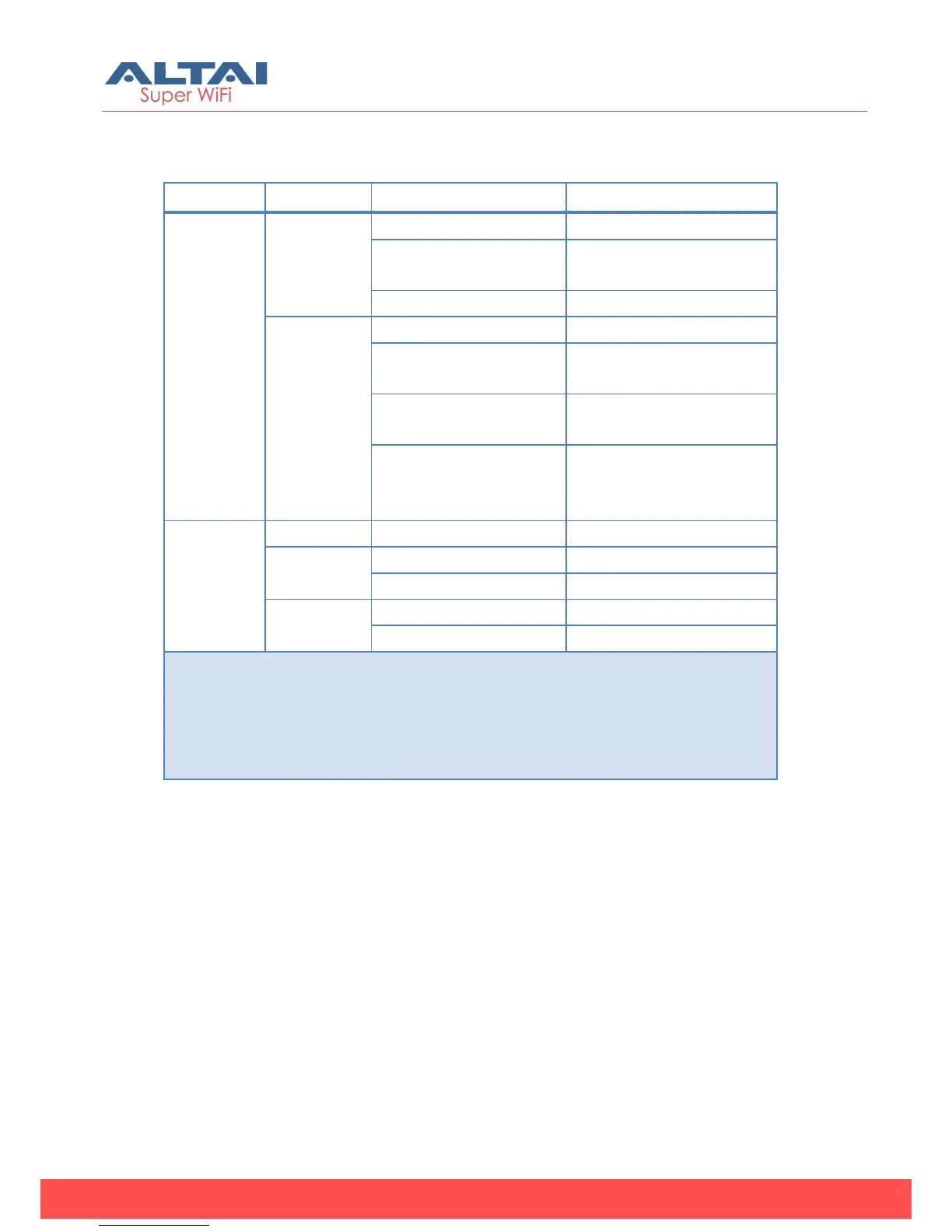
7. LED Colors and What They Mean
LED
Mode
LED Status (Color)
Meaning
Power
LED
Thick AP
Off
Power off
Blinking slowly
(Orange)
Booting
Solid (Orange)
Operating
Thin AP
Off
Power off
Blinking slowly
(Orange)
Booting
Blinking slowly
(Green)
Discovery / Connect
to Access Controller
Solid (Green)
Connect to Access
Controller successfully
and operating
Ethernet
LED
--
Off
Link Down
100Mbps
Solid (Green)
Link Up
Blinking (Green)
Activity
1000Mbps
Solid (Blue)
Link Up
Blinking (Blue)
Activity
Remarks:
1. All LED will be off once pressing down the reset button
2. Pressing and holding the reset button until Power LED blinks once, the device
reboots.
3. Pressing and holding the reset button until Power LED blinks twice
consecutively, the device restores the factory default setting.
Table 2 A3-Ei operation LED indicators

Related product manuals