8.2. Login Web UI
1. Power on A3-Ei
2. Open a Web browser from the computer.
3. Type http://192.168.1.222 in the address bar or location bar.
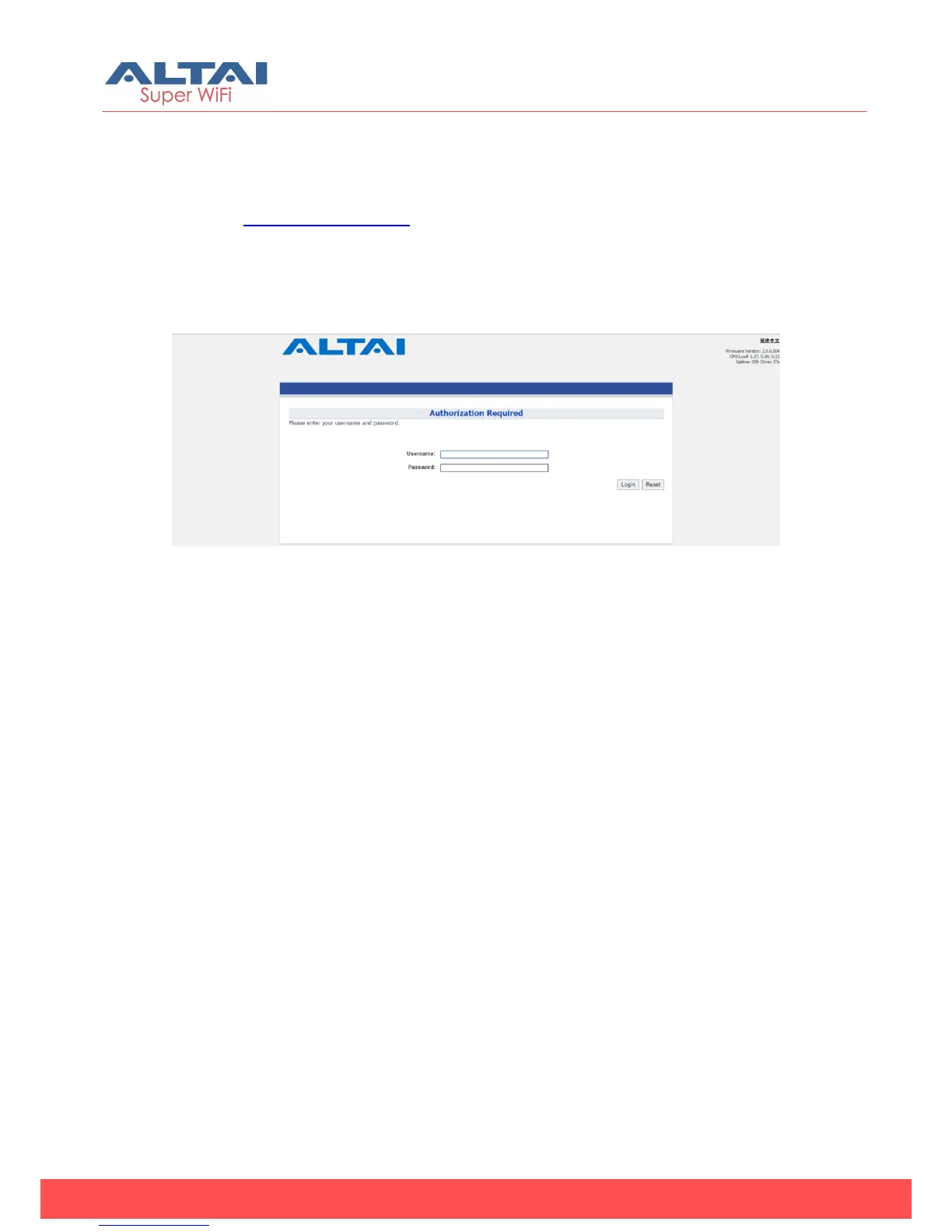
4. A3-Ei login page appear (see Figure 16).
5. Type “admin” in Username
6. Type “admin” in Password
7. Click Login
Figure 16 - A3-Ei login page
8.3. Secondary IP Address of A3-Ei
The default IP address of A3 series access point is 192.168.1.222/24. A3
series products support another permanent IP address on the Ethernet
connection, named as Secondary IP Address. This secondary IP
address is 192.168.99.x/24 where x denotes as the decimal value of the
last byte of the Ethernet MAC address on the access point.
Example 1:
Device Ethernet MAC address: 00:19:BE:20:03:8C
Secondary IP Address of this device: 192.168.99.140 (8C (HEX) 140
(DEC))



 To Next Page