11
EN
Listening to Your iPod Charging Your iPod
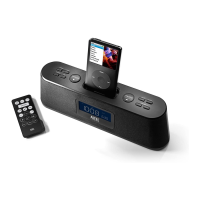
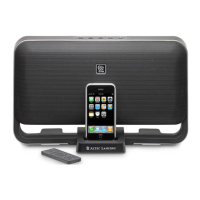
1 Dock your iPod in the Altec Lansing Moondance Home
speaker system.
2 Ensure your speaker system is powered on.
Ifthesystemisn’ton,presstheSTANDBYbuttononthespeaker
system or the
button on the wireless remote.
3 “iPod” mode will be automatically selected.
4 Press the button on your iPod or wireless remote.
Music from your iPod will start playing. The speaker system’s wireless
remoteiscapableofcontrollingbasicfunctionsof3rd-generation
iPod models and the iPod touch.
5 Adjust the volume.
UsetheVOLUME+and–VOLUMEbuttonsontheAltecLansing
speakersystemtoadjustthesystemvolume.Or,usethe
and
buttons on the wireless remote.
6 Find your desired song.
Press the
or button on the wireless remote to go to the
nextorprevioustrack.Pressandholdthe
or button on
the wireless remote while track is playing for high-speed forward or
reverse music search of the current track.
WheneveryouriPodisdockedandyourAltecLansingMoondanceHome
speakersystemispluggedintoanACoutlet,youriPodischarging(until
fullycharged)–evenifthespeakersystemisswitchedoff.



 To Next Page