+31(0)78 - 615 20 33
info@altec.nl
+32(0)2 - 270 34 88
info@altec.
be
be
7 Cleaning
To keep your printer in optimal condition, it is recommended to clean the printer:
• when the platen roller is visibly soiled
• after each used roll of ink ribbon
7.1 Cleaning the printer
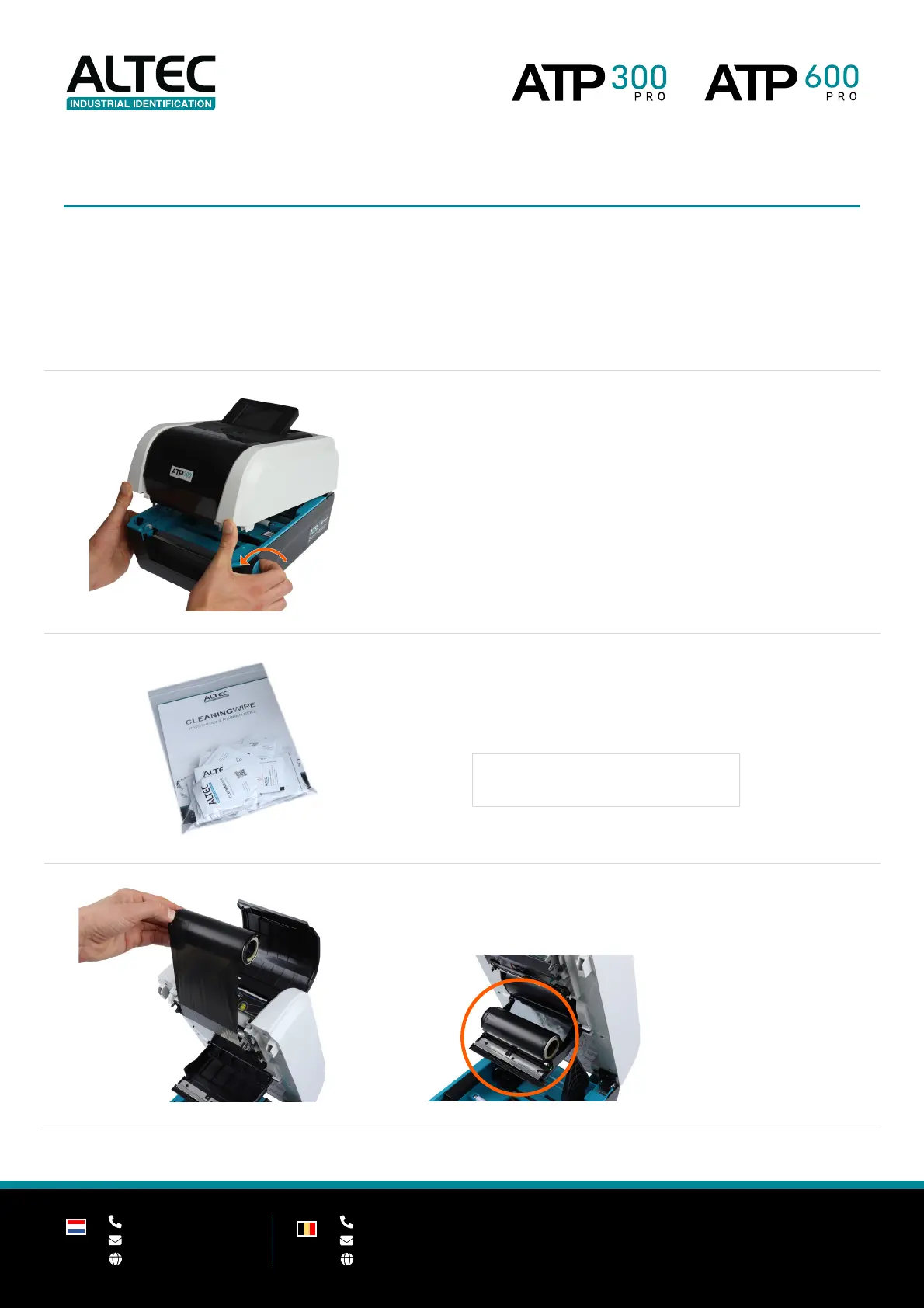
1. Open the top cover of the printer by pulling the green
levers - located on each side of the printer - and lifting
the top cover to the maximum open angle.
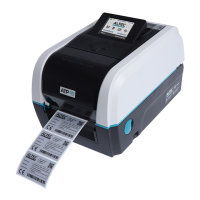
2. Get a Cleaning Wipe and remove it from the package.
Remove all visible dust and dirt inside the printer, paying attention to
elements that come in contact with your media.
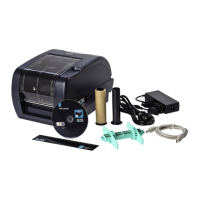
3. Remove the waste roll from the ribbon waste hub and
place it on the ribbon supply cover.
ALTEC CLEANING WIPES (25 PCS.)
Art.nr. 91001728


 To Next Page