SR1128 operation manual
~11~
4. Function operation and parameter setup (user grade)
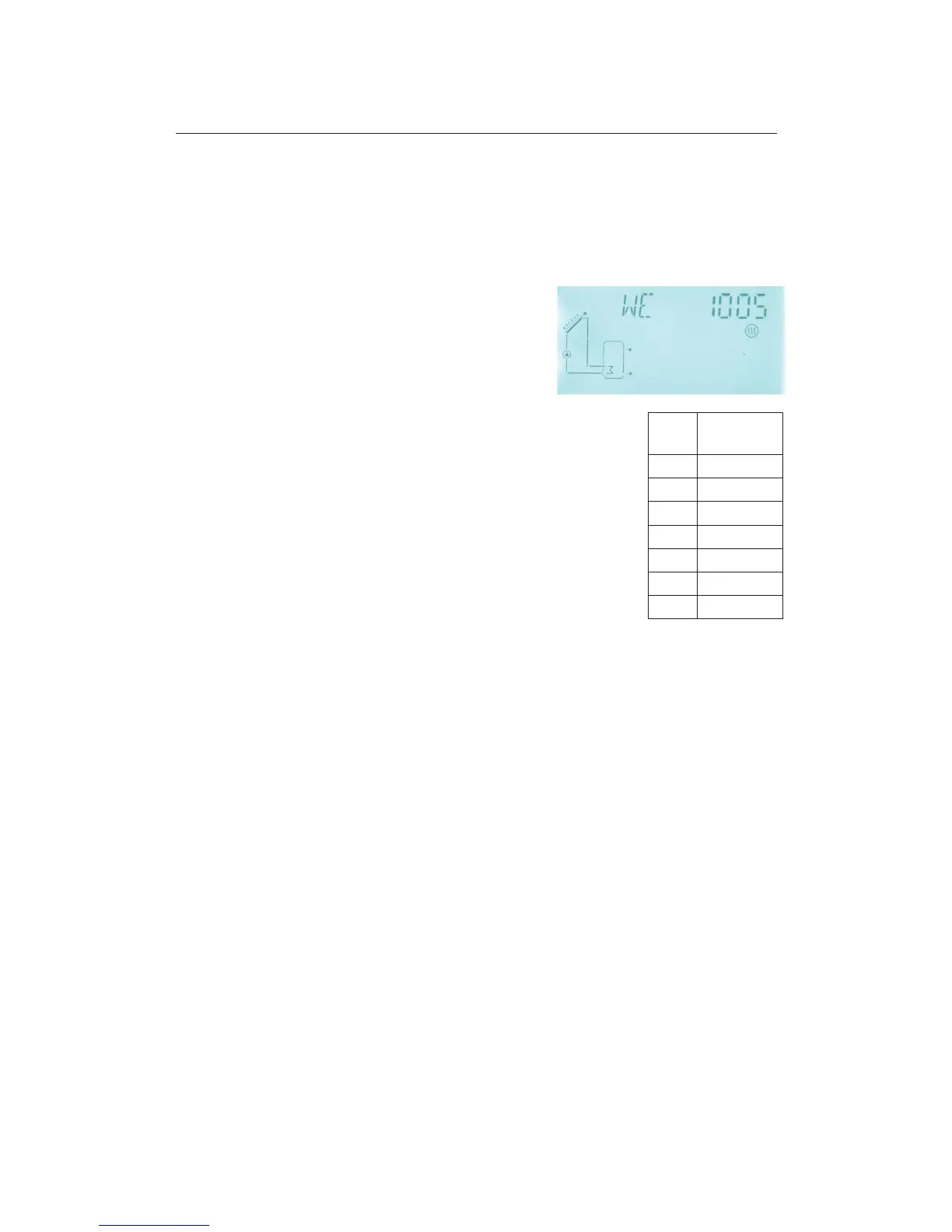
4.1 Set time/week
►Press “SET” button, “TIME” displays on the screen,
►Repress “SET” button, hour selection area “00” blinks on the display screen.
►Press “+” “-” button to set hour of clock
►Press “SET” button again; minute area“00”blinks
►Press “+” “-” button to set minute of clock.
►Press “SET” again, week area “MO” blinks
►Press “+” “-” button to set week.
►Press “SET” again, “DAY/MONTH/YEAR” area “Year” blinks
►Press “+” “-” button to set year.
►Press “SET” again, “Month” blinks
►Press “+” “-” button to set month.
►Press “
SET” again, ĀDAY” blinks
►Press “+” “-” button to set day.
►Press “ESC” button to exit set program, or wait for 20 seconds to
exit program automatically. The set parameter values of time and
week are saved automatically,
4.2 tHET Timing Heating
Description:
Electrical heater, gas boiler or oil boiler can be integrated into solar system used as back-up
of system, and they can be triggered automatically at preset schedule by preset
temperature. Within a preset schedule, when the temperature (T3) of top part of tank
drops below the preset switching-on temperature of this function, back-up heating H1 starts
to work, when T3 rises up to the preset turning off temperature, back-up heating is stopped.
Within 24 hours, three time sections can be set with this controller.
Factory set:
The first schedule: back-up heating function starts at 4:00 and ends at 5:00 am. Within this
time section, default switch-on temperature is 40
o
C; default switch-off temperature is 45
o
C.
The second schedule: starts at 10:00 and ends also at 10:00 am, it means no back-up
heating in this time.
The third schedule: back-up heating function starts at 17:00 and ends at 22:00 pm. Within
this time section, default switch-on temperature is 50
o
C; default switch-off temperature is



 To Next Page