SR1128 operation manual
~28~
►Press “ESC” button to exit the menu or wait for 20 seconds to exit automatically,
parameters are saved automatically.
5.8 OSDC SD card data save function
Description:
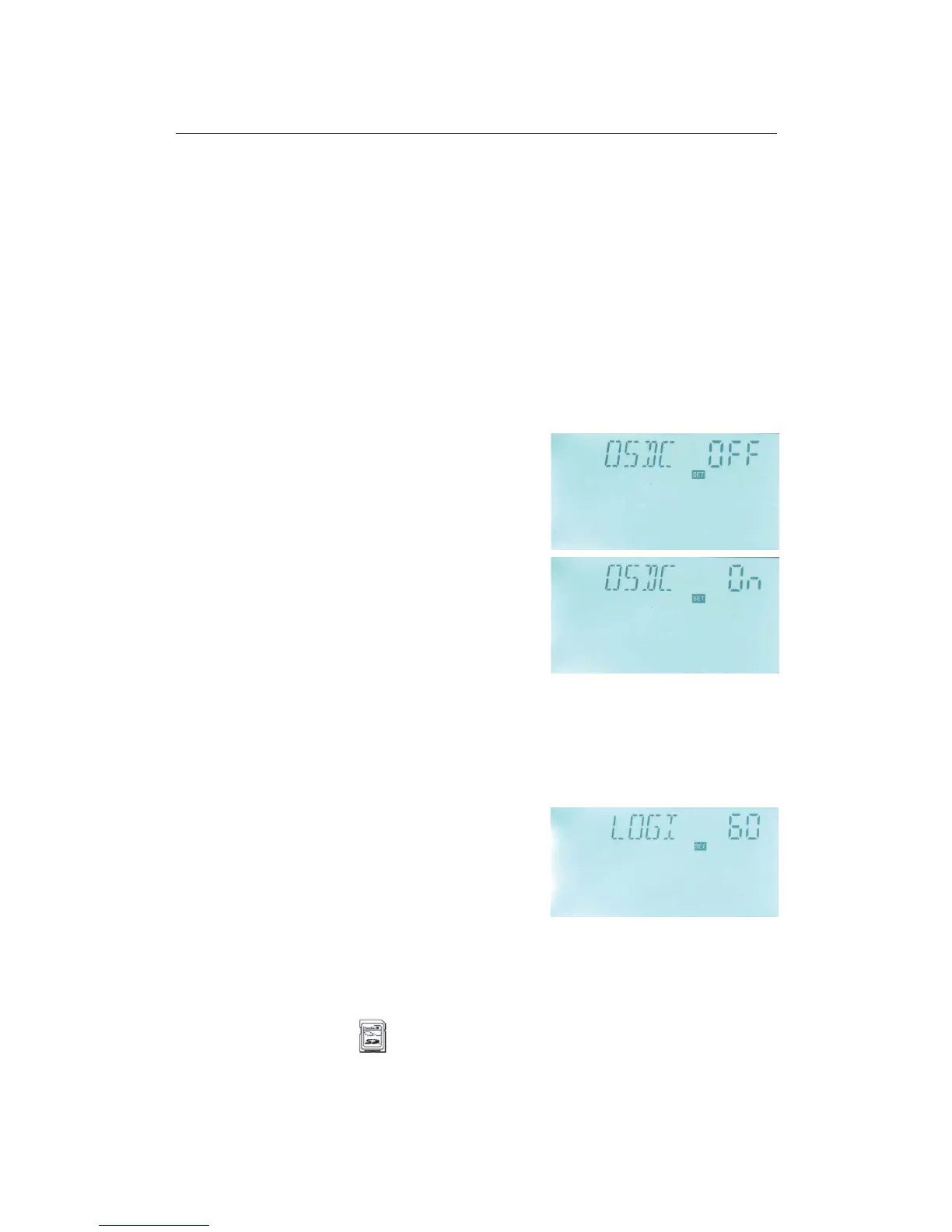
Put the SD card in the groove, data is logged immediately. Then under menu of the OSDC
card, “OSDC ON” displays automatically, it means data is logging, the interval of data log
can be set. If card is full, then data logging is stopped, and CFULL displays on the screen.
5.8.1 OSDC Card function switch-on and off
Setup steps:
To select menu OSDC “OSDC” displays on the screen.
►Press “SET” button, “OSDC OFF” appears, in this
case, data isn’t saved.
►Repress “SET” button, “OFF” blinks on the screen,
factory default set: “OFF”.
►Repress “SET” button again to activate this function,
and “OSDC ON” displays on the screen, start to save
data now.
► Press “SET” button to exit the menu or wait for 20
seconds to exit automatically, parameters are saved
automatically.
5.8.2 LOGI Data save intervals
Description:
By this function, SD card can save data in every 60 seconds (factory default time 60
seconds).
Setup steps:
To select menu LOGI “LOGI 60” displays on the
screen.
►Press “SET” button to access program, “LOGI 60”
appears and “60” blinks.
►Press “+” “-” button to adjust data save interval, adjustable range: 01~1200 seconds.
► Press “ESC” button to exit the menu or wait for 20 seconds to exit automatically,
parameters are saved automatically.
Note: if SD card is used, card signal will appears on the screen, if SD card is full,



 To Next Page