SR1128 operation manual
~16~
years’ experience, only in special application cases it needs to be changed, (e.g. far
distance heat transferring), normally we recommend using default set. Switch-on and
switch-off DT are alternating set. To avoid mistake the minimum difference between two
temperature differences (ΔTon –ΔToff) is set as 2
o
C.
Setup temperature difference:
Under standby, following steps descript in paragraph 6.1 to access main menu DT
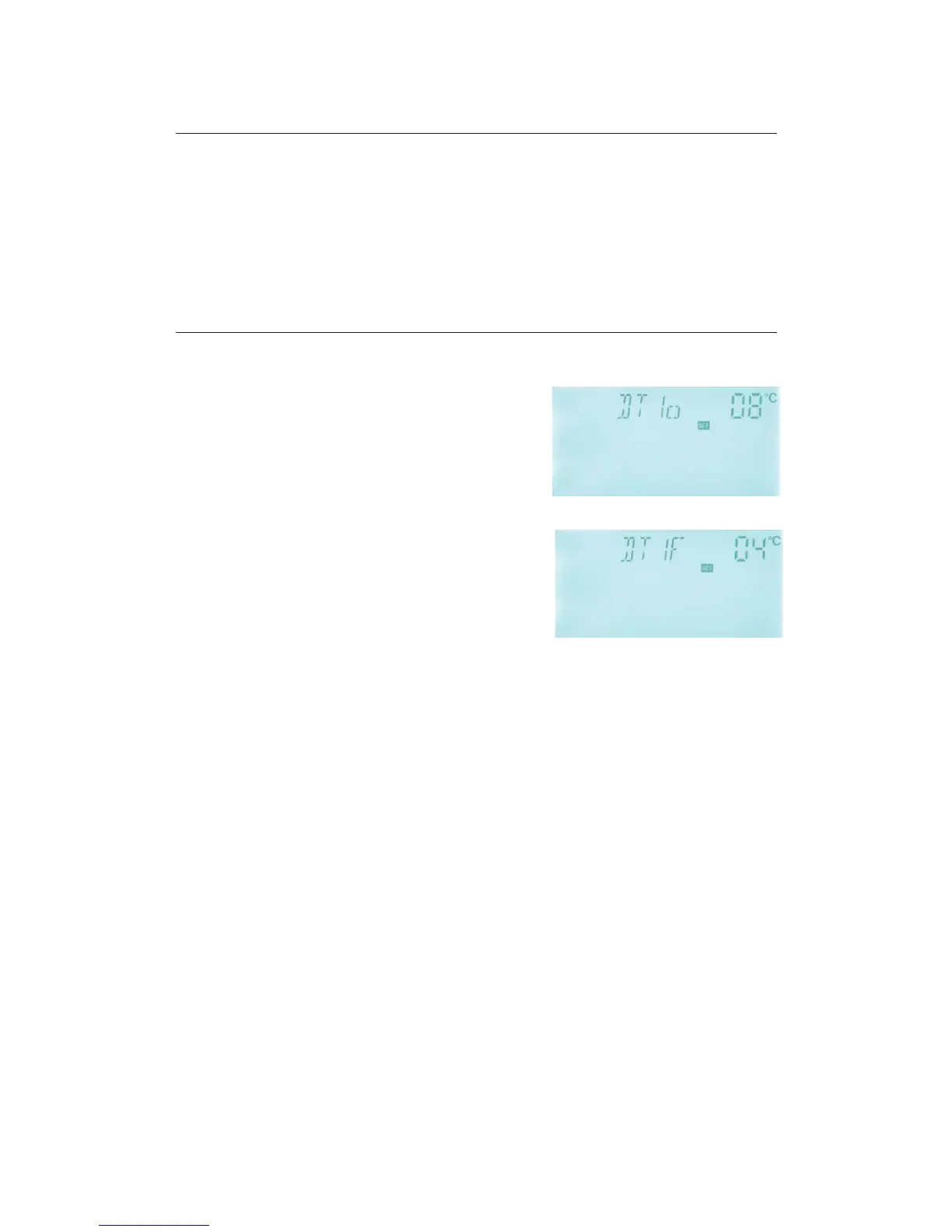
►Press “SET” button, to access settings program of main menu DT, “DT 1o 08
o
C” displays
on screen, “08
o
C” blinks, the first switch-on
temperature difference can be set.
►Press “+” “-” button, to adjust the value of switch-on
DT, adjustable range (OFF+2
o
C˅20
o
C, factory
setting is 8
o
C
►Press “ESC” button to exit this setting, parameter is saved automatically.
►Press “+” button, “DT 1F 04
o
C” displays on screen,
the first switch-off temperature difference can be set.
►Press “SET” button, “04
o
C” blinks.
►Press “+” “-” button to adjust the value of switch-off
DT, adjustable range 0
o
C˄ ON-2
o
C˅ˈfactory set is 4
o
C.
►Press “ESC” to exit menu, or wait for 20 seconds to exit automatically, the setup
parameters are saved automatically.
5.3 TEMP Temperature
For solar system, the factory set parameters are for the best operation condition, which is
fully integrated into the entire solar system. But these parameters can also be set
individually to cater the special requirements, please carefully observe the operation data of
system components after setting.
Note: Parameters that can be set rely on the system design, not all the parameters can be
Following submenu can be access though TEMP main menu.



 To Next Page