SR1128 operation manual
~30~
screen, H1 output is switched-on
►Repress “SET” again, “HND2 off” displays, H1 output is switched-off
►Press “ESC” to exit H1 setup.
--------------------------------------------------------------------------------------------------------------
Note: when manual mode is activated, signal displays on the screen, after 15 minutes
all outputs are switched-off, controller exits manual mode automatically.
5.11 REST Recovery to factory set
Setup steps:
To access main menu REST,
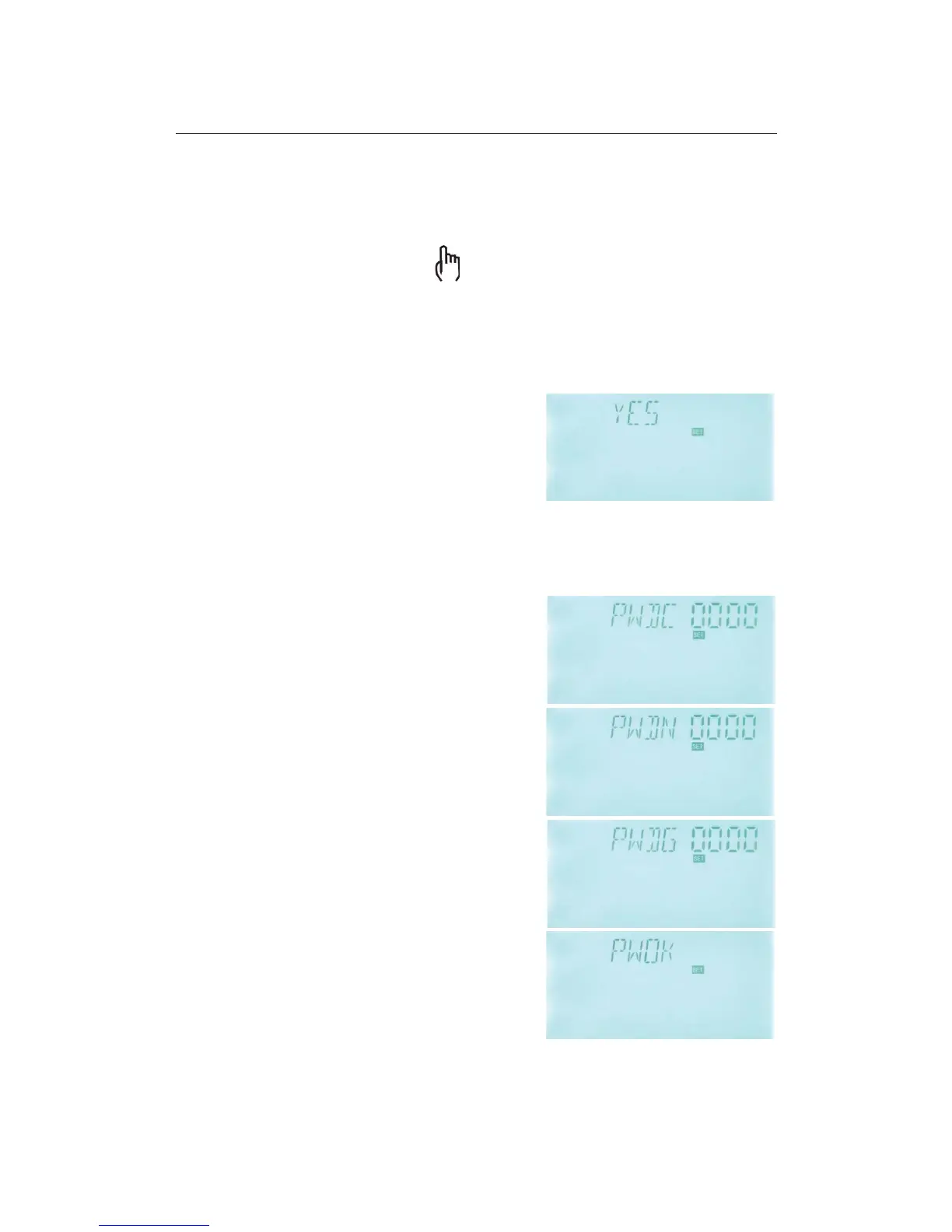
►Press “SET” button, “YES” displays on the screen.
►Hold down “SET” button, buzzer makes “du-----“ 3
times, then release “SET” button and wait for display
recovery to initial interface, that means controller
recovers to factory set, new paramters can be reset
now.
►Press “ESC” button to exit set program or wait for 20 seconds to exit automatically.
5.12 Password set
Setup steps:
To access main menu PASS,
►Press “SET” button, “PWDC 0000” appears, the left
digital blinks, ask for entering current password,
factory set is “0000”
►Press “+” “-” button to enter the first digital
►Repress “SET” button, the second digital blinks
►Press “+” “-” button to enter the second digital
►
Repress “SET” button, the third digital blinks
►Press “+” “-” button to enter the third digital
►Repress “SET” button, the fourth digital blinks
►Press “+” “-” button to enter the fourth digital
►Press “SET” button, “PWDN 0000” displays on the
screen, ask for entering a new password, doing like
above to enter the new password
►Press “SET” button, “PWDG 0000” displays on the
screen, ask for reentering the new password, doing
like above to reenter the new password, “PWOK”



 To Next Page