SR1128 operation manual
~22~
SMX signal displays on screen, it indicates that this function is in activated.
5.4 PUMP circuit pump speed adjust set
Description:
P1 output can be configured to function either as RPM controlled output or simple switch
output.
When nMIN is set as 30-90%, P1 output used as RPM output.
When nMIN is set as 100%, it means P1 output used as switch output.
Normal switch output: circuit pump speed control˄RPM˅is deactivated, pump is operated
with a fixed speed, and flow rate is not changed.
RPM control output: (speed control is activated), the
control system attempts to maintain a constant
temperature difference between collector and tank.
The pump performance is continuously adjusted,
based on the temperature difference flow rate of pump is increased or reduced.
Setup steps:
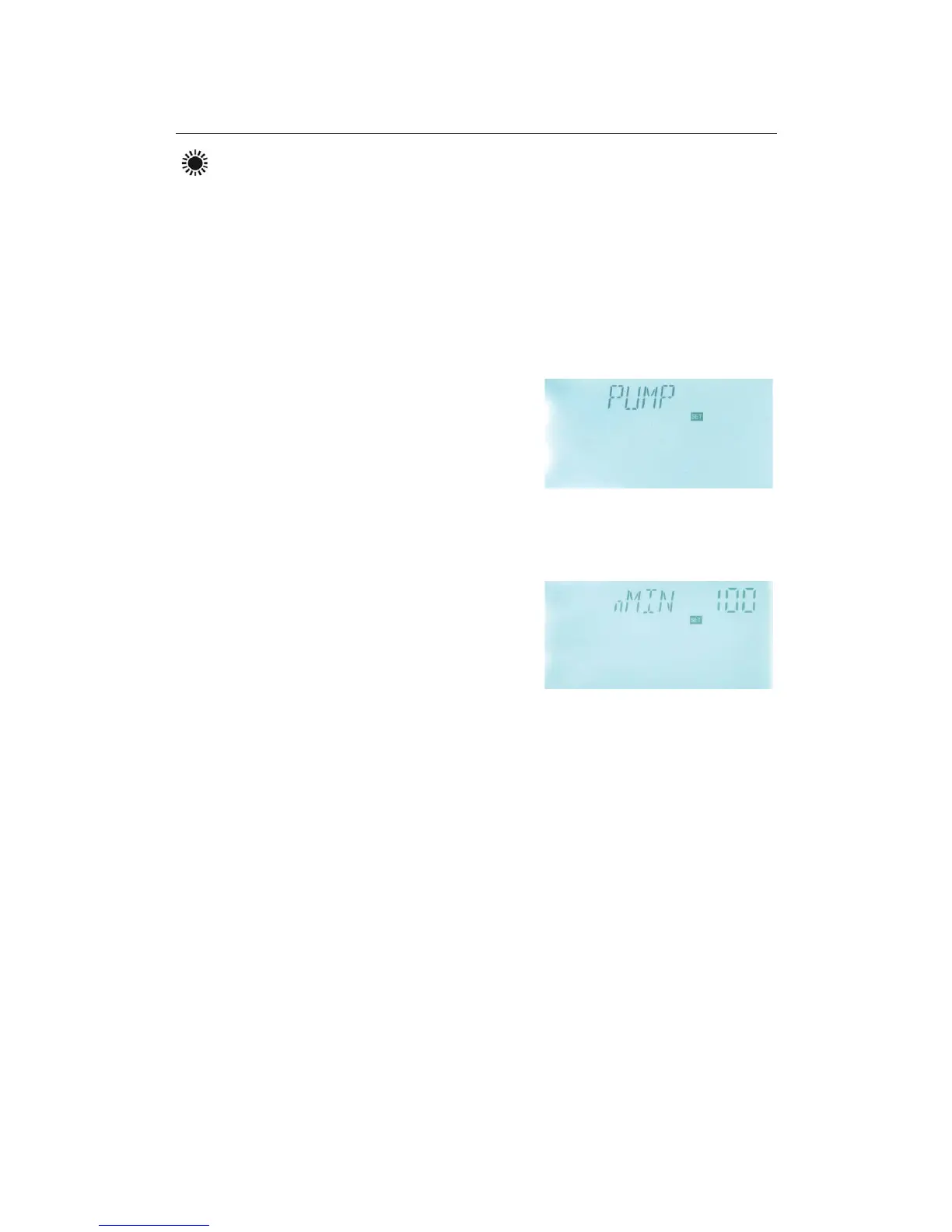
To access main menu PUMP, “PUMP” displays on the screen, press “SET” to access the
menu, then “nMIN 100” displays on screen.
►Press “SET” button, parameter” 100” blinks on the
screen.
►Press “+” “-” button, to adjust pump speed.
adjustable range: (30100%˅, factory set is 100%.
►Press “ESC” button to exit the menu or wait for 20 seconds to exit automatically,
parameters are saved automatically.
5.4.1 DTS Standard temperature difference for circulation pump 1 (speed adjusting)
Description:
The preset default minimum pump speed in this controller is 30%. When the switch-on
temperature difference (ƸTON) reaches, solar pump is triggered, and then within 10
seconds, pump speed increases to its minimum speed (30%). Thereafter, controller checks
temperature continuously, when a standard temperature difference (DTS) reaches, the
speed of pump increases one grade (10%), temperature difference RIS increases every 1
o
C,
speed of pump increases 10% until it reaches to its maximum speed 100%. Through setting
the temperature difference increase rate (RIS) can achieve the controlling of pump speed. If
temperature difference drops to the switch-off temperature difference (ƸT OFF), circuit
pump is ceased.



 To Next Page