SR1128 operation manual
~26~
at ISTAR and IEND submenu.
Setup steps:
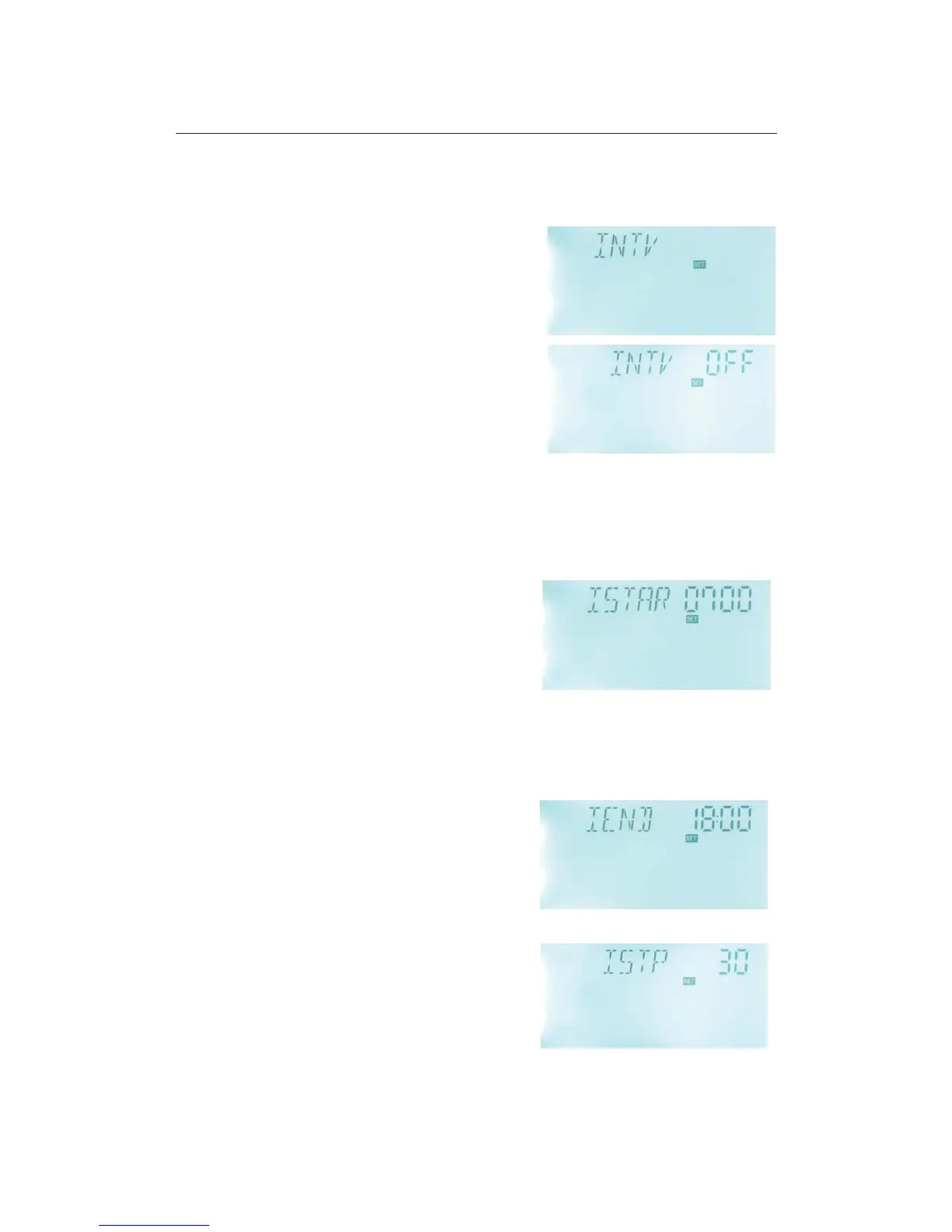
To select submenu INTV, “INTV” displays on the
screen.
► Press “SET” button to access menu, “INTV OFF”
displays.
► Repress “SET” button, parameter “OFF” blinks,
factory set is “OFF”
► Press “SET” button, to activate this function, then
“INTV ON” displays on the screen.
► Press “ESC” button to exit the menu or wait for 20
seconds to exit automatically, parameters are saved automatically.
5.6.1 ISTAR Turn-on time set for pump interval running function
Setup steps:
To select submenu ISTAR, “ISTAR 07:00” displays on the screen.
► Press “SET” button, parameter “07:00” blinks,
► Press “+” “-” button, to adjust turn-on time.
► Press “ESC” button to exit the menu or wait for 20
seconds to exit automatically, parameters are saved
automatically.
5.6.2 IEND Turn-off time set for pump interval running function
Setup steps:
To select submenu IEND, “IEND 18:00” displays on the screen.
► Press “SET” button, parameter “18:00” blinks,
► Press “+” “-” button, to adjust turn-off time.
►Press “ESC” button to exit the menu or wait for 20
seconds to exit automatically, parameters are saved
automatically.
5.6.3 ISTP Pump interval time
Setup steps:
To select submenu ISTP, “ISTP 30” displays on the
screen.
► Press “SET” button, parameter “30” blinks; factory



 To Next Page