SR1128 operation manual
~15~
If customer uses electrical heater as back-up, please according to the power of electrical
heater to equip corresponding safety devices like contactor and breaker with this controller,
we strongly recommend equipping with SR802 device with this controller, (SR802 detailed
technical data see paragraph spare parts)
5. Function operation and parameter setup (engineer grade)
5.1 Access main menu
Under standby, doing like following to access main menu.
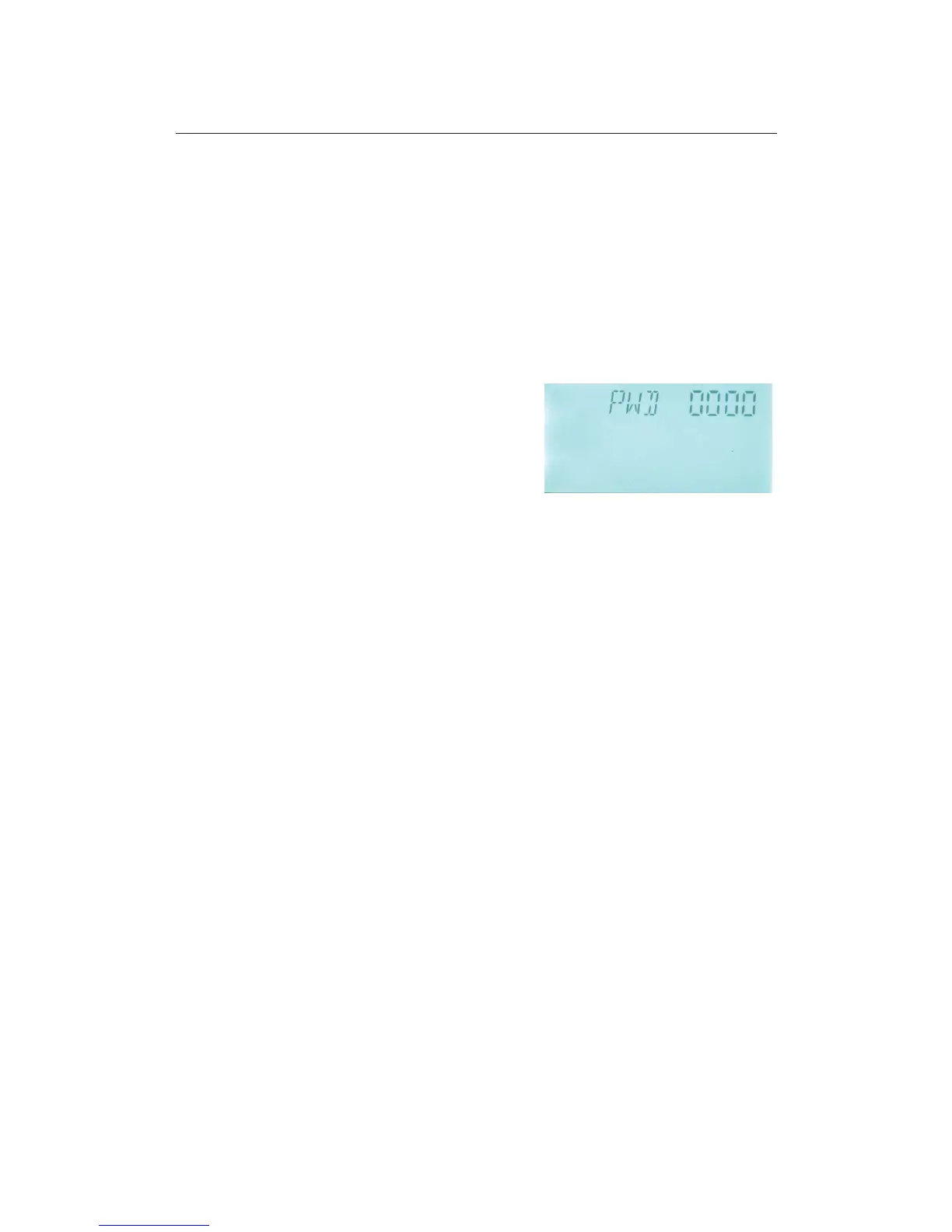
►Press “SET” button, then press “+” button 3 times and wait for “PWD 0000” appears on
the screen, then repress “SET” button, the left first
digital blinks, ask for entering password, factory
default set password is “0000”
►Press “+” “-” button to enter first digital of password.
►Repress “SET” button, the second digital blinks
►Repress “+” “-” button, to enter second digital of password.
►Repeat press “SET” button, the third digital blinks
►Repress “+” “-” button, to enter third digital of password.
►Repeat press “SET” button, the forth digital blinks
►Repress “+” “-” button, to enter forth digital of password.
►Repress “SET” button, to access the main menu.
►Press “+” “-” button, select any menu you wanted.
►Press “ESC” button, you can exit main menu.
Note: default factory set password is “0000”, if you don’t set new password, just press “SET”
four times, then you can access main menu interface
5.2 DT Temperature difference
Description:
Solar circuit pump P1 is triggered by the temperature difference function, so long as the
temperature difference between collector and storage reaches the switch-on DT, solar circuit
pump is triggered.
For example: the switch-on DT is 8
o
C, switch-off DT is 4
o
C, if the temperature on the bottom
part of storage is 20
o
C, then just when collector temperature rises up to 28
o
C, pump is
triggered, and when collector temperature drops to 24
o
C, pump is ceased.
Note: the switch-on/off DT of 8
o
C and 4
o
C are standard system setting according to many



 To Next Page