Error Messages
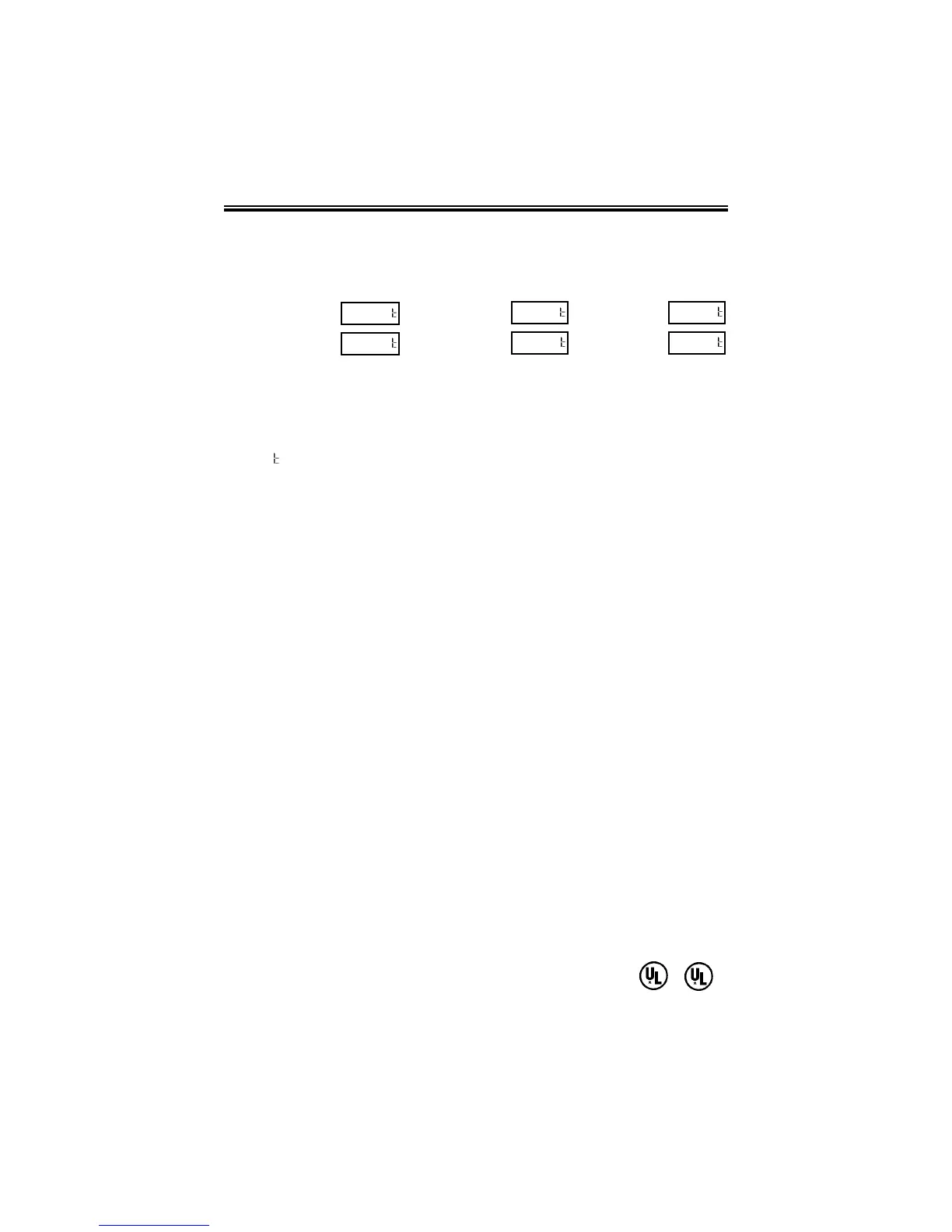
Possible Error Messages:
For error messages E1 through E4, turn off the power before checking to see
that the carriage is not stuck or jammed. Also, check to see that the ribbon
cables are in good condition. After clearing any jams, restore the power and
press the RESET button.
The
ddLL
error message signifies that an attempt was made to get into the
Program mode during the daylight saving changeover one-hour lockout. Wait
one hour and you will be able to program the clock.
Maintenance
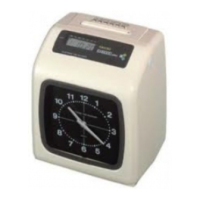
To keep your PIX-21 operating smoothly, periodically clean the printer shafts
with alcohol and a cotton swab.
Clean the outside of the PIX-21 using a soft cloth, if necessary.
Specifications
Power Requirements: For PIX-21 Input: AC16.5V, 60Hz, 0.6A (Max.)
For AC Adapter: AC120V ± 10%, 60Hz
AC230V ± 10%, 50Hz
AC240V ± 10%, 50Hz
For DC Adapter: DC12V (See page 16)
(Negative ground only).
Ambient Temperature: -10°C~45°C (14°F~113°F)
Ambient Humidity: 10%~90% (no condensation)
Dimensions: 140mm (W) x 150mm (H) x 165mm (D)
(5½” x 6” x 6½”)
Weight: 1.8Kg (4.2lbs.)
Environment: Indoor use only; dust-free environment
Keep out of direct sunlight
For PIX-21 with 120V AC Adapter:
Listed and Certified by Underwriters Laboratories, Inc. E50230 C
Home sensor, motor
carriage stuck
Carriage stuck
EE ll
P r
__
EE 44
P r
__
Timing sensor
carriage stuck
General print error
EE 22
P r
__
EE rr
P r
__
Home sensor
Daylight saving
time program
EE 33
P r
__
d L
__



 To Next Page