Page 8
8. The End of the Daylight Saving Setting
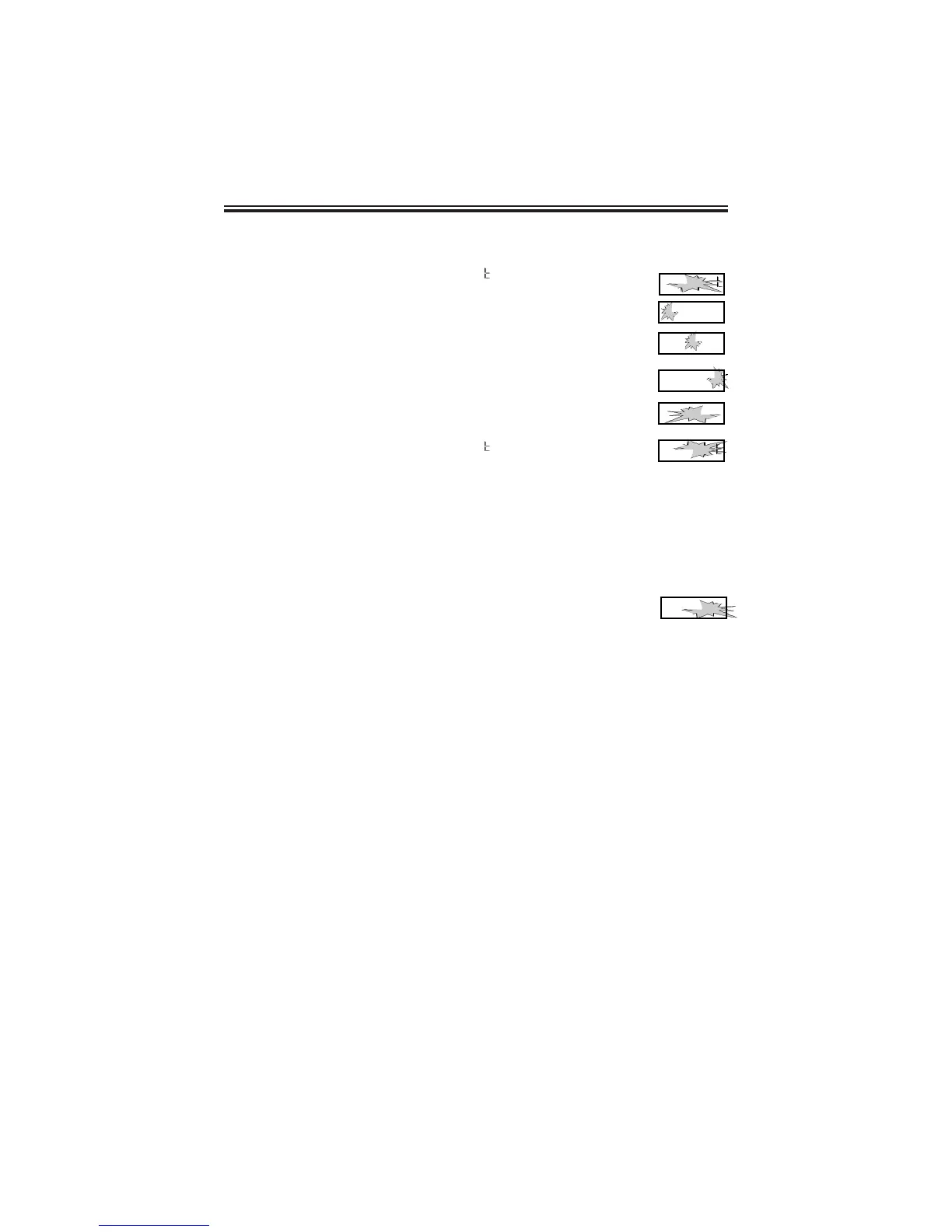
1. When the display flashes
PP44
EdL
, press the
ENTER button.
2. Press the CHANGE button until the correct year appears,
then press the ENTER button.
3. Press the CHANGE button until the correct month appears,
then press the ENTER button.
4. Press the CHANGE button until the correct date appears,
then press the ENTER button.
5. When the display flashes the correct year, month and date,
press the ENTER button.
6. When the display flashes
PP44
EdL
, press the CHANGE
button to move to the end of the Program.
Note: To disable the Daylight Saving Setting, set the beginning and
ending date to the same date.
9. Exit Program Mode
1. When the display flashes
End
, press the ENTER button to
exit the program mode.
PP 44
E d L
__
99 00
l 0 2 8
99 99
l 0 2 8
99 99
l 0 2 8
99 99
l 0 2 9
PP 44
E d L
__
E n d



 To Next Page