Page 16
Using the DC Power Cord
1. The DC version of the PIX-21 is meant to be used only in motor
vehicles with a 12-volt negative ground electrical system.
2. Power to the cigarette lighter should be present with the ignition key in
the “off” position. If this is not known, it can be easily determined by
plugging in the PIX-21 power cord and observing the LED in the
cigarette lighter plug. If power is not present, the internal lithium battery
will be prematurely depleted.
3. If the vehicle will not be used for more than one week, we recommend
that the PIX-21 be removed from the vehicle and powered using the
optional AC adapter. Use with the AC adapter will prevent premature
depletion of the internal lithium battery. The lithium battery maintains the
PIX-21 memory only for brief periods, such as a power failure or during
relocation of the unit.
Using the Diagnostic Routine
The diagnostic routine checks the LCD segments, the number of prints,
and the memory clear (Print Style, Language, Leading Zero Suppress,
Right/Left Print and Daylight Saving Time features).
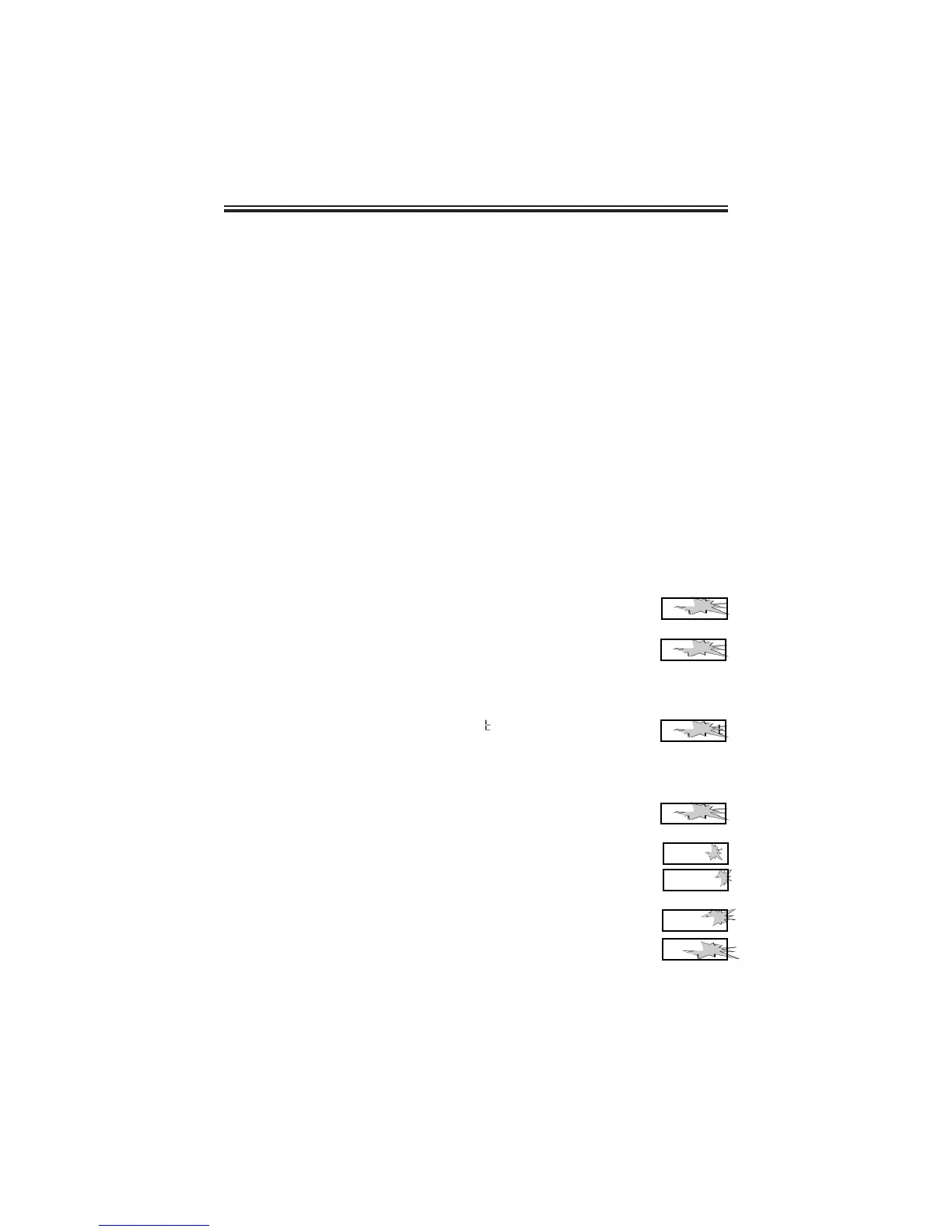
1. When the display flashes
PP 00
d l A 9
, press the ENTER
button.
2. When the display flashes
dd ll
L C d
(LCD segments check),
press the ENTER button.
3. When all of the LCD segments are turned on, press the
ENTER button to advance to the next step.
4. When the display flashes
dd 22
n P r
(total number of prints),
press the ENTER button.
5. The number of prints counted will be displayed. Press the
ENTER, then CHANGE button to advance to the next step.
6. When the display flashes
dd 33
C L r
(memory clear), press the
ENTER button.
7. To clear the memory and reset the defaults, press the
CHANGE button until the number 3 appears, then press the
ENTER button. Press the CHANGE button until the number
2 appears, then press the ENTER button.
8. When the display flashes
3 2
, press the ENTER button.
9. Press the CHANGE button until the display flashes
E n d
,
then press ENTER.
3 0
0 0
PP 00
d l A 9
dd ll
L C d
dd 22
n P r
__
dd 33
C L r
3 2
E n d



 To Next Page