Quick Program Mode
These instructions must be followed in the order in which they are given.
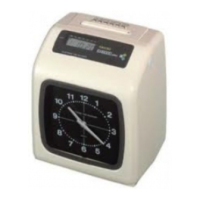
The PIX-21 has two programming modes: Normal and Quick. Either mode
may be accessed by simply entering a specific password. To enter the
Normal programming mode, use the password “8088” and follow the
instructions to program all the items. Refer to page 9 to enter the Normal
mode password. For a quick setup of a particular item in the PIX-21, use the
alternate password which correlates to the print style of choice. (See chart on
page 5.) The “Quick” mode shortens the print style setup. Refer to page 6 to
enter the Quick mode.
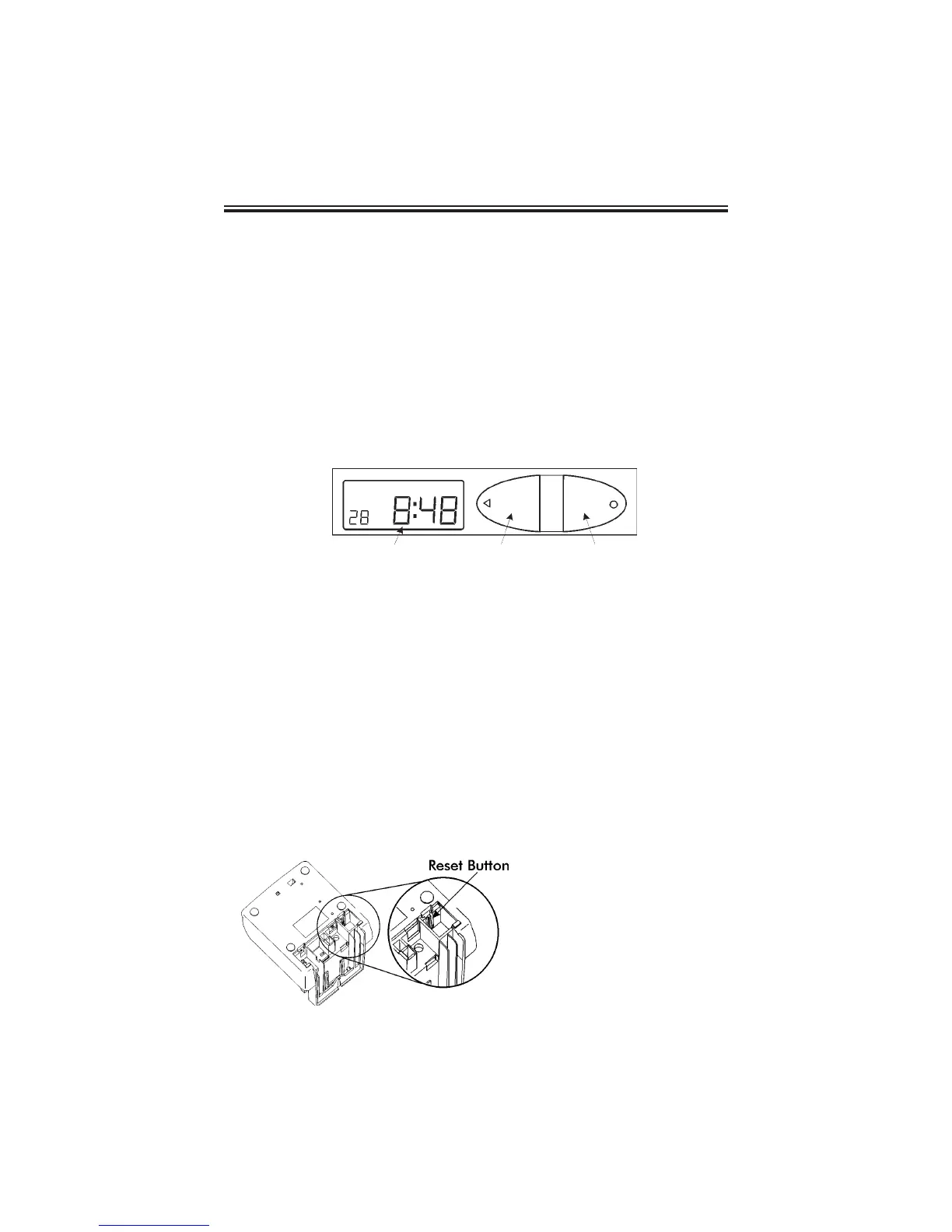
1. Understanding the Front Panel
2. Plug In the Power Cord and Make a Test Print
Insert a piece of paper or time card into the PIX-21. The clock will
automatically print a 4-digit YEAR, MONTH, DATE, and TIME with AM or PM.
Note: The PIX-21 will automatically adjust for Daylight Saving Time.
If these conditions are unsatisfactory, you must change the program settings.
3. The Reset Button
Press the RESET button to exit the programming mode at any time and
return to the time display.
Page 4
LCD Display Window
Print/Change Button
Print/Enter Button
The RESET Button is
located in the right lower
corner on the bottom of
the clock.



 To Next Page