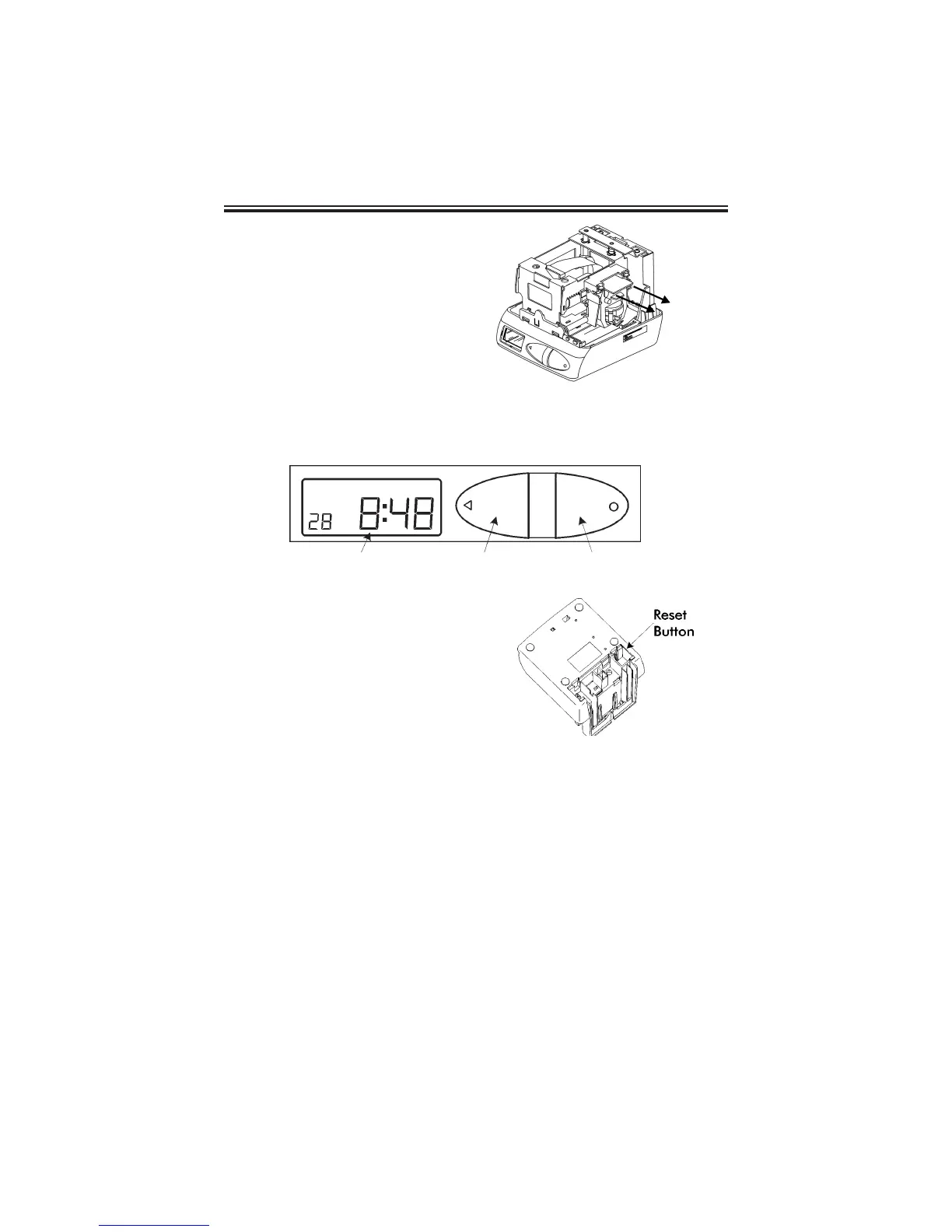
3. Remove the spacer
between the Ribbon
Cartridge and the Printer
Carriage.
4. Re-install the cover. Your
PIX-21 is ready for use!
Front Panel Description
The RESET Button is located on the
bottom of the clock. It is used with the
CHANGE or ENTER Button to start the
Program mode.
When in the Program mode, press the
PRINT/CHANGE Button to change data
or advance to the next menu selection.
When in the Program mode, press the PRINT/ENTER Button to accept a value
or enter a selection into memory.
When in the Normal mode, the PIX-21 as a default will automatically print when
a time card or piece of paper is inserted. This default can be changed in the
Program mode to require both PRINT buttons to be pressed simultaneously in
order to print.
Page 2
LCD Display Window
Print/Change Button
Print/Enter Button



 To Next Page