4. Entering the Quick Program Mode
The following steps describe how to get into the Quick Program mode.
Note: Please refer to Chart 1 for the password listing.
1. Press and hold down the RESET button.
2. While holding down the RESET button, press and hold down the
ENTER button.
3. While holding down the ENTER button, release the
RESET button.
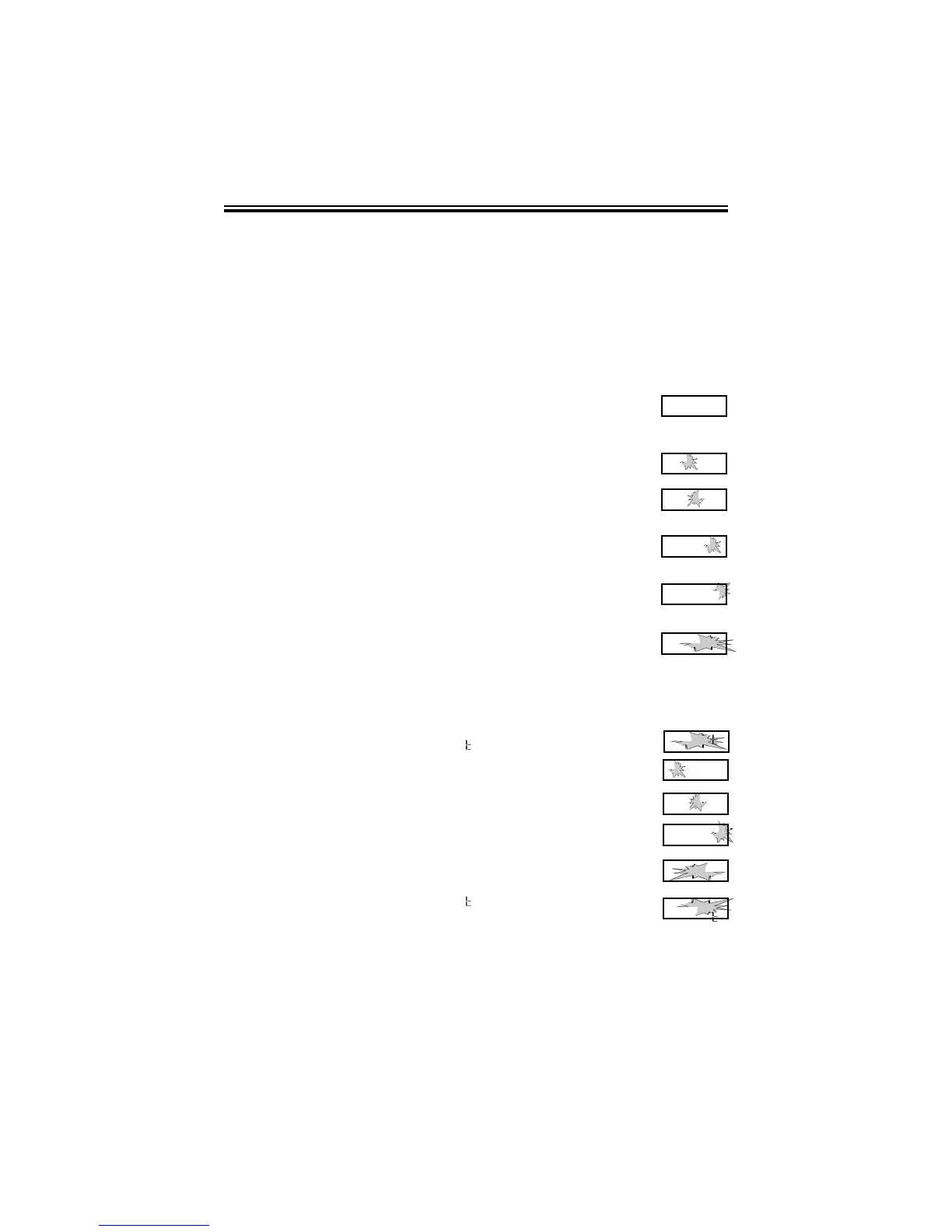
4. When
Pro9
flashes in the display, release the ENTER
button.
5. Press the ENTER button again.
6. Press the CHANGE button until the number you desire
appears in the first position, then press the ENTER button.
7. Press the CHANGE button until the number you desire
appears in the second position, then press the
ENTER button.
8. Press the CHANGE button until the number you desire
appears in the third position, then press the
ENTER button.
9. Press the CHANGE button until the number you desire
appears in the fourth position, then press the
ENTER button.
10. When the display flashes all four numbers, press the
ENTER button.
5. Setting the Year, Month and Date
1. When the display flashes
PP
dA E
, press the ENTER button.
2. Press the CHANGE button until the correct year appears,
then press the ENTER button.
3. Press the CHANGE button until the correct month appears,
then press the ENTER button.
4. Press the CHANGE button until the correct date appears,
then press the ENTER button.
5. When the display flashes the correct year, month and date,
press the ENTER button.
6. When the display flashes
PP
dA E
, press the CHANGE
button to move to Setting the Time.
P r o 9
6 0
0 0
0 0
0 0
6 5
0 0
6 5
7 0
6 5
7 0
Page 6
PP ll
d A
E
99 55
0 l
0 l
99 99
0 l
0 l
99 99
0 4 0 l
99 99
0 4 l 8
PP ll
d A
E



 To Next Page