Page 7
6. Setting the Time
Note: Use 24 hour and 60 minute format when setting the time.
For example: 2:00 pm = 14:00.
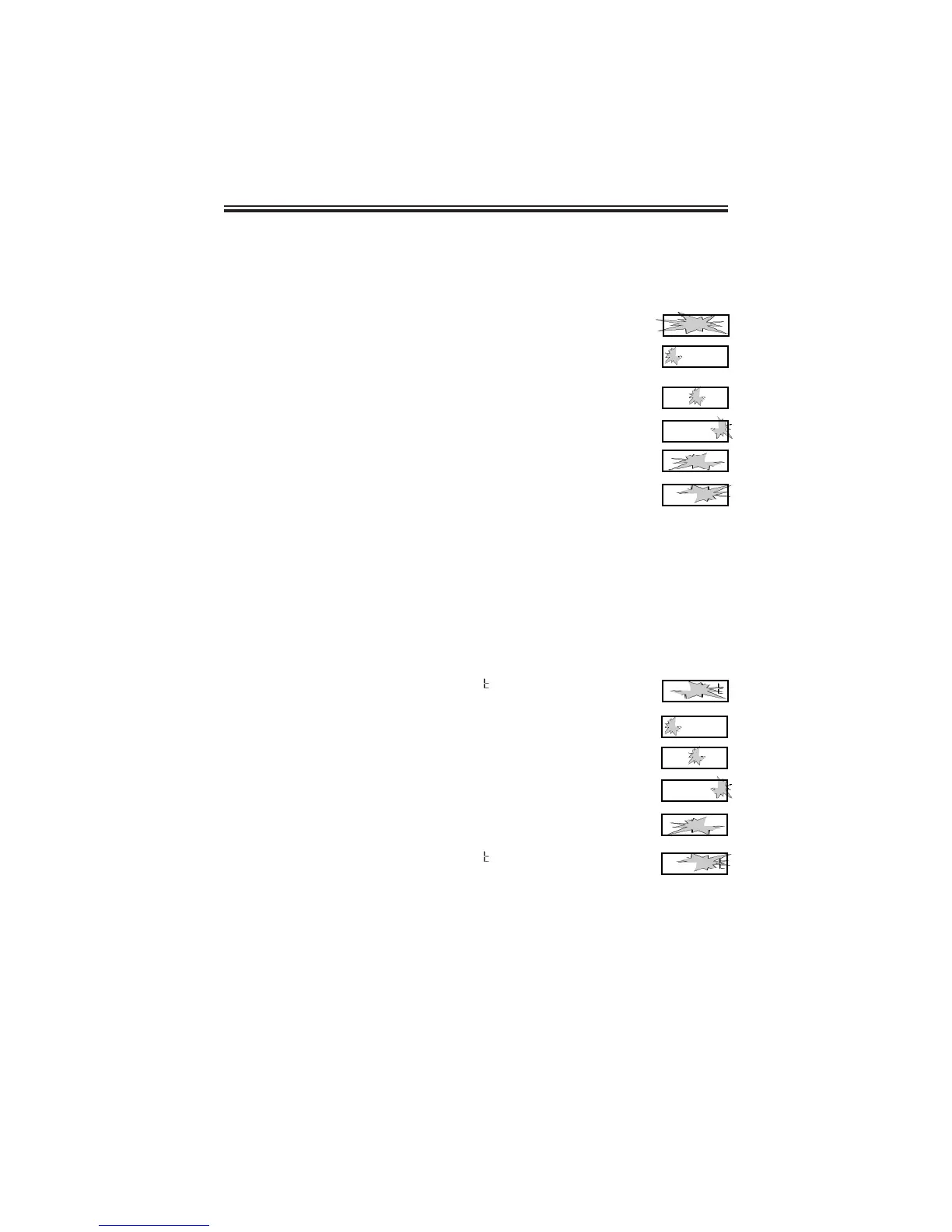
1. When the display flashes
PP22
Clock
, press the ENTER button.
2. Press the CHANGE button to choose 12 hour AM/PM
display or 24 hour military time, then press the
ENTER button.
3. Press the CHANGE button until the correct hour appears,
then press the ENTER button.
4. Press the CHANGE button until the correct minutes
appear, then press the ENTER button.
5. When the display flashes the correct time, press the
ENTER button.
6. When the display flashes
PP22
CLoc
, press the
CHANGE button to move to the beginning of the Daylight
Saving Setting.
7. The Beginning of the Daylight Saving Setting
Note: The PIX-21 will automatically adjust for Daylight Saving Time.
This will take effect on the first Sunday in April and on the last Sunday in
October. To disable Daylight Saving Time, set the beginning date equal to
the ending date.
1. When the display flashes
PP33
bdL
, press the
ENTER button.
2. Press the CHANGE button until the correct year appears,
then press the ENTER button.
3. Press the CHANGE button until the correct month appears,
then press the ENTER button.
4. Press the CHANGE button until the correct date appears,
then press the ENTER button.
5. When the display flashes the correct year, month and date,
press the ENTER button.
6. When the display flashes
PP33
bdL
, press the CHANGE
button to move to the end of the Daylight Saving Setting.
PP 22
C L o c
22 44
l 2
: 0 0
22 44
l 2 : 0 0
22 44
l 2 : 0 0
22 44
l 2 : 0 0
PP 22
C L o c
PP 33
b d L
99 00
0 4 0 l
99 99
0 4 0 l
99 99
0 4 0 l
99 99
0 4 0 2
PP 33
b d L
__



 To Next Page