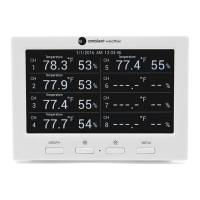
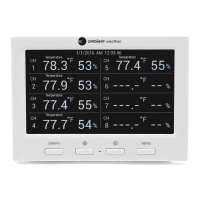
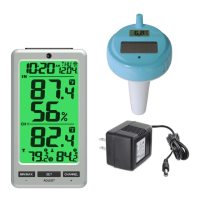
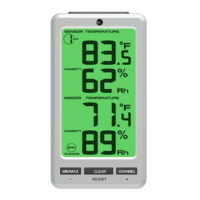
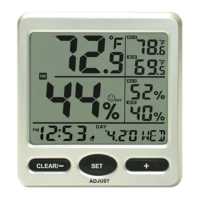
Figure 15
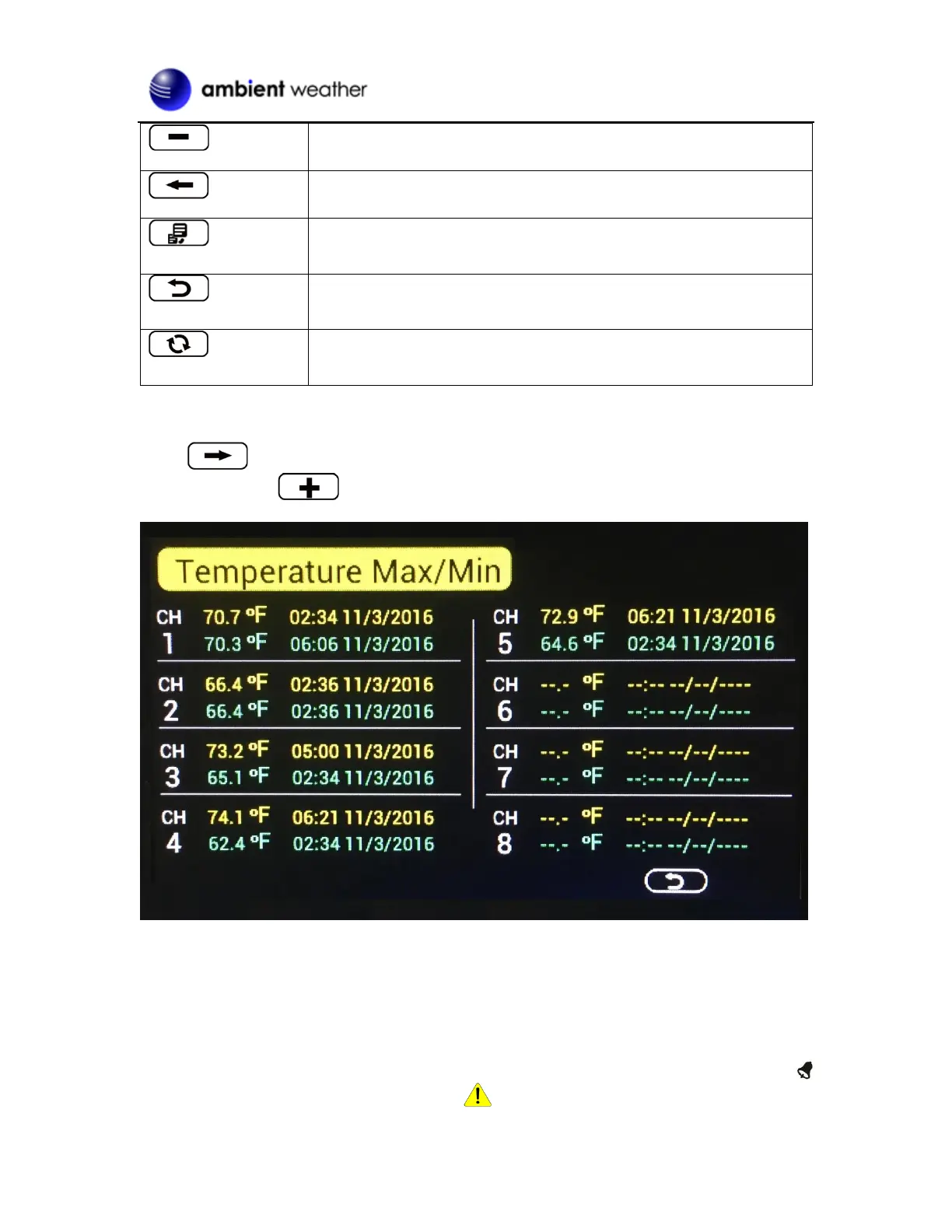
Scroll to the temperature, humidity, dew point or heat index min/max field you wish to
view, and press the key. Note that dashes (--.-) will be displayed for sensors that are not
programmed for your system.
Figure 16
To clear all of the min and max values, refer to Section 4.4.2 for details.
4.3.2 Alarms
You can set a high and low temperature and humidity alarm on Channels 1-8.
If the measured value is greater than the high alarm, an audible alert will sound and the alarm icon
will flash on the alarm panel, and the alarm icon will appear on the main panel.


 To Next Page
 Loading...