Version 1.6 ©Copyright 2020, Ambient LLC. All Rights Reserved. Page 5
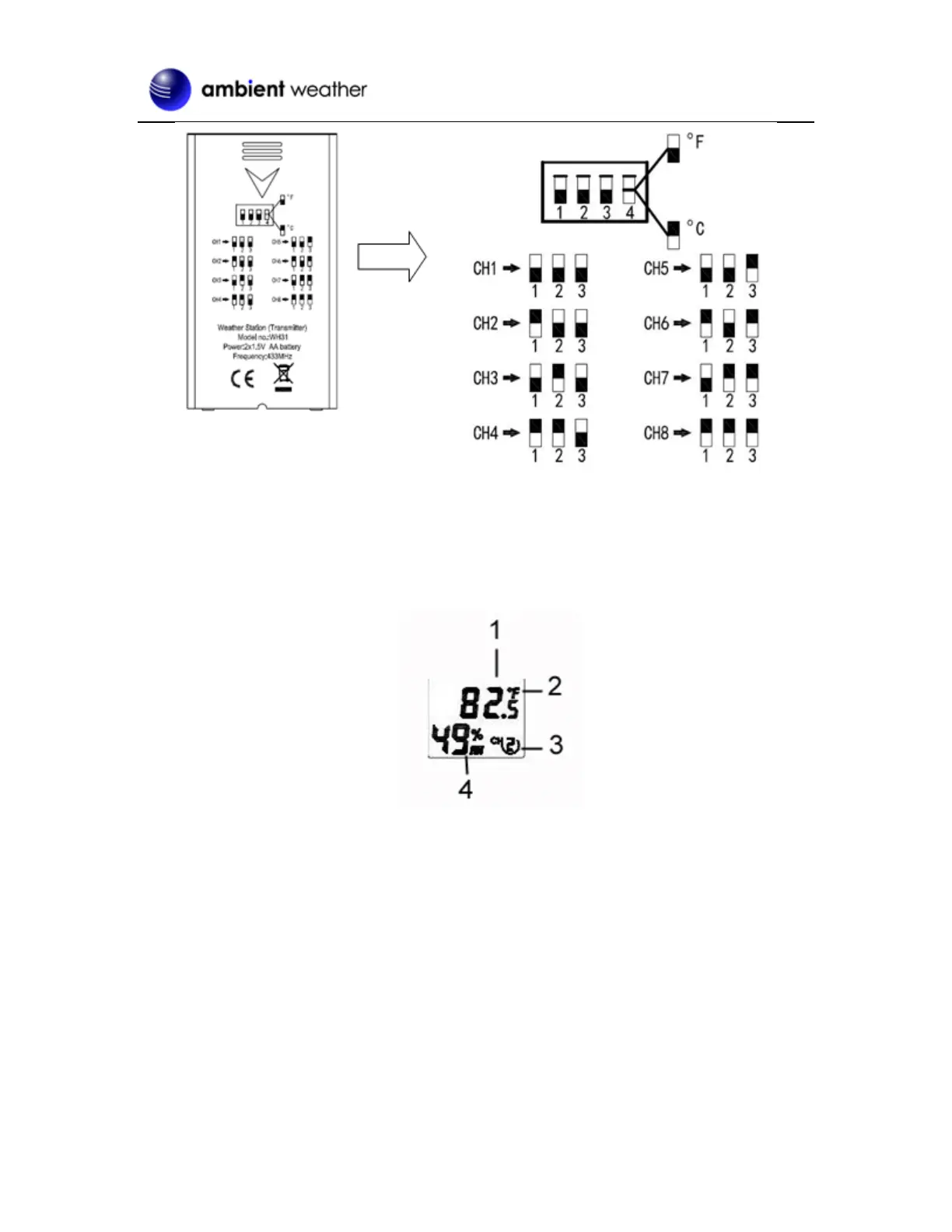
Figure 2
5. Insert two AA batteries.
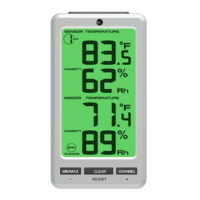
6. Verify the correct channel number (CH) and temperature units of measure (°F vs. °C) are on
the display, as shown in Figure 3.
Figure 3
(1) temperature
(2) temperature units (°F vs. °C)
(3) channel number
(4) relative humidity
7. Close the battery door.
8. Repeat for the additional remote transmitters, verifying each remote is on a different channel.
2.4 Display Console Set Up
1. Move the transmitters(s) about 5 to 10’ away from the display console (if the transmitters are
too close, they may not be received by the display console). With multiple transmitters, make
sure all transmitters are powered up and displaying different channels on the display.
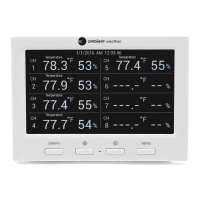
2. Connect the console to AC power with the included AC adapter (Figure 4).

 To Next Page
 Loading...