13
PROGRAMMABLE MODE
(
5+2 AND 7 DAY
)
SETTING THE CLOCK
To set/change the clock and day follow these steps. This is not
applicable if the thermostat is in non-program mode.
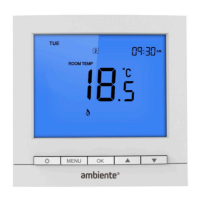
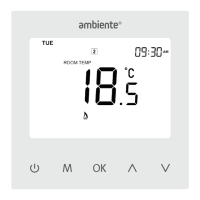
1. Press MENU so the ‘SET CLOCK’ main menu item flashes.
2. Press OK to confirm. The current hour will flash
3. Press
to change the hour and press OK.
4. Press
to change the minute and press OK.
5. Press
to change the day and press OK.
6. Press MENU to save the change and the
button to return to
the home screen.


 To Next Page