29
FEATURES AVAILABLE ON ALL PROGRAM MODES
SETTING THE HOLD MODE
To set/change the Hold mode follow these steps.
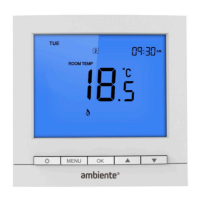
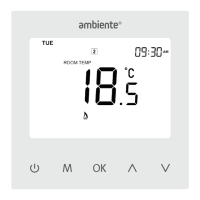
1. Press MENU till the ‘SET HOLD’ main menu item flashes.
2. Press OK to confirm. The ‘HOLD LEFT’ symbol will show and
the number of hours flash.
3. Press
to change the number of hours the hold should be
set for.
4. Press OK to confirm and the temperature for the hold period
will flash.
5. Press
to change the temperature for the hold period.
6. Press MENU to save hold period and the
button to return to
the home screen.
Note: Hold mode cannot be set if Holiday mode is already set
- see page 17.


 To Next Page