15
SCHEDULE AND COMFORT SETTINGS
SCHEDULE AND COMFORT SETTINGS
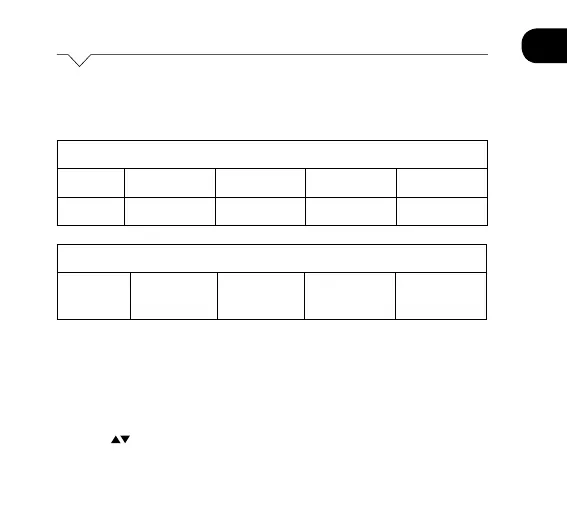
The Luna Stat comes pre-programmed with comfort levels set.
These factory default settings are:
To set/change the program comfort levels follow these steps.
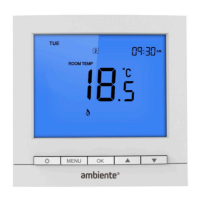
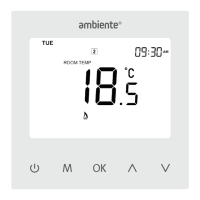
1. Press MENU to display the main menu items.
2. Press MENU till the ‘SCHEDULE’ main menu item flashes.
3. Press OK to confirm. ‘MON ~ FRI’ will flash.
4. Press
to select different day(s) and press OK.
• ‘Period 1’ is displayed and the corresponding hour flashes.
Week Day and Weekend – 5/2 day programming
Mon-Fri 5.30 - 20
o
C 8.00 - 16
o
C 16.00 - 20
o
C 22.00 - 16
o
C
Sat-Sun 6.30 - 20
o
C 9.00 - 16
o
C 16.00 - 20
o
C 23.00 - 16
o
C
Monday to Sunday – 7 day programming
Mon-Sun 5.30 - 20
o
C 8.00 - 16
o
C 16.00 - 20
o
C 22.00 - 16
o
C


 To Next Page