26
CHANGE/CHECK THE TEMPERATURE SETTING
To set/change the temperature follow these steps.
1. Press
once to view the current temperature setting.
2. Press
repeatedly to change the thermostat in increments
of 0.5
o
C.
3. Press OK to save the new temperature and return to the home
screen.
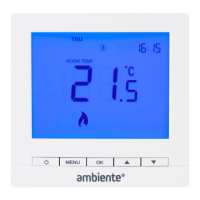
The
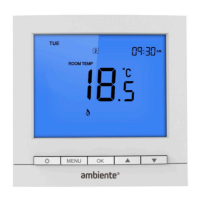
symbol will show when the thermostat is calling for heat.
If a floor sensor has been installed this temperature can be
checked by press and holding the ‘OK’ button. The thermostat
will return to the home screen after 10 seconds.
You can also change the temperature this way in the Frost and
Hold modes.
NON
-
PROGRAMMABLE SETBACK MODE


 To Next Page