17
PROGRAMMABLE MODE
(
5+2 AND 7 DAY
)
SETTING THE HOLIDAY MODE
To set/change the Holiday mode follow these steps. (This is not
applicable in non-programmable mode.)
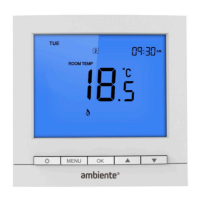
1. Press MENU till the ‘SET HOLIDAY’ main menu item flashes.
2. Press OK to confirm. The ‘HOLIDAY LEFT’ symbol will show
and the number of days will flash.
3. Press
to change the number of days the holiday should
be set for (Note: Holiday starts from 00:00 of the next day and
ends on 23:59 of the last day).
4. Press OK to confirm and the temperature for the holiday will
flash.
5. Press
to change the temperature for the holiday period.
6. Press MENU to save the holiday and the
button to return to
the home screen.
Note: Setting Holiday mode will remove any Hold mode set -
see page 29.


 To Next Page