M O D E L 2 1 7 W D R
O P E R A T O R ’ S M A N U A L
13
3.4 POWER-UP
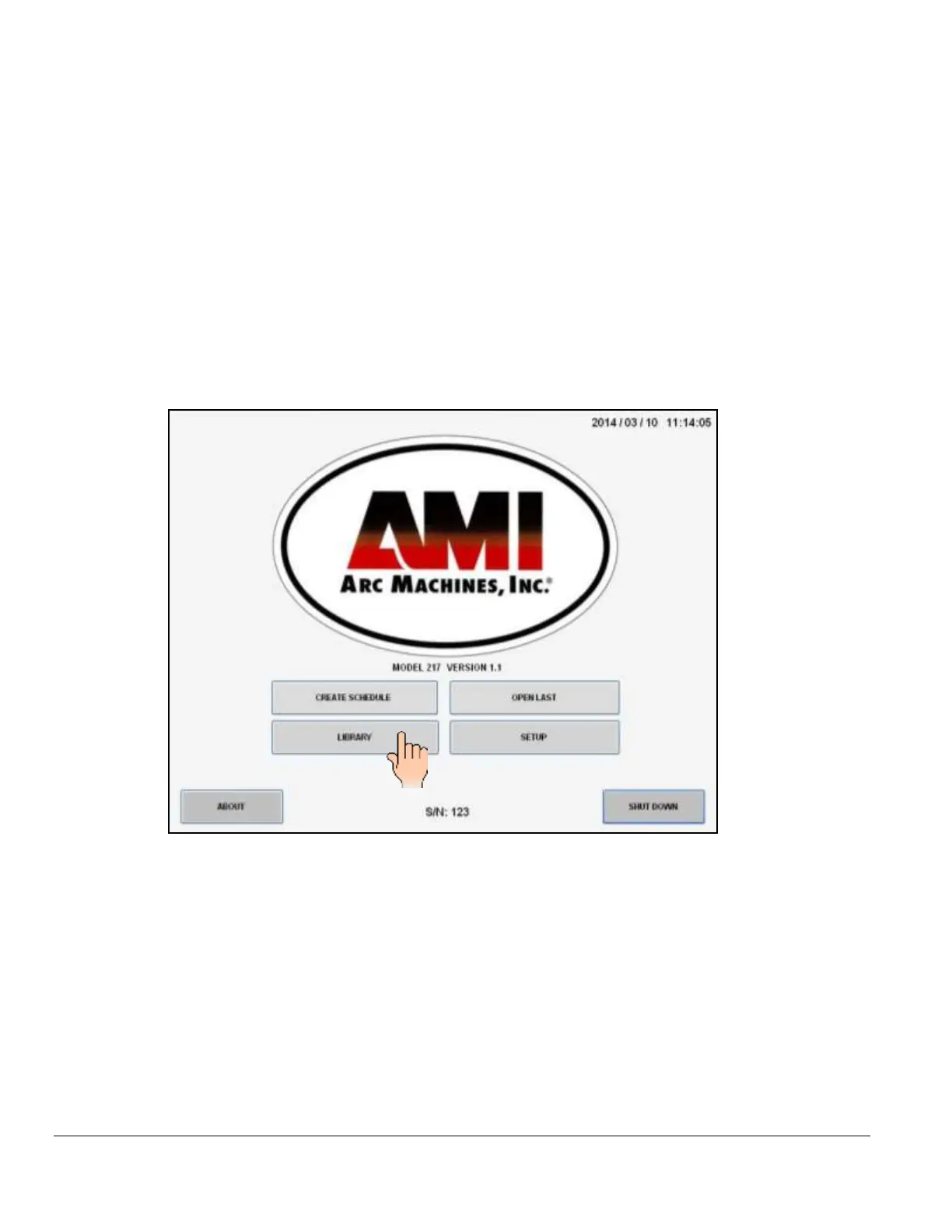
Flip ON the main power switch (CB-1). Once the computer boots up the MAIN SCREEN
will appear on the touch screen. The Main Screen allows the operator to CREATE new
weld schedules, access the LIBRARY, OPEN LAST weld schedule that was used,
select certain SETUP features, display information ABOUT Arc Machines, Inc., and
properly SHUT DOWN the power supply.
MAIN SCREEN
Touch LIBRARY pad to open the Model 217 WDR’s internal library which can store over
1,000 complete weld schedules. Each schedule having up to 100 individual levels allowing
for precise manipulation of weld parameters to achieve optimum results based upon your
particular welding application.



 To Next Page