M O D E L 2 1 7 W D R
O P E R A T O R ’ S M A N U A L
24
5.0 CREATING WELD SCHEDULES
5.1 CREATING A MANUAL 4 LEVEL WELD SCHEDULE
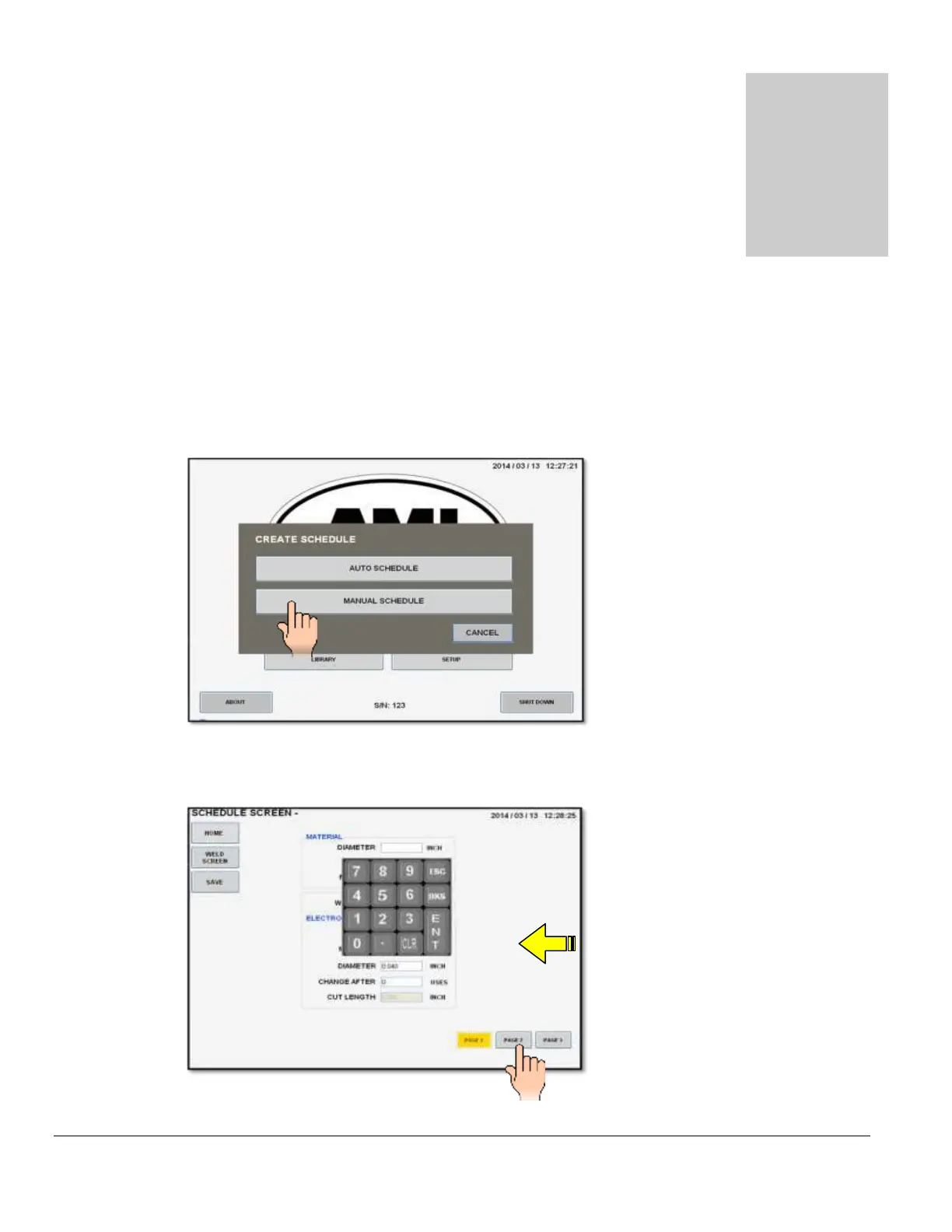
1. From the MAIN SCREEN touch the CREATE SCHEDULE pad and the create schedule
menu will be displayed. Select MANUAL SCHEDULE.
2. Page 1 of the SCHEDULE SCREEN will be displayed. Select and enter all required
MATERIAL, WELD HEAD and ELECTRODE parameters using the numerical key pad.



 To Next Page