M O D E L 2 1 7 W D R
O P E R A T O R ’ S M A N U A L
37
6.2 PROGRAMMING THE LANGUAGE FEATURES
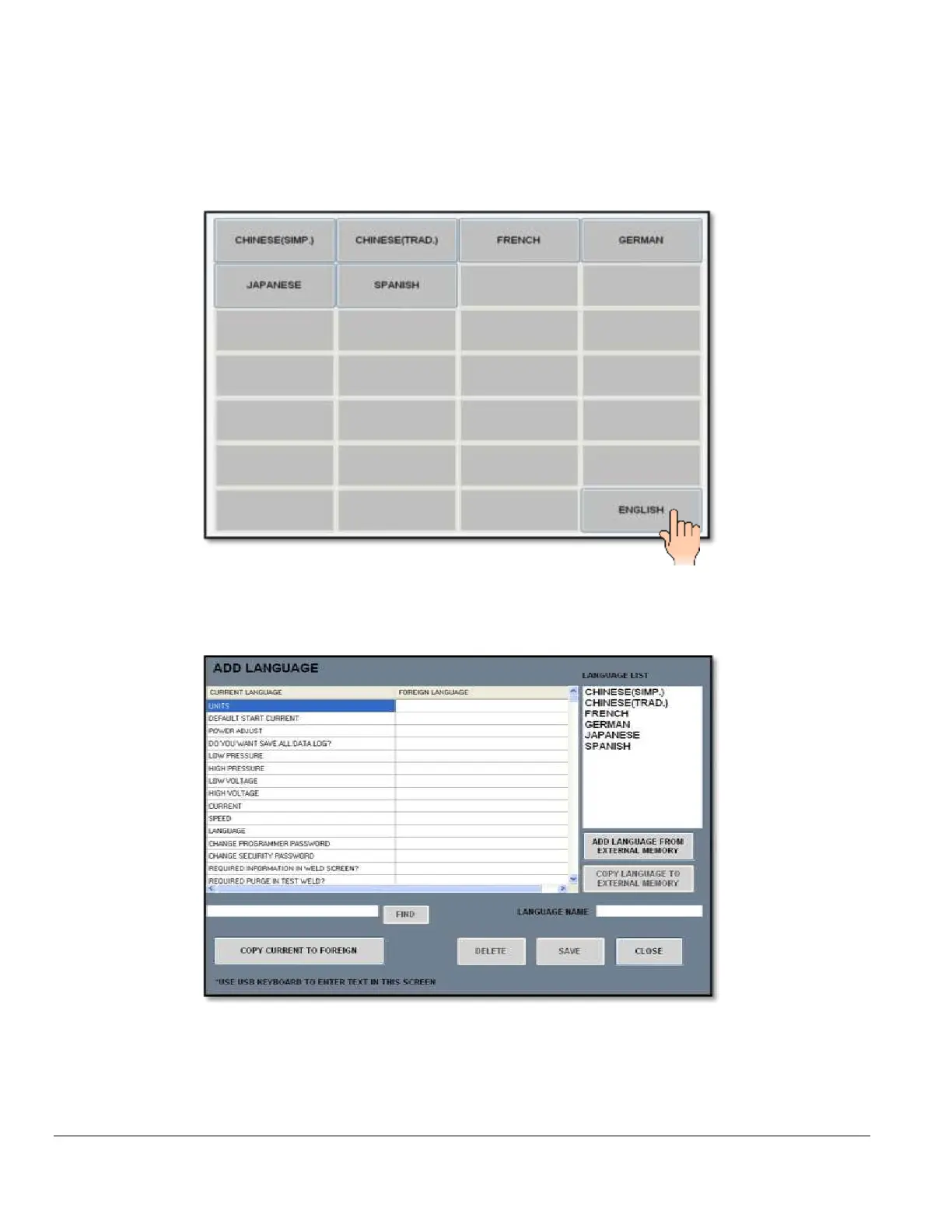
1. The LANUAGE pad displays the current languages available to use in the language
library:
2. Select CHINESE, FRENCH, GERMAN, JAPANESE, SPANISH or ENGLISH.
3. The ADD LANGUAGE pad displays the language menu:
4. The ADD LANGUAGE screen allows IMPORTING and EXPORTING different
languages from an external memory device, MODIFIES selected words to CUSTOM
WORDS, DELETES whole language files, and SAVES any changes made to existing
languages.



 To Next Page